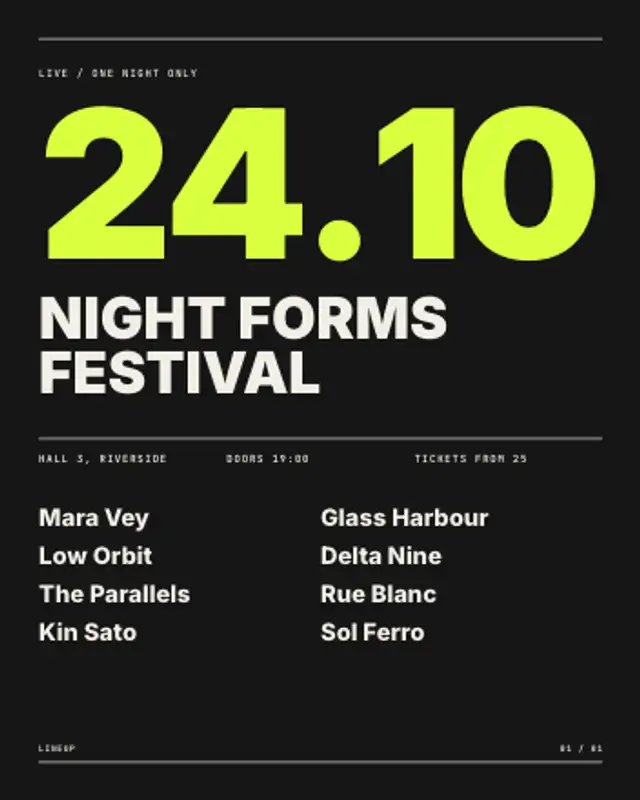
The date rolls up digit by digit across the full width, then the event name, venue details and lineup build into a Swiss poster.
Swiss Grid Build
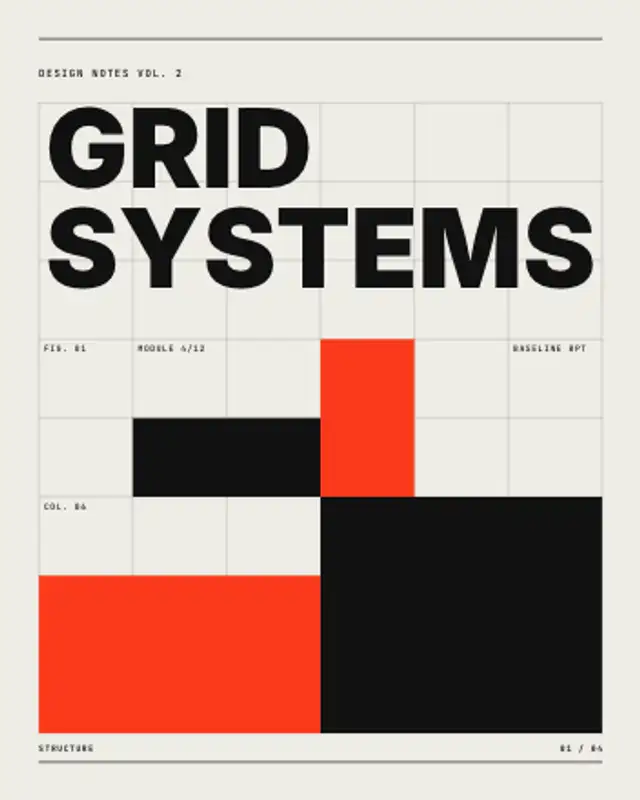
Column and baseline rules draw themselves, colour blocks snap into seeded modules and the headline rises into the top of the grid.
Watch a Swiss column grid draw itself, then colour blocks snap into seeded modules around your headline. Change the seed for new layouts.
Part of Editorial Typography. New to this kind of graphic? Read How to Make an Animated Carousel Post as a Video.
Transparent exports and editor imports are explained in the transparent video guide, and every download is free under the commercial license.
Content: text, labels, eyebrow, label, page and page count. Typography: font, weight, size and label font. Style: background, text color, primary and accent. Layout: aspect ratio. Motion: duration, variation and easing.
Swiss Grid Build runs 5 seconds by default, and you can set any length up to 30 seconds before you export. It plays once.
Open a design talk, a studio reel, a course on layout or an architecture presentation with Swiss Grid Build. Watching the rules and modules assemble shows the structure behind the page, which is the subject itself for a design audience.
The date rolls up digit by digit across the full width, then the event name, venue details and lineup build into a Swiss poster.

Rows of heavy type scroll in alternating directions between hairlines, with one inverted band, looping seamlessly at any text length.
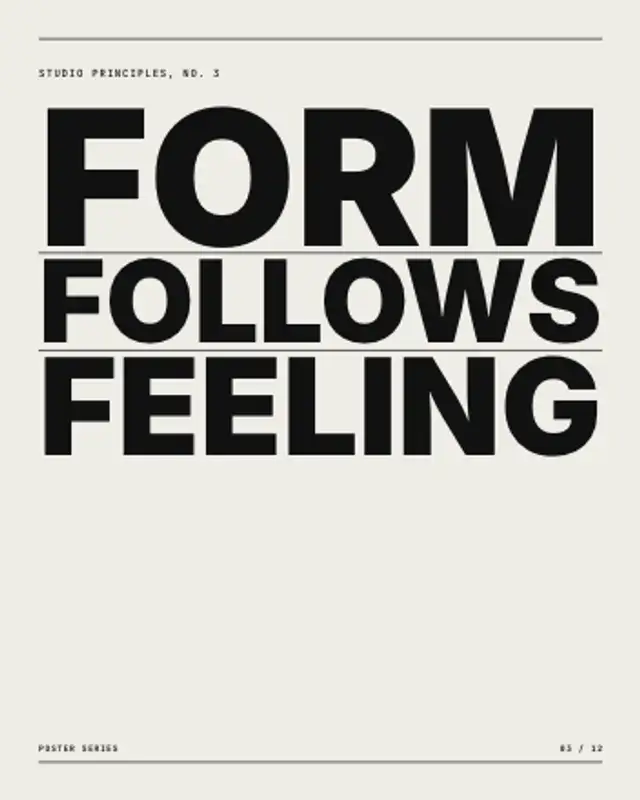
Every line is sized to span the full column, so the words lock into a solid block while hairlines draw between them.
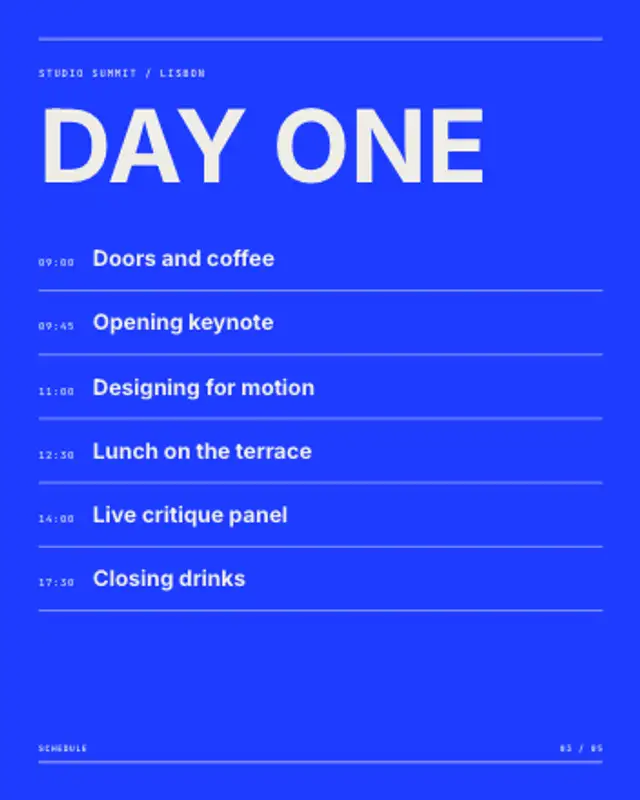
A time column and session titles build row by row under the event name, with hairlines ruling off each slot.
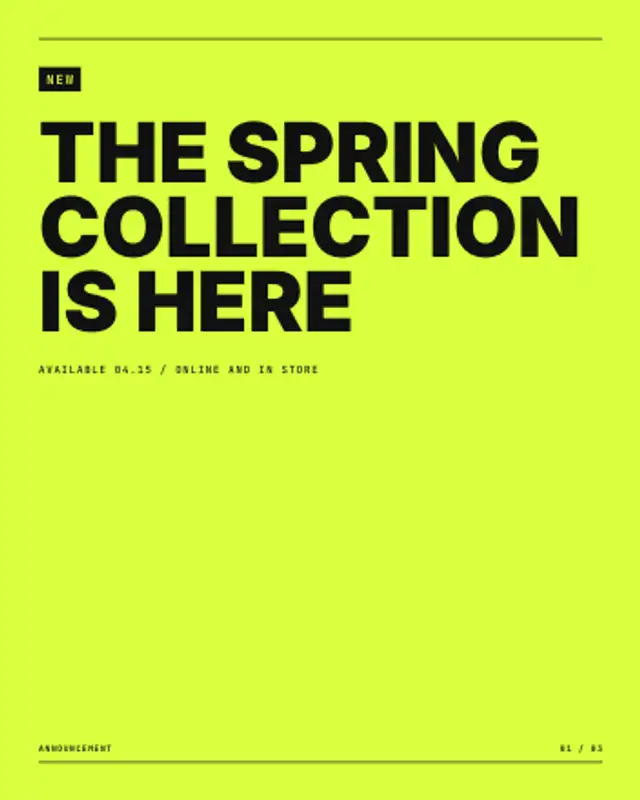
A tag box grows around the label, the panel lifts and the announcement rises into place with its date line underneath.

Kicker, headline and deck rise in order, the byline rules off, and the body typesets itself in columns behind a drop cap.
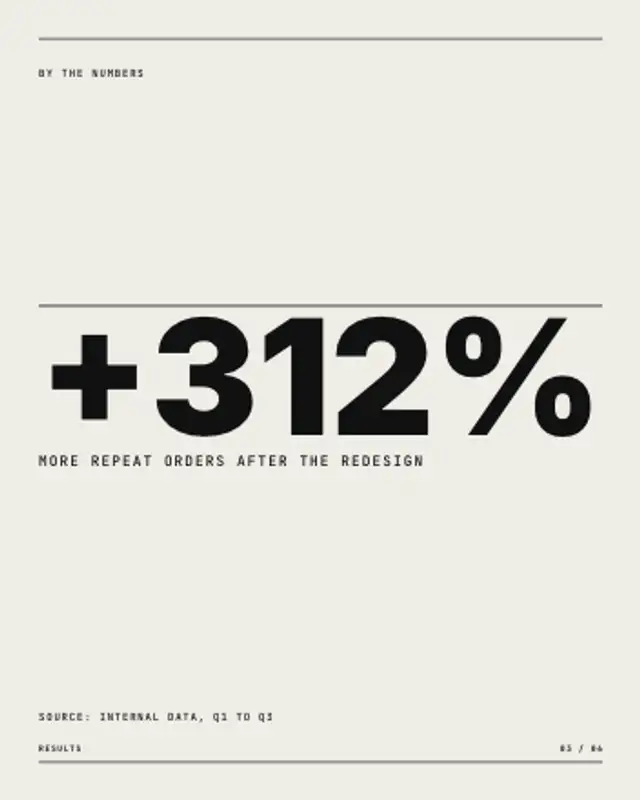
One number fills the width and counts up from zero, a hairline draws above it, and the label and source line settle underneath.
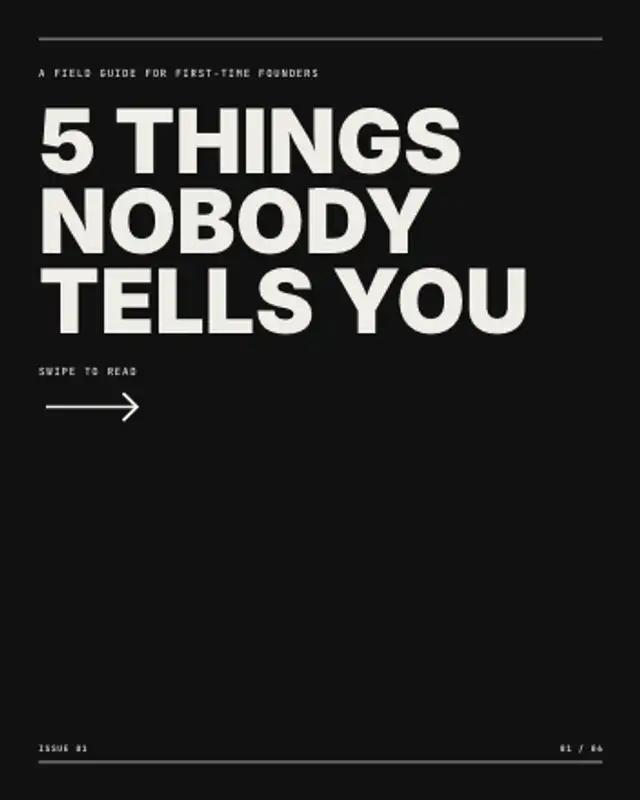
The cover slide of a carousel: an ink panel sweeps in, the hook stacks up line by line and a swipe arrow keeps nudging.