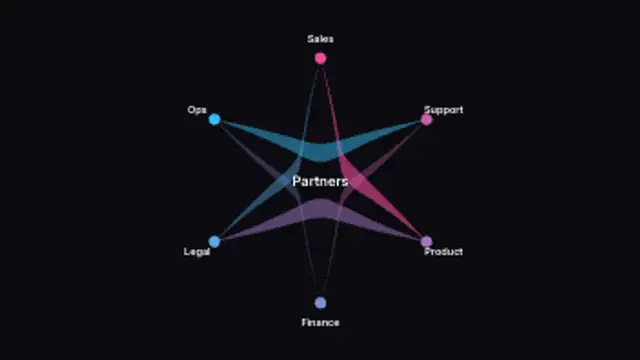
Parties sit around a circle and curved bands link them, each band widening with the weight of the relationship it carries.
Jigsaw Piece Assembly
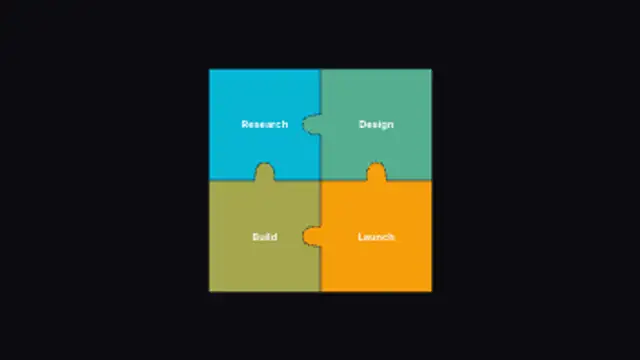
Pieces drift in and lock together, each edge growing the tab or socket it needs to match whichever neighbour it happens to have.
Lock jigsaw pieces together with tabs and sockets generated per neighbour. Edit labels, grid, colours and assembly pacing.
Part of Diagrams & Process. New to this kind of graphic? Read How to Make an Animated Flowchart or Org Chart Video.
Transparent exports and editor imports are explained in the transparent video guide, and every download is free under the commercial license.
Content: title and labels. Typography: font, weight and size. Style: background, text color, primary, secondary, accent and thickness. Layout: aspect ratio and corner radius. Motion: duration and easing.
Jigsaw Piece Assembly runs 5 seconds by default, and you can set any length up to 30 seconds before you export. It plays once.
Use Jigsaw Piece Assembly when a script says the parts fit together: the phases of a service, the components of a solution, or the partners in a joint venture. The pieces locking into place give a satisfying end to a summary section.
Parties sit around a circle and curved bands link them, each band widening with the weight of the relationship it carries.
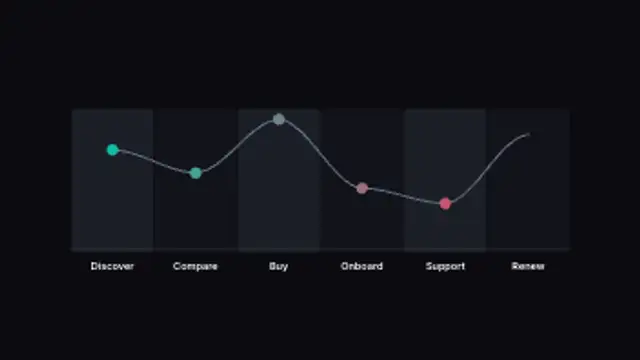
Stages divide the frame into columns and a sentiment line rides across them, rising and dipping to the scores you set per stage.
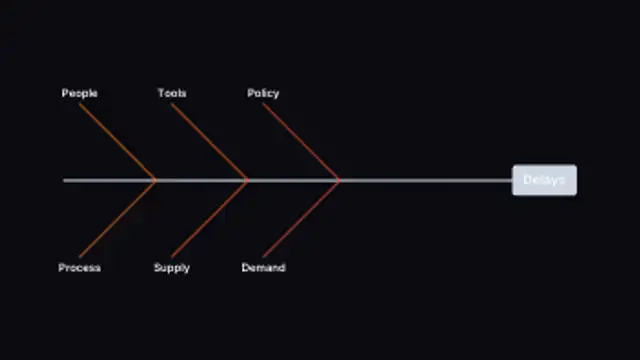
Causes angle off a central spine toward the problem at the head, and the bones respace themselves however many causes you list.
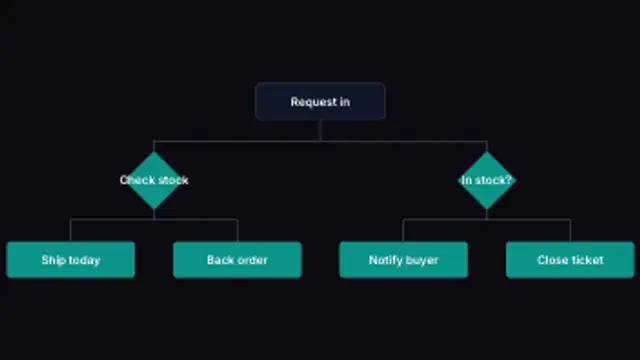
A process branches down the frame, turning every branching step into a decision diamond and routing each connector around it.
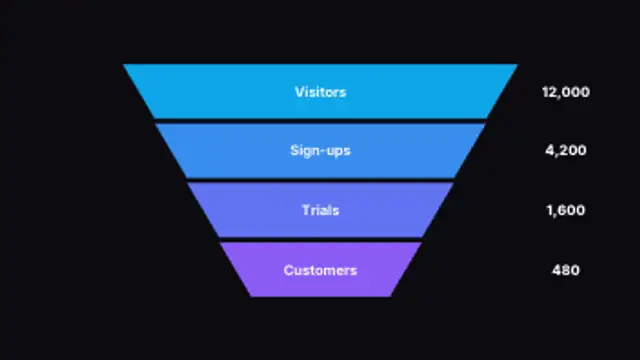
Stages taper down the frame and land one after another, each carrying its own figure so the drop-off reads at a glance.
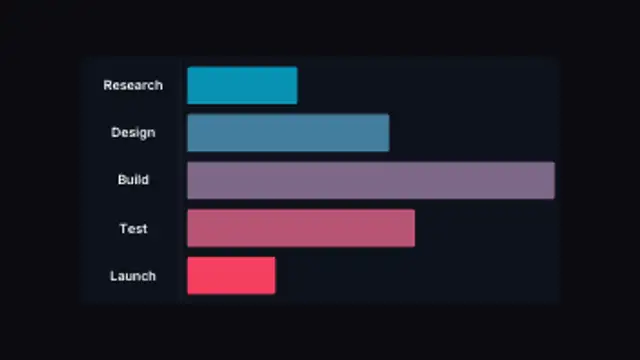
Task bars grow from a shared start line to lengths set by your own numbers, so the schedule draws itself from the data.
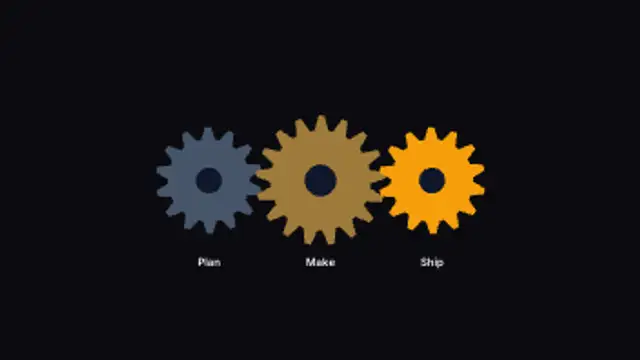
Gear centres are spaced from their own tooth counts so the teeth actually mesh, and neighbours turn in opposite directions at matching speeds.
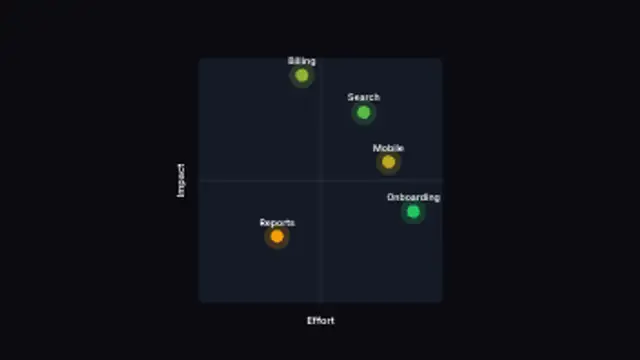
Each item is plotted from its own two scores, and the labels nudge apart so none of them ends up sitting on top of another.