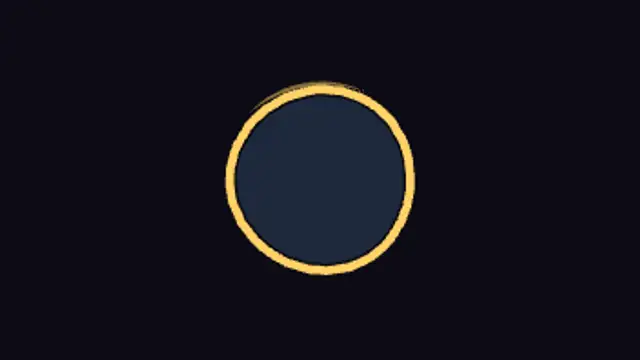
A classic cartoon iris squeezes the frame down to a boiling circle on your subject, hangs there with a wobble, winds up and snaps shut with a glint.
Cartoon Stage Curtain Open
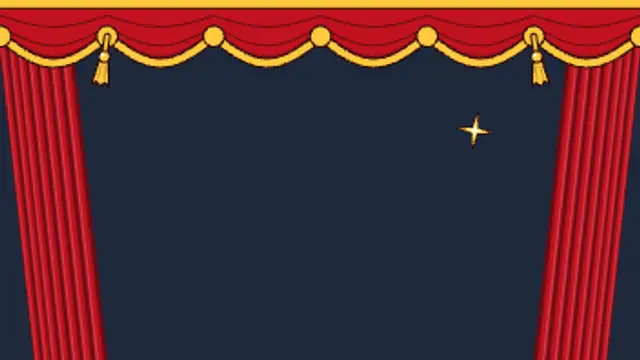
Heavy cel-shaded theatre curtains swish apart fold by fold under a scalloped gold-fringed valance, tassels swinging, to reveal your footage with a sparkle.
Open your video like a show: drawn red theatre curtains with folds, a gold valance and swinging tassels swish apart. Reverse it to close a scene.
Part of Cartoon FX. New to this kind of graphic? Read How to Add Cartoon Effects to a Video.
Transparent exports and editor imports are explained in the transparent video guide, and every download is free under the commercial license.
Style: background, primary, secondary, accent and outline. Layout: aspect ratio, scale, rotation and position. Motion: duration and variation.
Cartoon Stage Curtain Open runs 3.5 seconds by default, and you can set any length up to 15 seconds before you export. It plays once.
Open a talent clip, a recipe reveal, a puppet show, a school performance recording or the first episode of a series. The valance stays at the top after the curtains part, framing the footage like a stage.
A classic cartoon iris squeezes the frame down to a boiling circle on your subject, hangs there with a wobble, winds up and snaps shut with a glint.

An anime dramatic-reveal backdrop: inked two-tone radial rays with boiling edges turn slowly around a pulsing flare ring while sparkles twinkle in and out. Seamless loop.
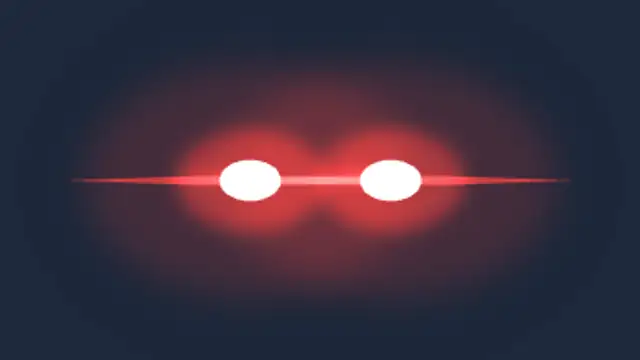
Eyes ignite into burning slits with a horizontal flare and lingering trails, the power reveal that lands on a beat drop.

A bright glint sweeps a bowed arc across the frame and leaves a wake of twinkling stars that flare, shimmer and wink out.
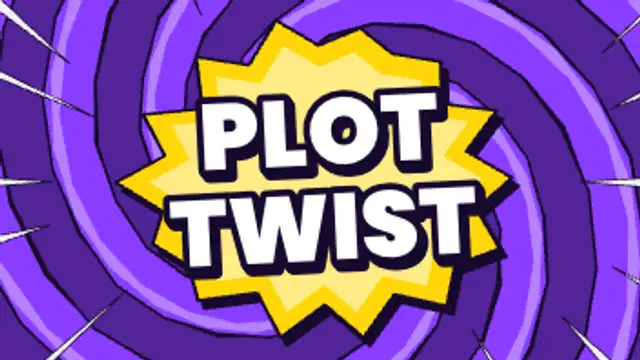
A boiling two-tone spiral swirls out to swallow the frame, then your word spins out of the centre on a burst with flickering action lines before it all twists away.

A ribbon of sparkles spirals up around the subject and blows out in a soft flash, the transformation beat without touching your footage.
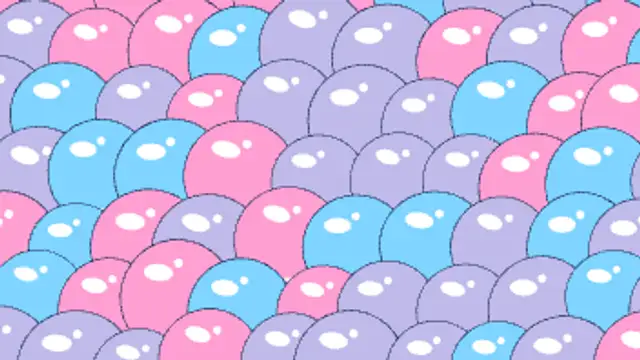
Shiny outlined cartoon bubbles inflate with a springy wobble until they pack the frame, then swell and pop one by one with pop rays and droplets.
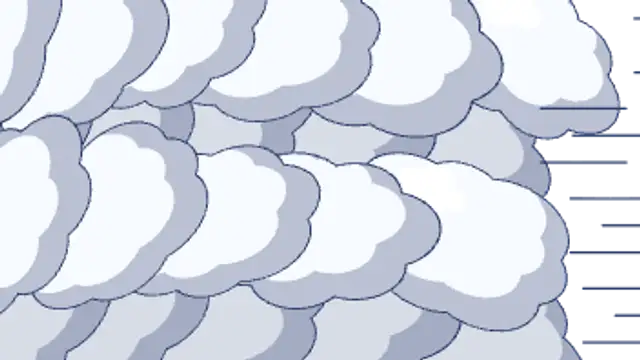
Rows of puffy outlined cel clouds roll across the screen in staggered layers, overlap into full cover, then roll off the far side.