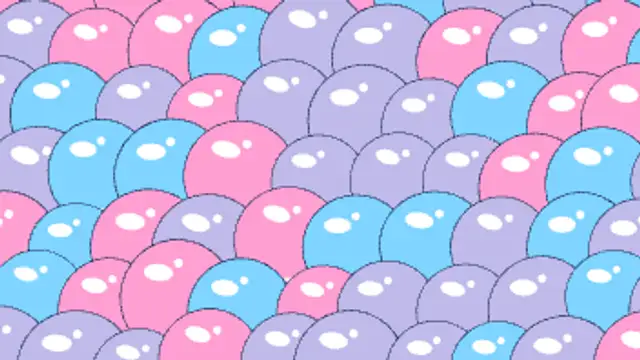
Shiny outlined cartoon bubbles inflate with a springy wobble until they pack the frame, then swell and pop one by one with pop rays and droplets.
Cartoon Iris Out Close
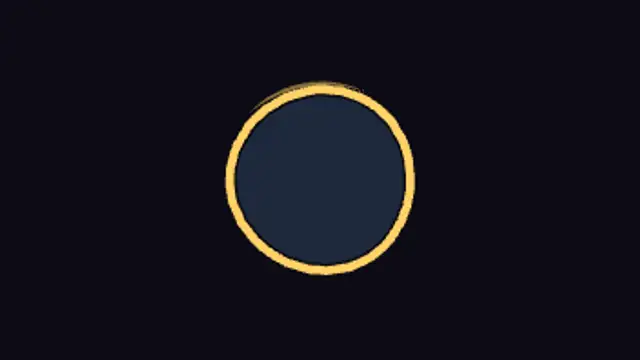
A classic cartoon iris squeezes the frame down to a boiling circle on your subject, hangs there with a wobble, winds up and snaps shut with a glint.
End a clip the classic cartoon way: a circle closes on your subject, pauses with a wobble and snaps shut. Switch to iris in, move the target, recolor.
Part of Cartoon FX. New to this kind of graphic? Read How to Add Cartoon Effects to a Video.
Transparent exports and editor imports are explained in the transparent video guide, and every download is free under the commercial license.
Style: background, primary, secondary, accent and outline. Layout: aspect ratio, scale, rotation and position. Motion: duration and variation.
Cartoon Iris Out Close runs 3 seconds by default, and you can set any length up to 15 seconds before you export. It plays once.
Close a blooper, a pet looking guilty, the last line of a sketch or the final frame of a vlog on the one face that matters. The pause with a wobble before the snap gives room for one last look or line.
Shiny outlined cartoon bubbles inflate with a springy wobble until they pack the frame, then swell and pop one by one with pop rays and droplets.
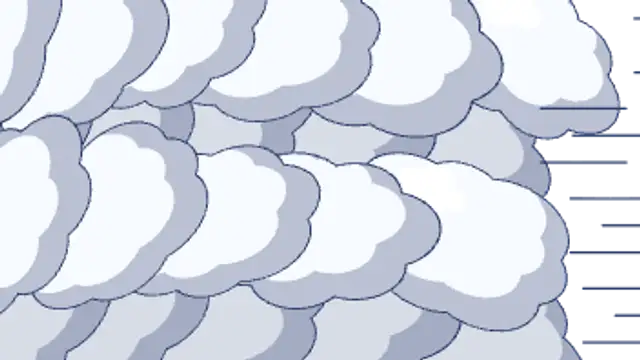
Rows of puffy outlined cel clouds roll across the screen in staggered layers, overlap into full cover, then roll off the far side.
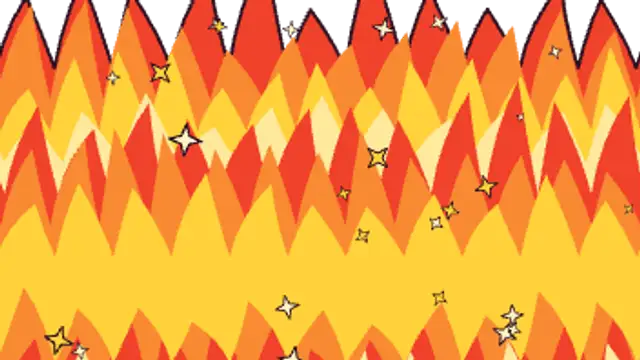
A wall of hand-drawn flame tongues in layered red, orange and yellow sweeps up from the bottom with embers, covers the frame, then burns away upward.
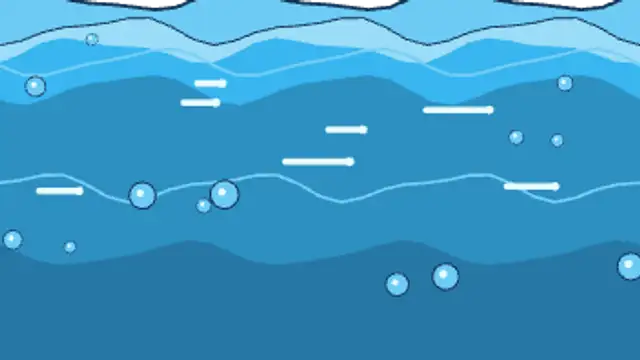
Cel-shaded cartoon liquid floods up the frame with a wobbling outlined surface, highlight streaks and rising bubbles, then drains away.
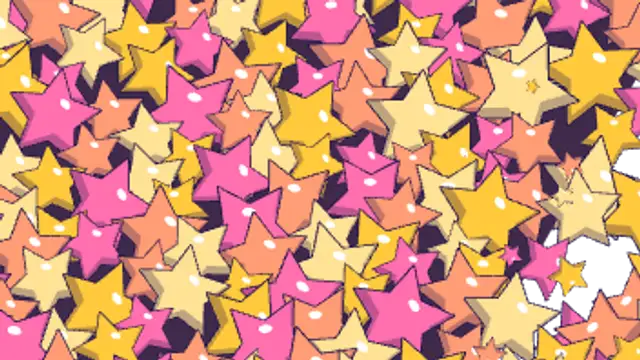
A cascade of spinning outlined cartoon stars in seeded sizes sweeps diagonally, piles up over a night-sky fill into full cover, then flings off.

Hand-lettered sound effect text pops in letter by letter with a thick outline, colour rim and drop depth, then boils in place.
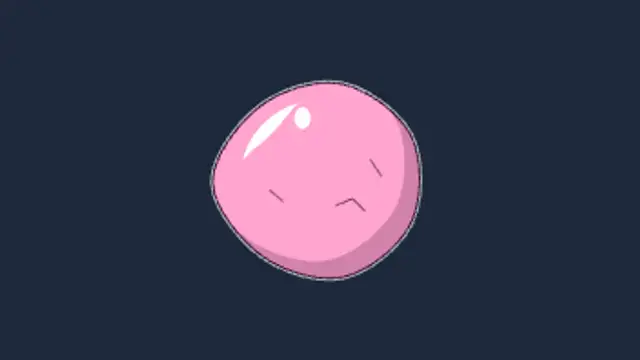
A shiny pink gum bubble inflates in wobbly breaths, overstretches with strain marks, then pops into a flash and sticky shreds trailing gooey strings.

A fat cel exclamation mark crouches, springs up with overshoot, fires a radial tick burst and echo ring, then holds with a jiggle.