
Hard radial wedges snap open across the frame over a screen of halftone dots and a split-second flash. A comic-panel shock plate.
Manga Screentone Wipe

A manga dot tone sweeps across the frame and keeps boiling, turning any shot into a printed comic panel.
Sweep a boiling manga screentone across your footage for comic panel looks. Editable dot size, angle, density and color.
Part of Cartoon FX. New to this kind of graphic? Read How to Add Cartoon Effects to a Video.
Transparent exports and editor imports are explained in the transparent video guide, and every download is free under the commercial license.
Style: background, primary, secondary, accent and outline. Layout: aspect ratio, scale, rotation and position. Motion: duration, variation and density.
Manga Screentone Wipe runs 2 seconds by default, and you can set any length up to 15 seconds before you export. It plays once.
Sweep it over a flashback, a still photo in a documentary-style short or a freeze frame you want to look printed. The tone keeps boiling after the sweep, so the comic treatment holds for the rest of the shot.
Hard radial wedges snap open across the frame over a screen of halftone dots and a split-second flash. A comic-panel shock plate.
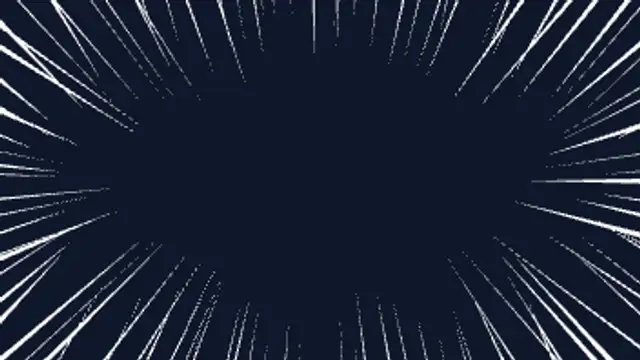
Manga focus lines rush in from every edge and boil around a clear center. Seamless loop for dramatic reactions and emphasis.
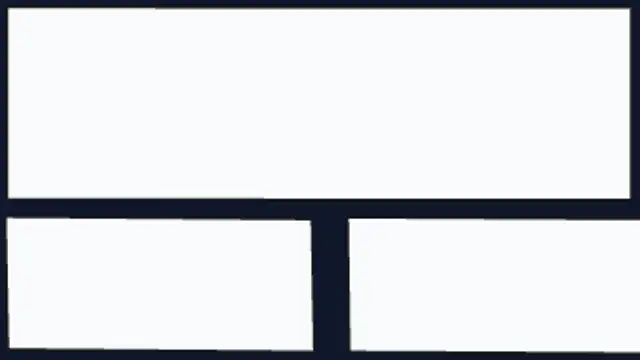
Hand-tilted manga panels slide in one after another and settle with a boiling edge, splitting the frame into a comic page.

A jagged comic-book burst slams in with halftone dots and a shaking POW! lettering, then pops away. Edit the word freely.
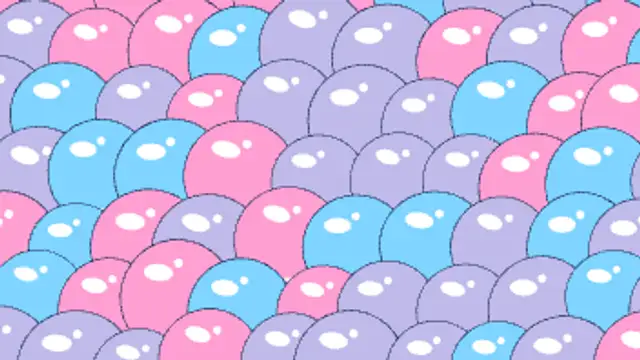
Shiny outlined cartoon bubbles inflate with a springy wobble until they pack the frame, then swell and pop one by one with pop rays and droplets.
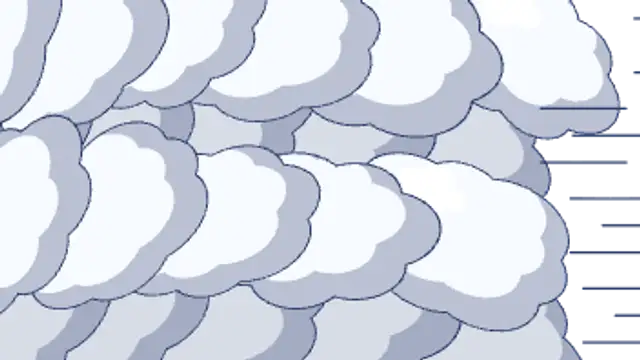
Rows of puffy outlined cel clouds roll across the screen in staggered layers, overlap into full cover, then roll off the far side.
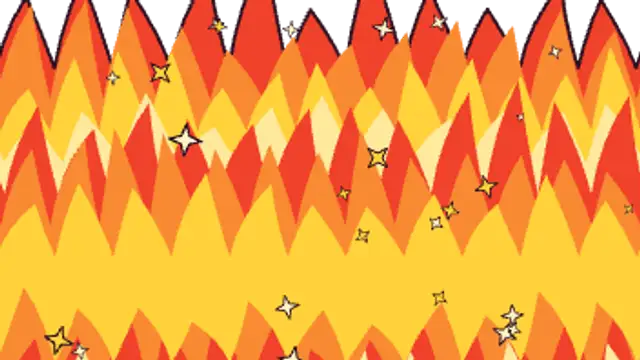
A wall of hand-drawn flame tongues in layered red, orange and yellow sweeps up from the bottom with embers, covers the frame, then burns away upward.
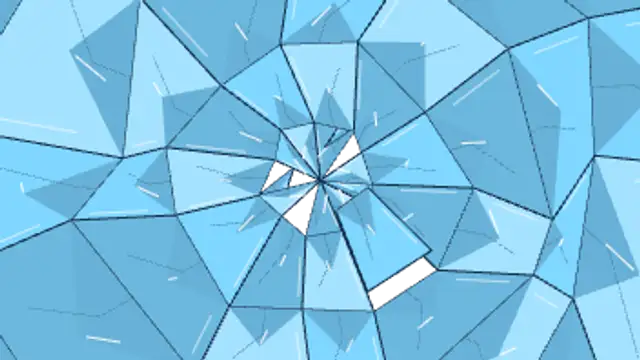
A cel crack spiders out from an impact point, the screen snaps into outlined glass shards that hold as cover, then tumble away with gravity and spin.