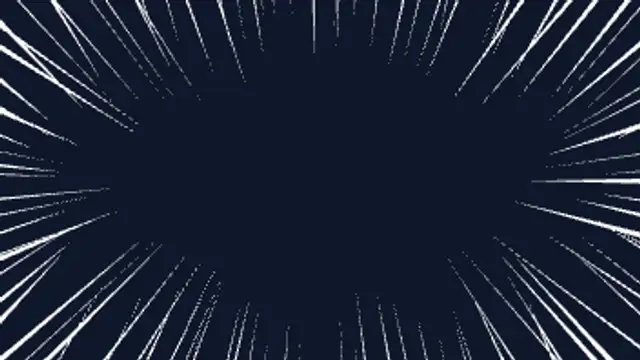
Manga focus lines rush in from every edge and boil around a clear center. Seamless loop for dramatic reactions and emphasis.
Comic Panel Frames
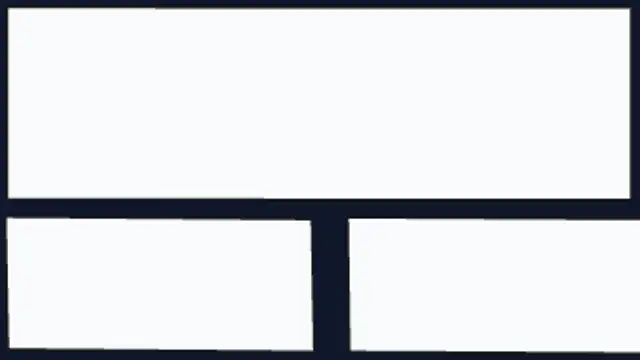
Hand-tilted manga panels slide in one after another and settle with a boiling edge, splitting the frame into a comic page.
Slide tilted comic panels across the frame to split a shot into a manga page. Editable layout, gutter, tilt and colors.
Part of Cartoon FX. New to this kind of graphic? Read How to Add Cartoon Effects to a Video.
Transparent exports and editor imports are explained in the transparent video guide, and every download is free under the commercial license.
Style: background, primary, secondary, accent and outline. Layout: aspect ratio, scale, rotation and position. Motion: duration and variation.
Comic Panel Frames runs 2 seconds by default, and you can set any length up to 15 seconds before you export. It plays once.
Open a recap or a story-time video with a comic page that assembles itself, or use it as a divider between chapters of a longer edit. The panels arrive one after another, which gives you natural beats to drop a separate clip or still onto each panel in your editor.
Manga focus lines rush in from every edge and boil around a clear center. Seamless loop for dramatic reactions and emphasis.
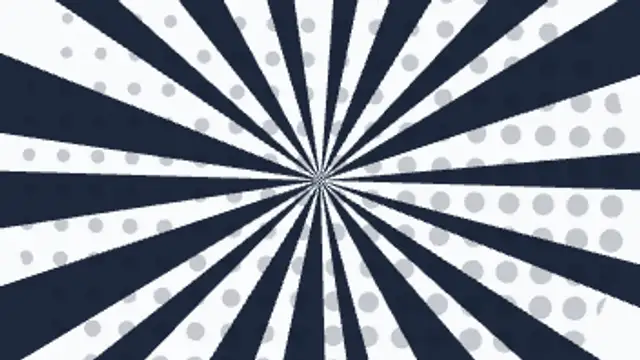
Hard radial wedges snap open across the frame over a screen of halftone dots and a split-second flash. A comic-panel shock plate.

A manga dot tone sweeps across the frame and keeps boiling, turning any shot into a printed comic panel.

Two coloured halves slam together along a jagged diagonal, a lightning seam crackles between them, sparks fly and your centre word punches in on a burst.
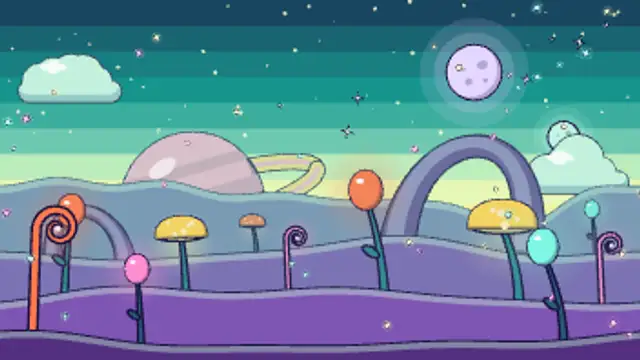
An alien valley in four depth layers: glowing bulb stalks, spotted cap trees and curling ferns sway among purple rock arches while spores float up, under two moons and a huge ringed planet rising on a teal horizon. Seamless loop.

A red cross-popping vein mark pops on and throbs with hand-drawn boil. The classic anime symbol for rising anger.
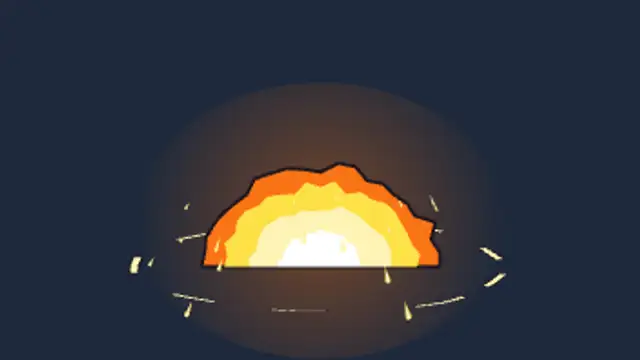
A blinding dome of light swells in stepped cel-shaded bands with a ground shock ring, then cools into a boiling smoke mushroom.
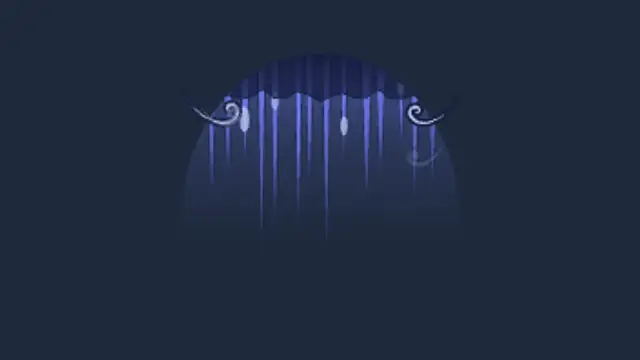
The anime blue shadow of dread: a cold tint and graded hatch lines hang down over the top of a face with dripping beads and drifting gloom wisps. Seamless loop.