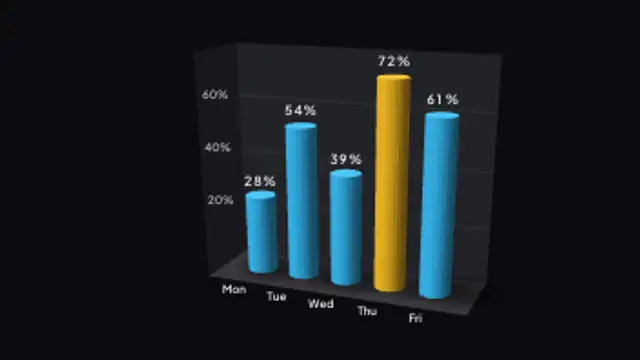
Rounded cylinder bars with smooth radial shading step up one by one, a softer alternative to hard-edged columns.
3D Comparison Duel Bars

Pairs of bars stand side by side in each slot, built for head-to-head product, team or before-and-after comparisons.
Put two sets of numbers head to head as paired 3D bars with shadows and labels. Ideal for product, team and before-after comparisons.
Part of 3D Charts & Data. New to this kind of graphic? Read How to Make a 3D Animated Bar Chart for a Video.
Transparent exports and editor imports are explained in the transparent video guide, and every download is free under the commercial license.
Content: values, labels, prefix, suffix and decimals. Typography: font and weight. Style: background, text color, primary, secondary and accent. Layout: aspect ratio, camera tilt, rotation and scale. Motion: duration and easing.
3D Comparison Duel Bars runs 4 seconds by default, and you can set any length up to 30 seconds before you export. It plays once.
Use 3D Comparison Duel Bars for a direct face-off in a product comparison video, a sports preview, a before and after report or a competitor slide. Pairs standing side by side make the gap in each category the first thing viewers see.
Rounded cylinder bars with smooth radial shading step up one by one, a softer alternative to hard-edged columns.
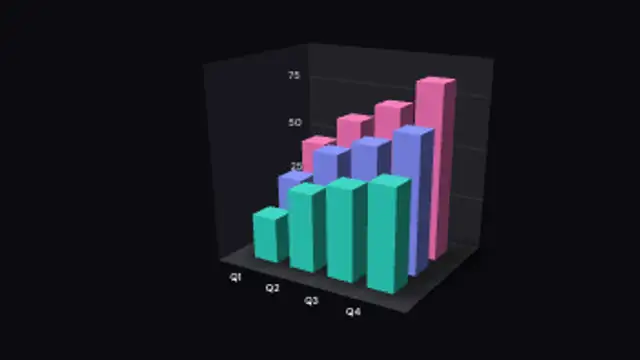
Two or three series sit in rows receding into depth, so near bars overlap far ones the way a real chart on a desk would.
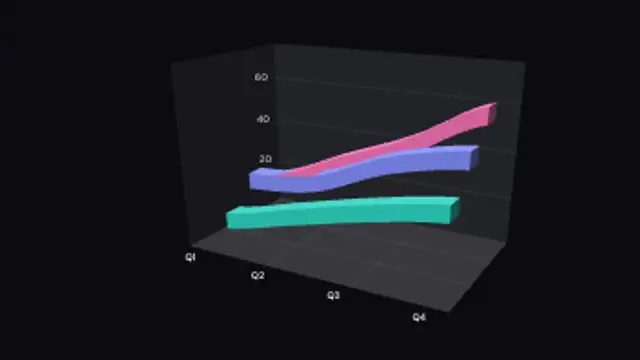
Three trends run as separate ribbons stacked into depth, so the near series overlaps the far ones instead of crossing them.
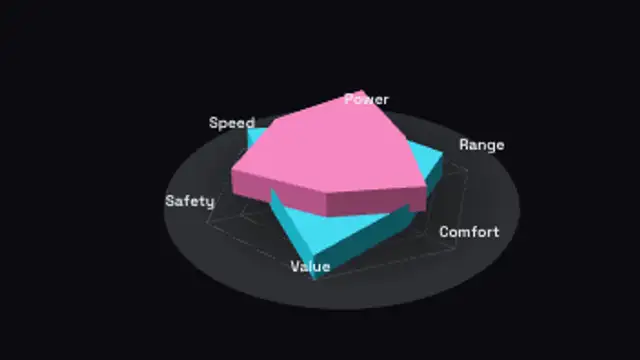
Two profiles stack as extruded webs over a spoke grid, so the stronger axes read as height as well as reach.

Horizontal bars race to their values side by side, making rankings and comparisons instantly clear.
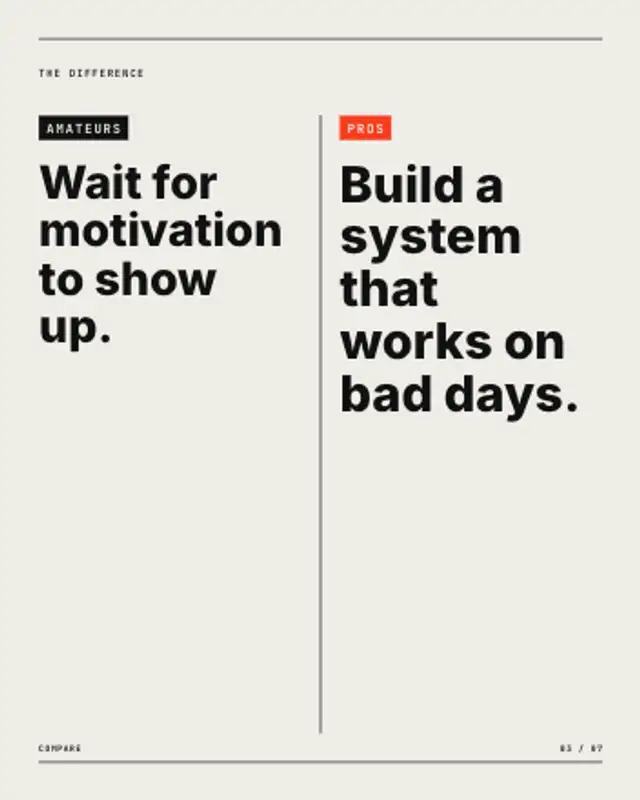
Two tagged columns face off across a centre rule that draws between them, each statement rising in turn. Stacks in portrait.
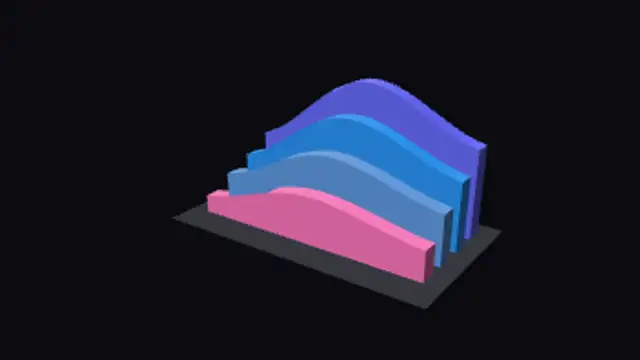
Four filled areas recede like a range of ridges, a dense data backdrop rather than a chart read value by value.
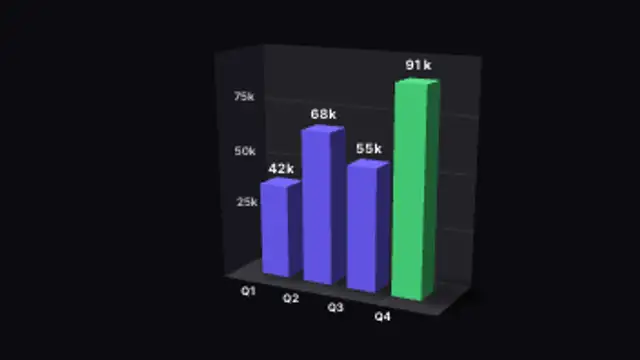
Extruded columns rise from a shadowed floor against a gridded back wall, counting up to your values as they land.