
Laurels grow around a big average score, stars fill beneath it to the exact decimal, and the review count and label settle in before a shine passes.
Stars Compare Table
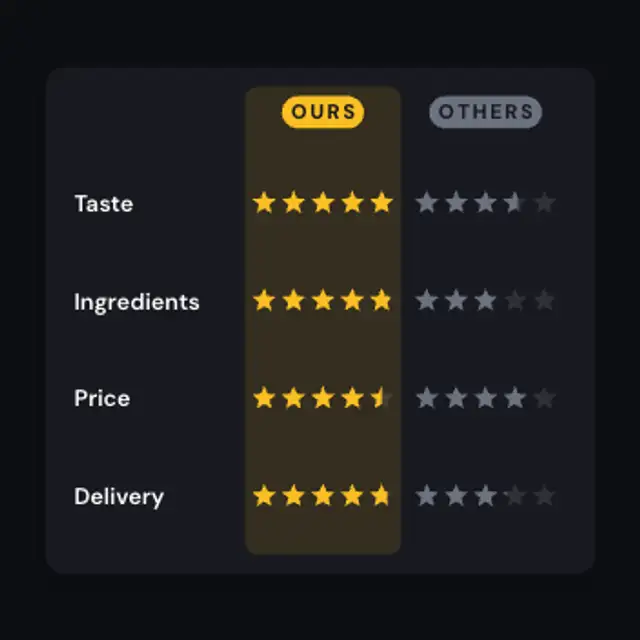
A comparison table fills star ratings row by row for your brand and a generic rival, then a soft highlight rises behind your winning column.
A comparison table that fills star ratings for your brand and a generic rival, then highlights your winning column. Set rows and scores for comparison ads.
Part of Reviews & Testimonials. New to this kind of graphic? Read How to Turn Customer Reviews Into an Animated Video.
Transparent exports and editor imports are explained in the transparent video guide, and every download is free under the commercial license.
Content: title, subtitle, labels, values and competitor values. Typography: font and weight. Style: background, text color, primary, secondary and accent. Layout: aspect ratio. Motion: duration and easing.
Stars Compare Table runs 4.5 seconds by default, and you can set any length up to 30 seconds before you export. It plays once.
Show Stars Compare Table in a food, beauty or subscription box ad where shoppers think in star ratings and not in scores out of ten. The table format lets them scan four attributes quickly, which suits a short ad with no voiceover.
Laurels grow around a big average score, stars fill beneath it to the exact decimal, and the review count and label settle in before a shine passes.
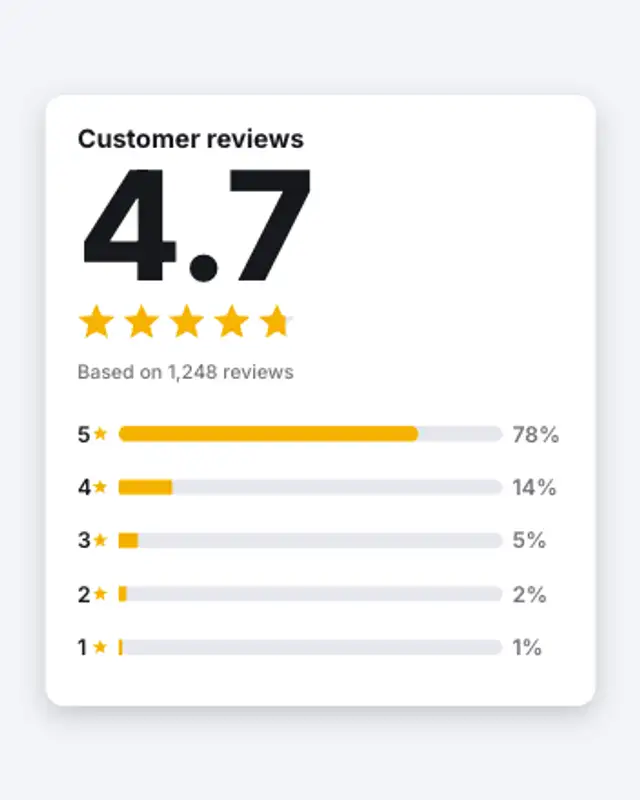
The average rating counts up as five stars fill to the exact score, then the five-to-one star bars grow to their share of reviews.
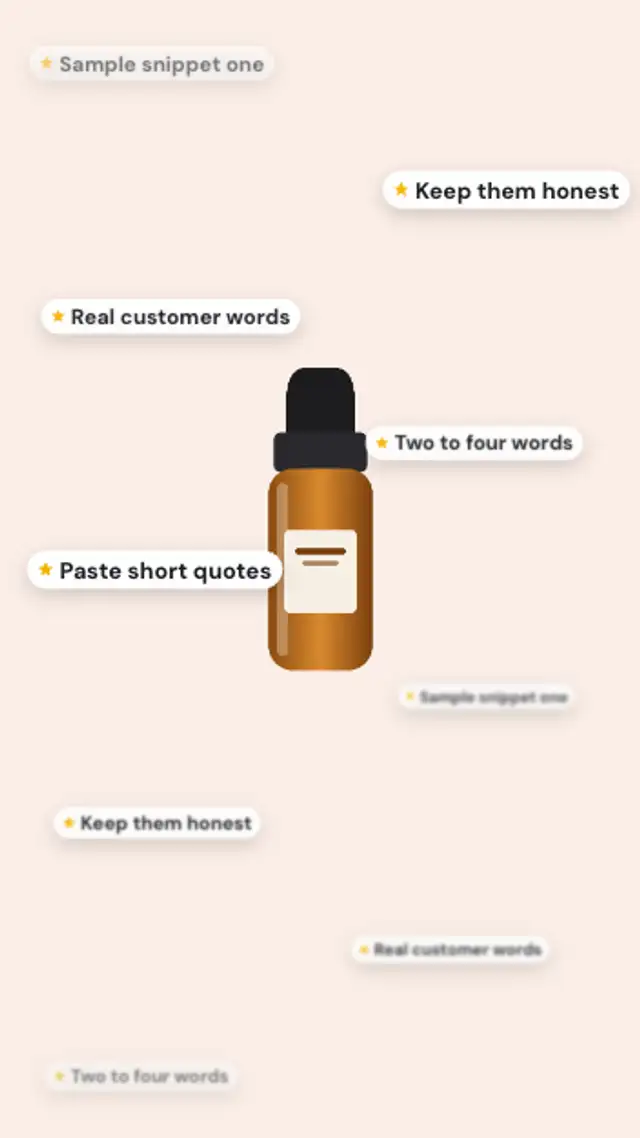
Short review snippets drift up around your product in two depth layers, the far ones soft and small, the near ones crisp, in a seamless loop.

A neutral review-site style card: square star tiles fill to the rating, a verified chip pops, the headline and review rise, and the helpful button taps.
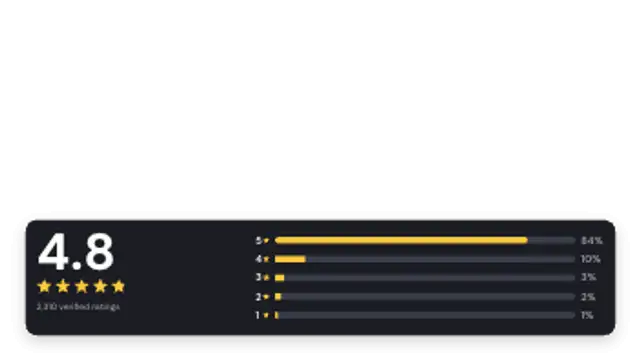
A slim lower-third card with the score, filled stars and a compact five-bar breakdown that sits over product footage or a talking head.
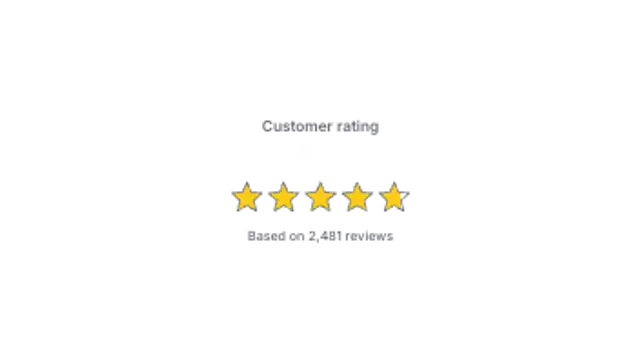
Stars pop in and fill to the exact score while the rating counts up above the review total.

An as-featured-in label fades up, a rule draws out from the centre, and your publication names rise in as varied type wordmarks with a soft blur-in.
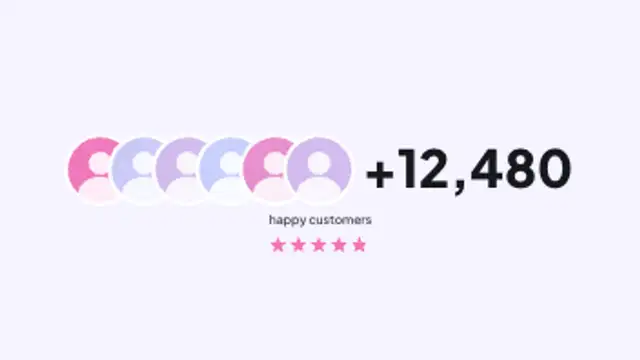
Overlapping customer avatars pop in one after another, a plus count rolls up beside them, and the label and star rating settle underneath.