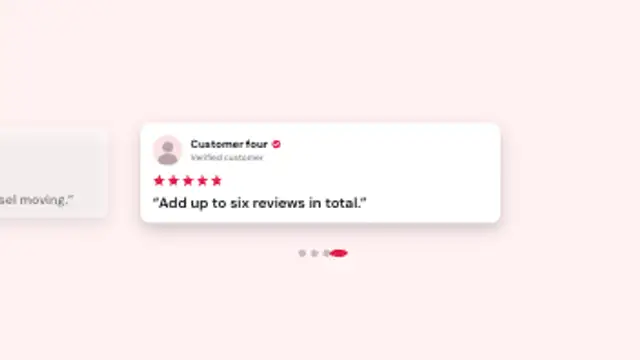
Review cards sit in a horizontal carousel with the neighbours peeking in; it snaps from card to card with a springy settle while the page dots follow.
Review Deck Swipe

A deck of review cards sits stacked in depth; the top card flicks away with a spin and each card behind steps forward to take its place.
Stack review cards in depth and flick them away one by one as the next steps forward. Paste up to six real reviews for Stories, Reels or product ads.
Part of Reviews & Testimonials. New to this kind of graphic? Read How to Turn Customer Reviews Into an Animated Video.
Transparent exports and editor imports are explained in the transparent video guide, and every download is free under the commercial license.
Content: headlines, labels, values and subtitle. Typography: font, weight and size. Style: background, text color, primary, secondary and accent. Layout: aspect ratio. Motion: duration and easing.
Review Deck Swipe runs 5 seconds by default, and you can set any length up to 30 seconds before you export. It plays once.
Run Review Deck Swipe in a vertical ad or a story when you have several good reviews and only a few seconds. The flick from card to card feels like swiping through an app, which keeps thumbs still while three or four voices get their turn.
Review cards sit in a horizontal carousel with the neighbours peeking in; it snaps from card to card with a springy settle while the page dots follow.

An as-featured-in label fades up, a rule draws out from the centre, and your publication names rise in as varied type wordmarks with a soft blur-in.
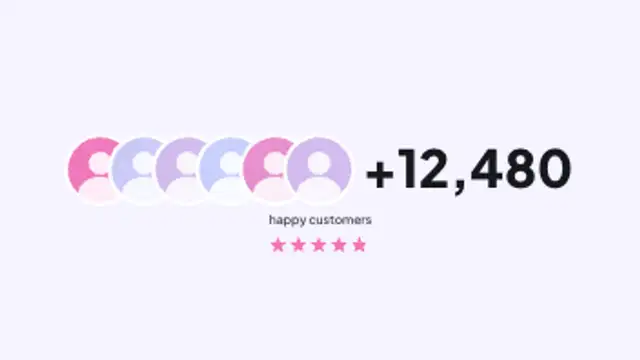
Overlapping customer avatars pop in one after another, a plus count rolls up beside them, and the label and star rating settle underneath.

Two laurel branches grow leaf by leaf around your award title, sized to fit the words, then the year and issuer settle in and a shine sweeps across.
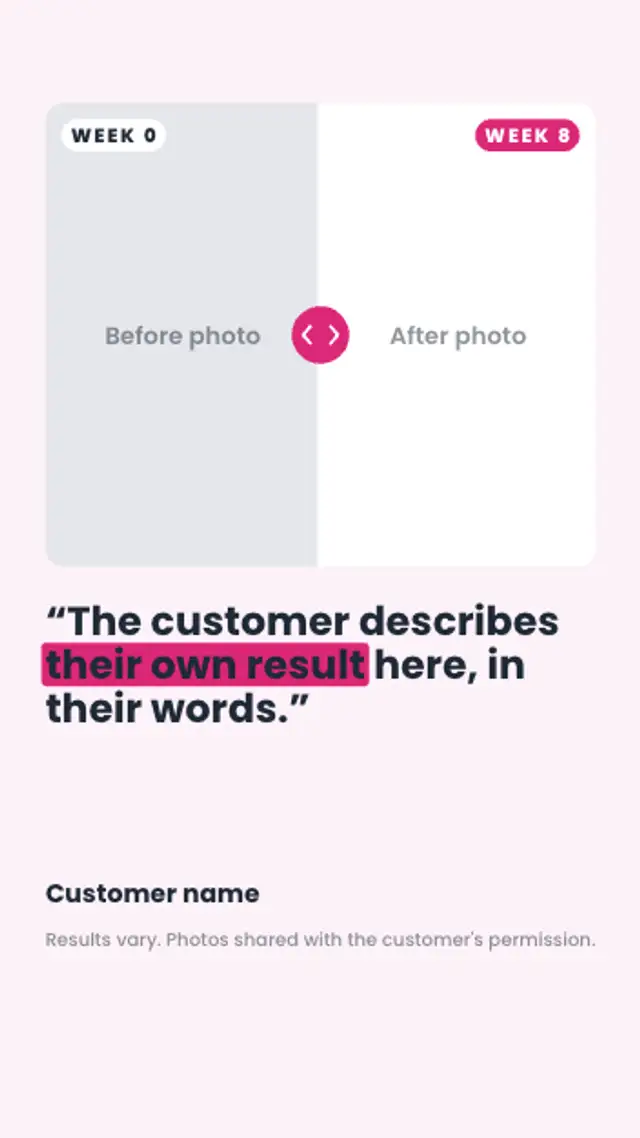
A comparison slider sweeps across the customer's before and after photos with week chips on each side, then their quote and a results-vary note appear.
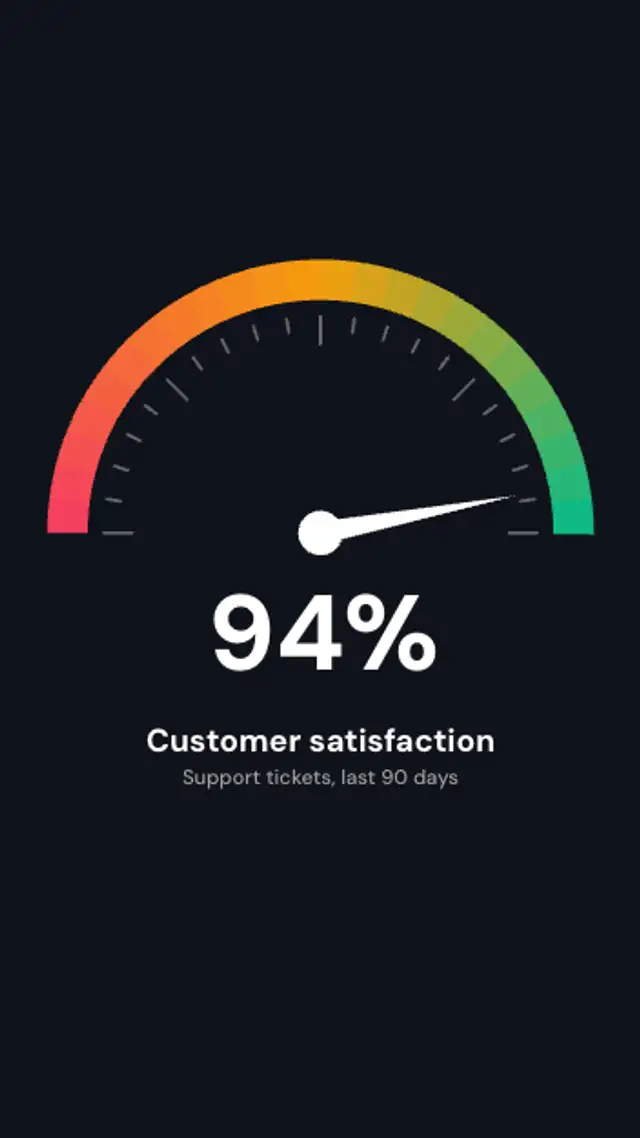
A smooth gradient gauge from red to green draws on, the needle swings up to your satisfaction score with a springy settle and the percentage reads live.

A scalloped rosette spins into place, ribbon tails drop behind it, your ring text wraps the edge and slowly turns, and the headline pops in the middle.

Two faint rings draw on, customer avatars pop onto them and orbit in opposite directions while the big customer count rolls up in the middle.