
An ad end card that builds itself: headline, a laurel-framed rating with filling stars, the review count, a row of customer avatars and a pulsing call-to-action button.
Reply To Comment Review

A viewer's question pops in as a tilted comment sticker, a connector draws down, and a real customer review slides up underneath as the answer.
A viewer's comment pops in as a sticker and a real customer review slides up as the answer. Type the question and paste a review for UGC-style ads.
Part of Reviews & Testimonials. New to this kind of graphic? Read How to Turn Customer Reviews Into an Animated Video.
Transparent exports and editor imports are explained in the transparent video guide, and every download is free under the commercial license.
Content: handle, eyebrow, text, title, subtitle and rating. Typography: font and weight. Style: background, text color, primary, secondary and accent. Layout: aspect ratio. Motion: duration and easing.
Reply To Comment Review runs 4.5 seconds by default, and you can set any length up to 30 seconds before you export. It plays once.
Answer a common objection with Reply To Comment Review at the start of a short-form ad or an organic reply video. Opening on a sceptical viewer question and answering with a customer's words follows a format audiences already know from comment replies.
An ad end card that builds itself: headline, a laurel-framed rating with filling stars, the review count, a row of customer avatars and a pulsing call-to-action button.
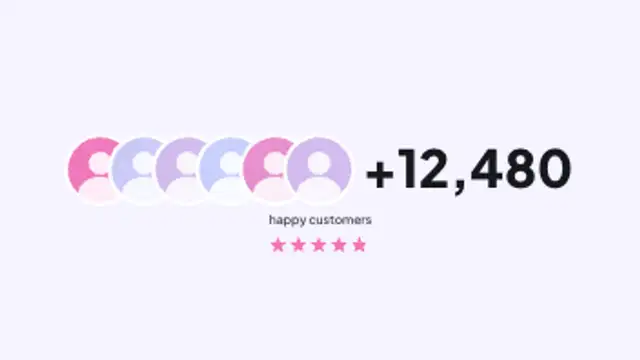
Overlapping customer avatars pop in one after another, a plus count rolls up beside them, and the label and star rating settle underneath.

Two faint rings draw on, customer avatars pop onto them and orbit in opposite directions while the big customer count rolls up in the middle.

A review card rises in with an avatar, name, verified tick and meta line, stars pop and fill to the rating, and the quote rises line by line.

The average rating counts up as five stars fill to the exact score, then the five-to-one star bars grow to their share of reviews.
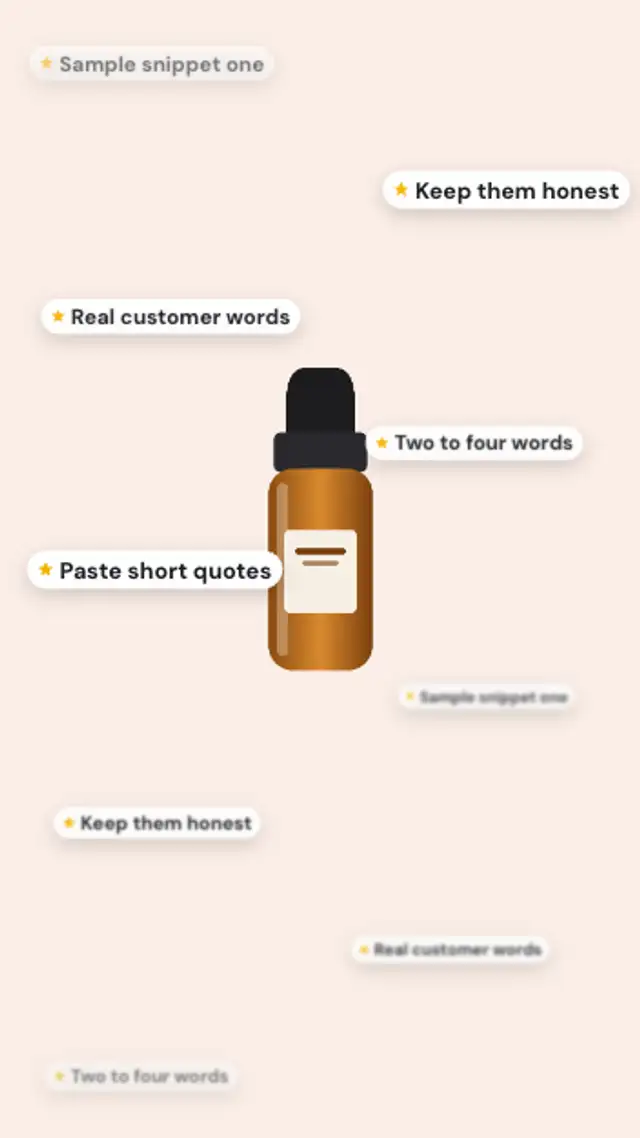
Short review snippets drift up around your product in two depth layers, the far ones soft and small, the near ones crisp, in a seamless loop.
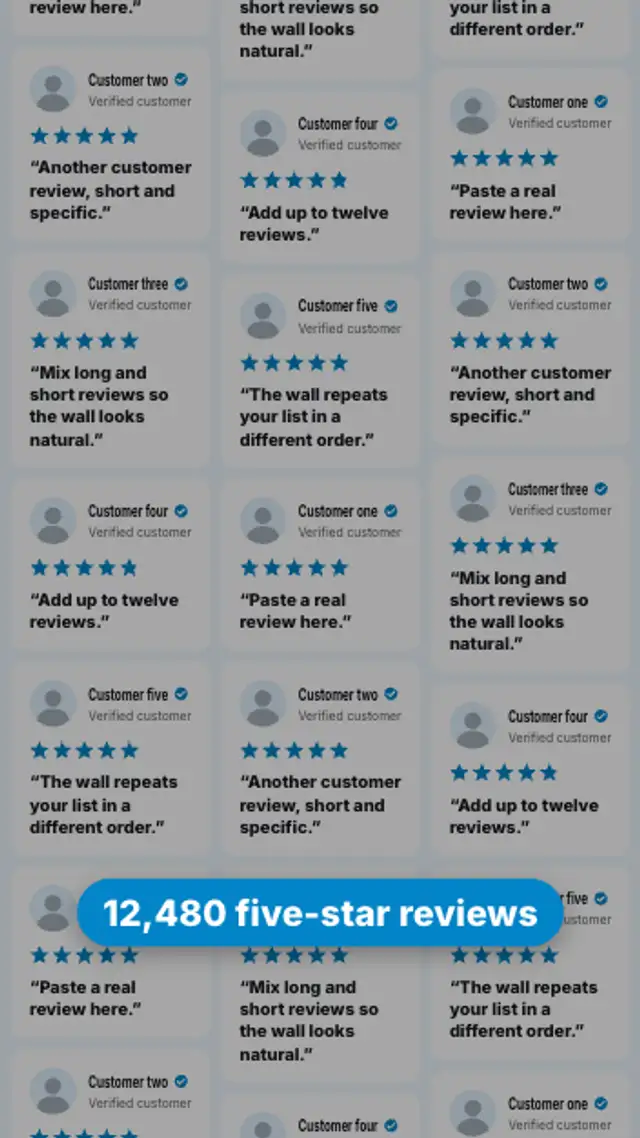
The camera starts tight on one review, pulls back to reveal a whole wall of them, then a pill with your rolling review count lands at the bottom.
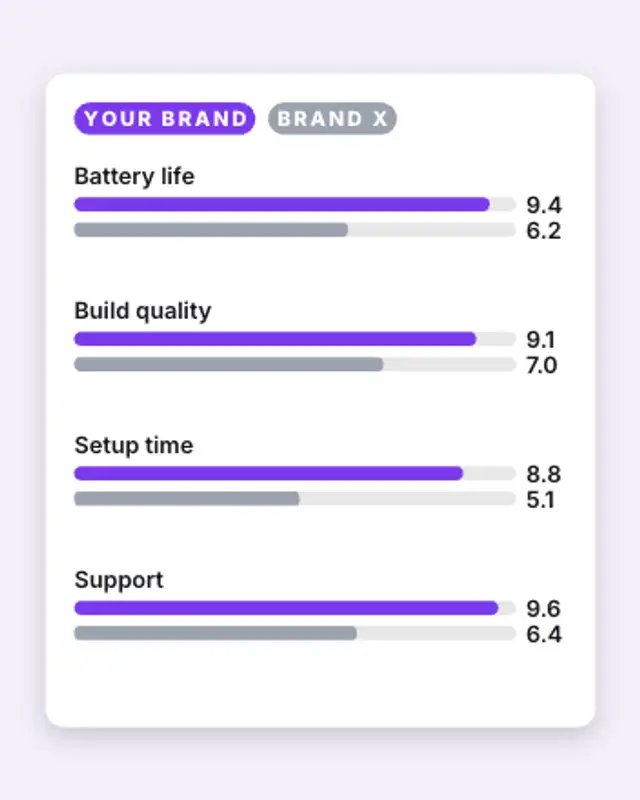
Your brand and a generic competitor get paired score bars for each attribute; yours race ahead in the accent colour while the values count up.