
Headline and tagline rise in, then your call-to-action button springs into the center surrounded by expanding pulse rings — the universal ad closer.
Benefit Bullets
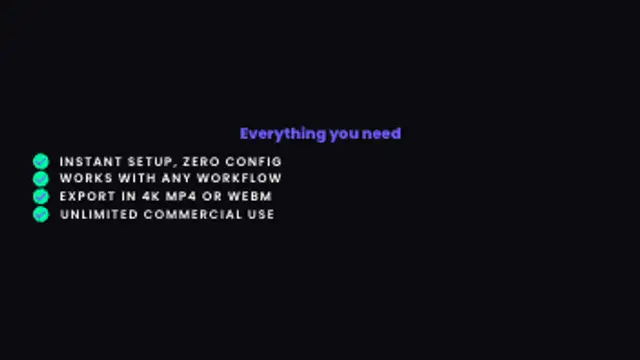
Each feature item slides in from the left with a staggered spring, paired with a checkmark badge — built for product benefit lists and feature comparison ads.
Feature items slide in from the left with checkmark badges in a staggered spring reveal. Built for product benefit lists and feature comparison video ads.
Part of Promo & Ad Animations. New to this kind of graphic? Read How to Make a Promo Video Ad From Short Animated Clips.
Transparent exports and editor imports are explained in the transparent video guide, and every download is free under the commercial license.
Content: text and headlines. Typography: font and weight. Style: background, primary, accent and text color. Layout: aspect ratio. Motion: duration and easing.
Benefit Bullets runs 5 seconds by default, and you can set any length up to 60 seconds before you export. It plays once.
Benefit Bullets handles the part of an ad where you list what the buyer gets, such as plan inclusions, product specs or reasons to switch. Each item arriving separately lets a voiceover pace the list, so it works well under narration.
Headline and tagline rise in, then your call-to-action button springs into the center surrounded by expanding pulse rings — the universal ad closer.

Corner brackets converge toward your brand name from outside the frame, then the name rises through a clip mask and a tagline appears — the polished ad closer.
Each word slams in from below through a clip mask with a spring-overshoot impact — built for ad hooks, product launches and short-form promos.

A large number counts up to your milestone then ray lines burst outward from the center — the social-proof hero for SaaS, service and DTC ads.
Each letter of your text lights up in sequence with a glow halo, optionally flickering like a real neon tube warming up — built for nightlife, food and retro-tech ads.

Letters glow on in clean left-to-right sequence with no flicker — the refined neon reveal for upscale restaurant, beauty and premium brand ads.
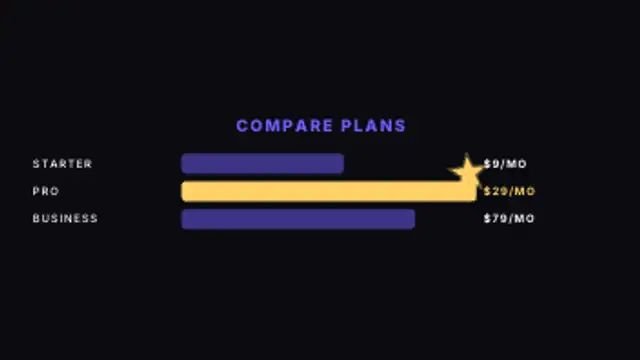
Bars grow left-to-right in staggered sequence and a star badge pops onto the winner — the go-to pricing slide for SaaS, subscription and product comparison ads.

A card slides in, avatar pops, name and role rise, stars pop in one by one, then the quote reveals line by line — the social-proof moment for DTC and service ads.