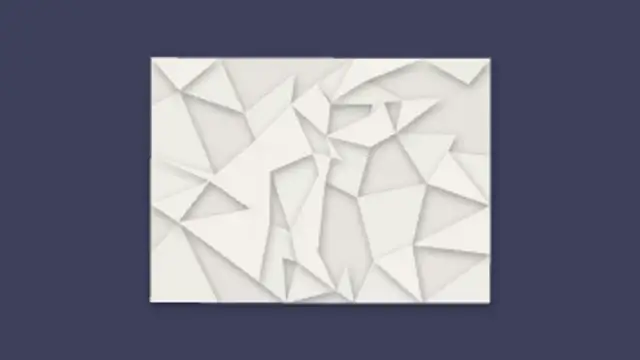
A crumpled paper ball bounces in and uncrumples into a creased note, facet by facet, revealing your message.
Notebook Page Turn
A ruled notebook page folds over at the corner to reveal new content, with crisp fold perspective and light crease shading.
A ruled notebook page folds over with real fold perspective and crease shading. Editable page turn animation for journals, tutorials and storytelling.
Part of Paper Cutout. New to this kind of graphic? Read How to Make a Paper Cutout Animation Without a Camera.
Transparent exports and editor imports are explained in the transparent video guide, and every download is free under the commercial license.
Content: text. Typography: font and weight. Style: background, primary, secondary, accent and text color. Layout: aspect ratio and scale. Motion: duration, intensity and variation.
Notebook Page Turn runs 3 seconds by default, and you can set any length up to 60 seconds before you export. It plays once.
Use Notebook Page Turn to move from one day to the next in a study diary, from step to step in a written tutorial or between scenes of a journal-style story. The corner fold tells viewers a new page has begun.
A crumpled paper ball bounces in and uncrumples into a creased note, facet by facet, revealing your message.
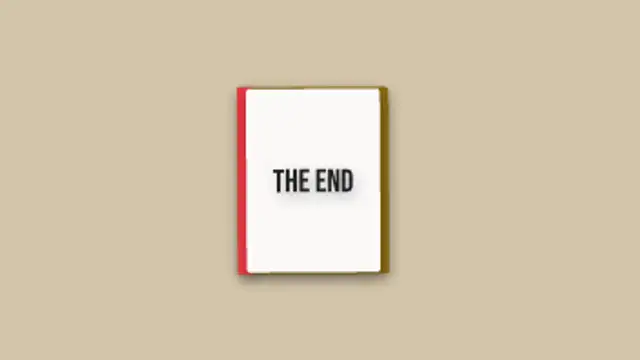
A thick flipbook riffles its pages in stop-motion, then settles open to reveal a title on the final page.
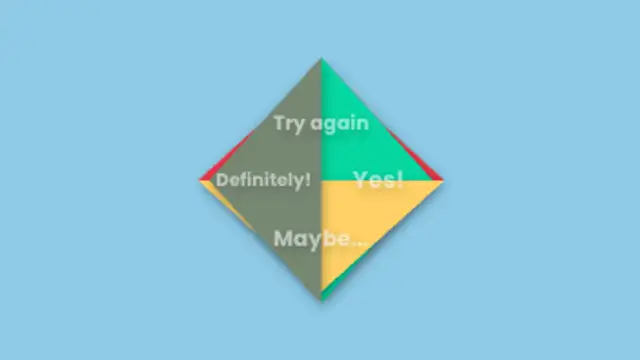
An origami fortune teller opens and closes in stop-motion cycles, then holds open to reveal the four fortune messages on its colored flaps.
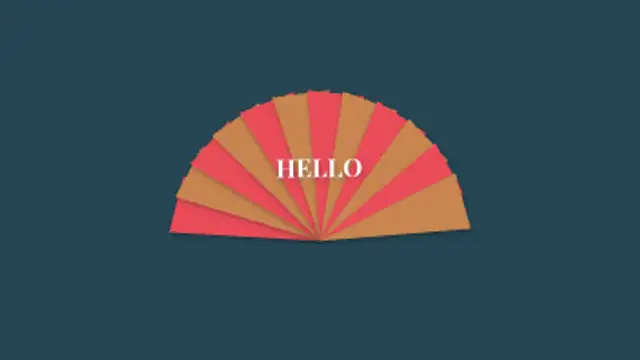
Alternating colored paper pleats fan out from a central pivot to a full spread, with a title appearing at full open.
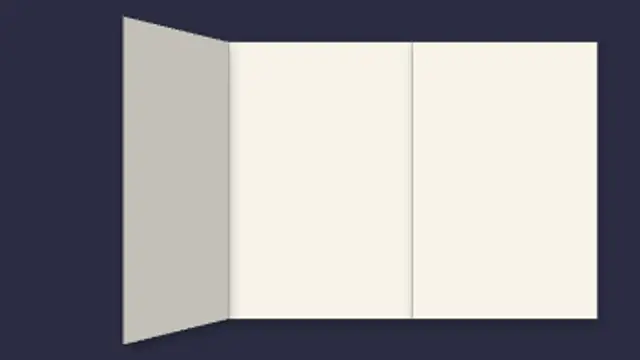
A folded sheet drops in and opens panel by panel with real fold perspective and crease shading, then your message writes itself on.
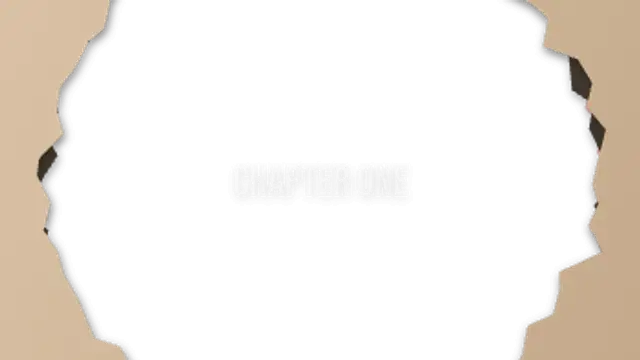
A paper sheet slides in then a burn hole grows from the center with a charred rim, glowing orange, to reveal your title through the hole.
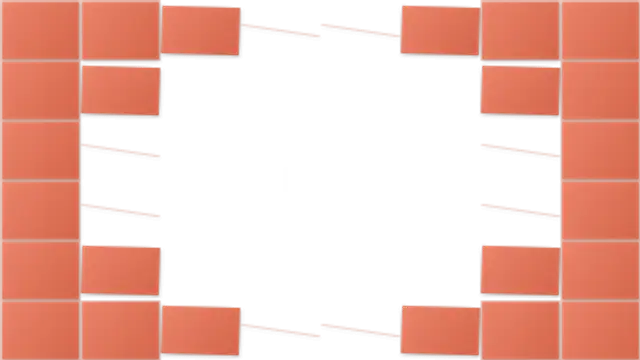
A grid of paper tiles peels away in a radial wave to reveal the title beneath, each tile curling off with a subtle shadow.
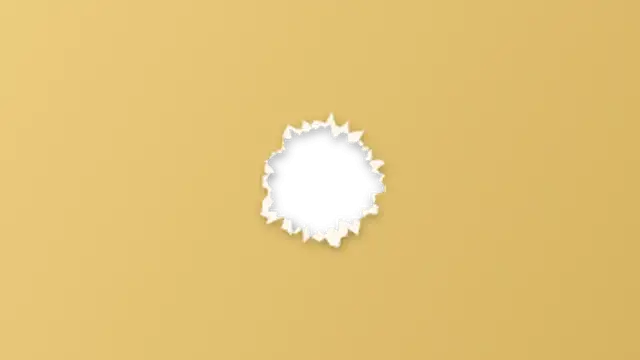
A sheet of paper slides over the frame, then tears open from the middle with a fibrous white rim to reveal your title and the shot behind.