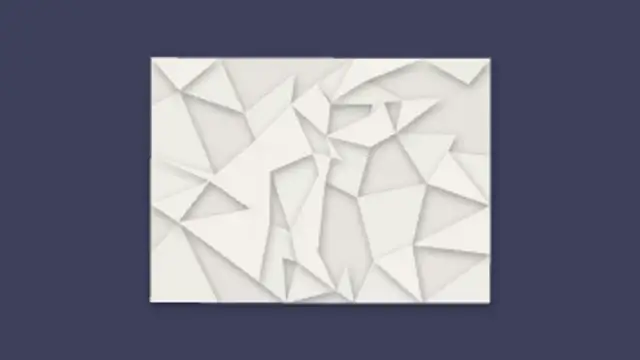
A crumpled paper ball bounces in and uncrumples into a creased note, facet by facet, revealing your message.
Crumple Toss Exit
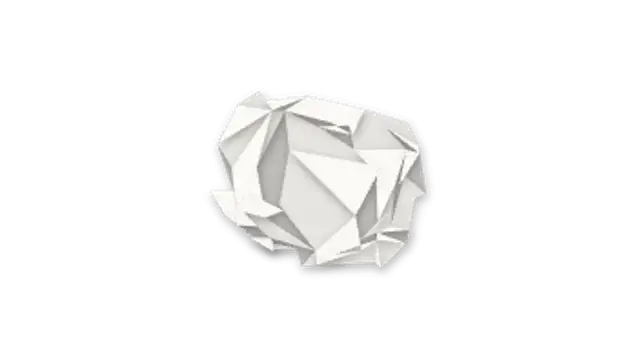
Your note crumples into a paper ball facet by facet, then gets tossed off screen in a spinning arc.
A note crumples into a paper ball with generated creases and gets tossed away. Transparent crumple overlay for rejected ideas and comedic beats.
Part of Paper Cutout. New to this kind of graphic? Read How to Make a Paper Cutout Animation Without a Camera.
Transparent exports and editor imports are explained in the transparent video guide, and every download is free under the commercial license.
Content: text. Typography: font and weight. Style: background, primary, secondary, accent and text color. Layout: aspect ratio, scale and position. Motion: duration, intensity and variation.
Crumple Toss Exit runs 3 seconds by default, and you can set any length up to 60 seconds before you export. It plays once.
Use Crumple Toss Exit to throw away a bad idea in a comedy sketch, a rejected option in a comparison video or an old price in a sale announcement. The toss gives a clear, slightly rude full stop that a fade cannot.
A crumpled paper ball bounces in and uncrumples into a creased note, facet by facet, revealing your message.
A paper strip unfolds from the left in a zig-zag accordion with fold perspective and shading, then your name writes itself on.
A paper sheet slides in then a burn hole grows from the center with a charred rim, glowing orange, to reveal your title through the hole.
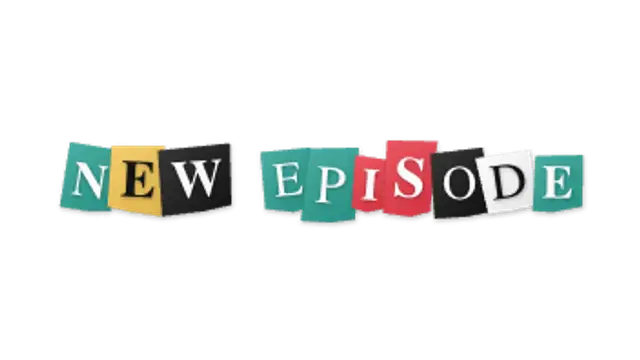
Each letter of your title lands on its own magazine scrap with a different font, tilt and colour, jittering in stop-motion.
A striped paper sheet unfolds across the screen like an accordion, then folds away the other side with real fold perspective and shading.
A grid of paper tiles peels away in a radial wave to reveal the title beneath, each tile curling off with a subtle shadow.

Colorful paper vanes fan out and spin in stop-motion boil with slight wobble, looping continuously as a seamless animated background.

Layered paper petals pop on petal-by-petal in stop-motion to build a full award rosette badge with your title at the center.