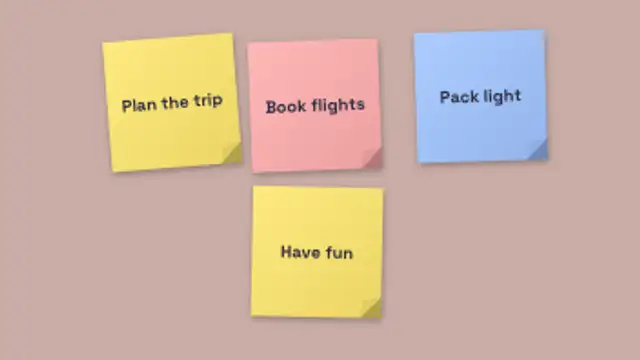
Sticky notes slap onto the board one after another, each with your text, a curled corner and a gentle flutter.
Book Stack Drop
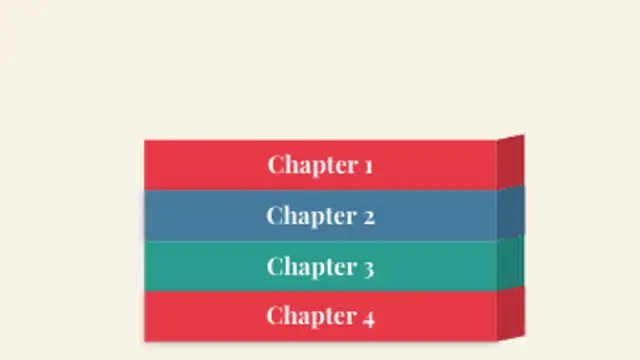
Paper books drop one by one into a stacked arrangement with a tilt that shows the spine, landing with a back-out bounce.
Books drop one by one into a perspective stack showing spines. Editable labels, colors and count. Great for reading lists, syllabi and chapter reveals.
Part of Paper Cutout. New to this kind of graphic? Read How to Make a Paper Cutout Animation Without a Camera.
Transparent exports and editor imports are explained in the transparent video guide, and every download is free under the commercial license.
Content: labels. Typography: font and weight. Style: background, primary, secondary, accent and text color. Layout: aspect ratio and scale. Motion: duration, intensity and variation.
Book Stack Drop runs 5 seconds by default, and you can set any length up to 60 seconds before you export. It plays once.
Use Book Stack Drop for a monthly reading wrap-up, a course module overview or the sources behind a video essay. Each book lands with its label on the spine, building the list from the bottom up as you name the titles.
Sticky notes slap onto the board one after another, each with your text, a curled corner and a gentle flutter.
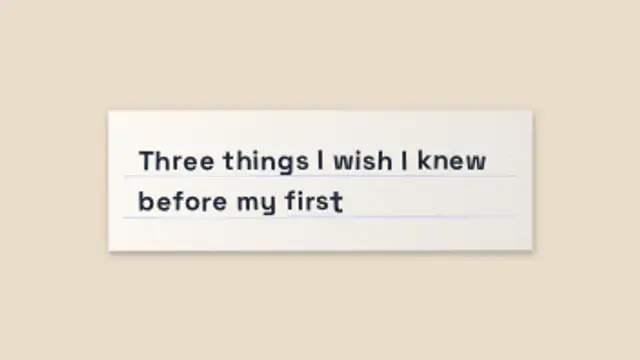
A ruled paper card slides in and your text types itself on letter by letter in choppy stop-motion, every letter gently boiling.
A procedural paper texture with creases, fibres, grain and a soft vignette that boils on held frames like real stop-motion paper.
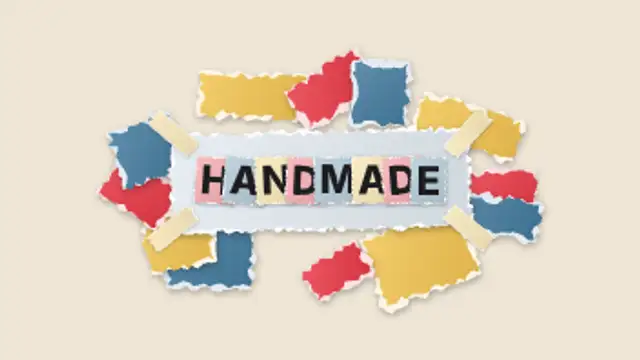
Paper scraps fly in to build a handmade collage frame, tape pins the card and ransom-note letters snap into your title.
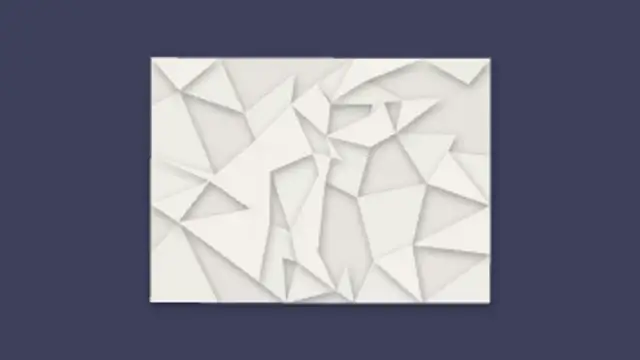
A crumpled paper ball bounces in and uncrumples into a creased note, facet by facet, revealing your message.
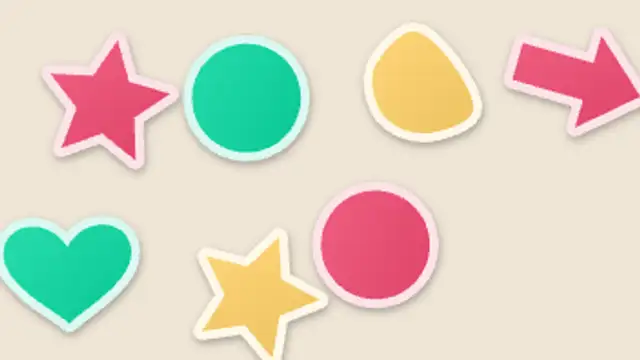
Stars, hearts, arrows and blobs cut from colored paper pop onto the frame with squash, bounce and white sticker borders.
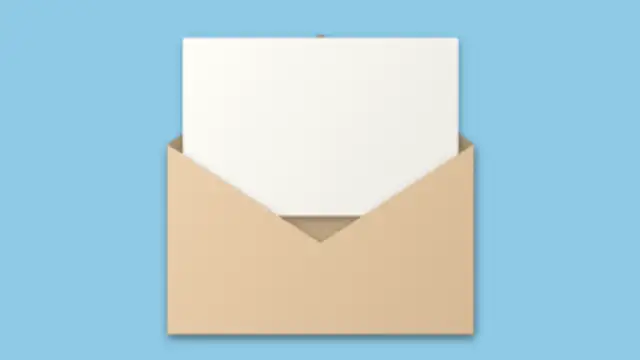
An envelope slides in, the sealed flap swings open and a letter rises out with your message written on it.
A thick flipbook riffles its pages in stop-motion, then settles open to reveal a title on the final page.