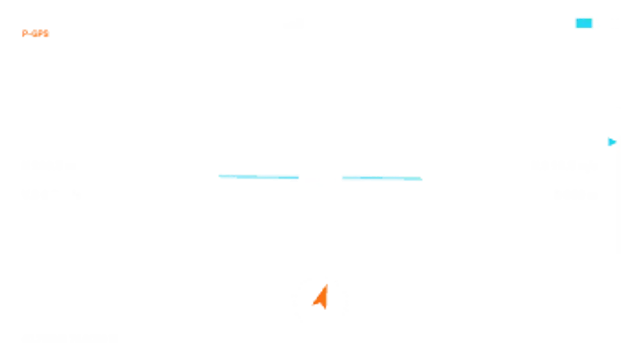
A drone flight display over your aerial shot: GPS bars, battery, altitude and speed readouts ticking live, a gently tilting horizon, a gimbal pitch bar and a home-direction compass.
HUD Screen Frame
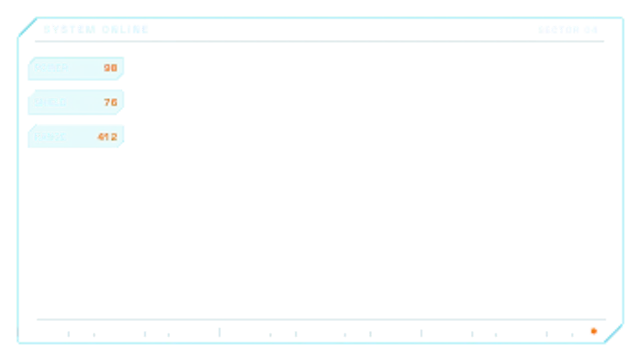
A chamfered interface frame draws itself around the shot, then side modules slide in with live values and a blinking status pip.
Part of HUD & Sci-Fi Interface. New to this kind of graphic? Read How to Add a Sci-Fi HUD Overlay to Footage.
A chamfered interface frame draws itself around the shot, then side modules slide in with live values and a blinking status pip. It belongs to the HUD & Sci-Fi Interface category on velements, where you edit it in the browser and download it as a finished video file.
Every control in the editor, grouped the same way there. Content: title, labels, values and subtitle. Typography: font. Style: background, text color, primary, secondary, accent and thickness. Layout: aspect ratio, scale and position. Motion: duration, speed and variation. Each change appears in the live preview straight away, and editing is free.
HUD Screen Frame runs 7.5 seconds by default, and you can set any length up to 60 seconds before you export. It plays once from start to finish, so it drops straight onto a cut or an opening.
Yes. Set the background to Transparent, then export a PNG sequence for Premiere Pro, After Effects, DaVinci Resolve, Final Cut Pro or Figma: import the first frame as an image sequence and it drops onto a track above your footage with a straight alpha channel. Export WebM with a VP9 alpha channel for the web and for CapCut. MP4 has no alpha channel, so it keeps a solid color or image behind the animation.
Yes. Each download comes with a perpetual commercial license in your name for client work, ads and products, and you may sell the edited clip on stock footage sites. Reselling the preset itself as an editable template is not allowed.
A drone flight display over your aerial shot: GPS bars, battery, altitude and speed readouts ticking live, a gently tilting horizon, a gimbal pitch bar and a home-direction compass.
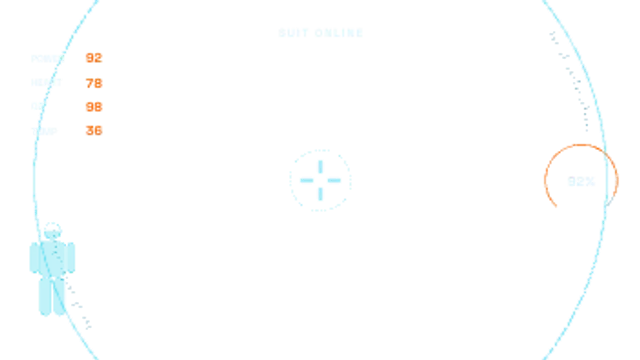
Curved visor arcs sweep in at the edges of the frame, a suit silhouette fills with power, vitals slide in and a centre reticle locks on.
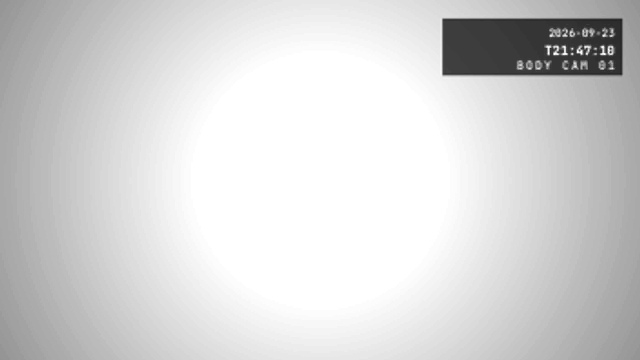
A body camera overlay with a bold timestamp block in the corner that ticks real seconds, a unit ID and a fisheye-style vignette for POV storytelling.
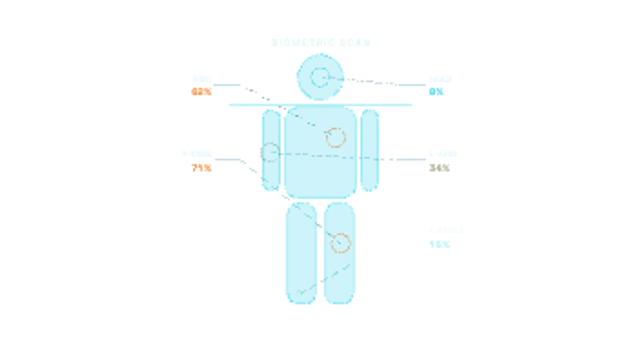
A scan line sweeps down a full-body wireframe, filling it as it passes, and injury markers pulse on with leader lines to severity readouts.
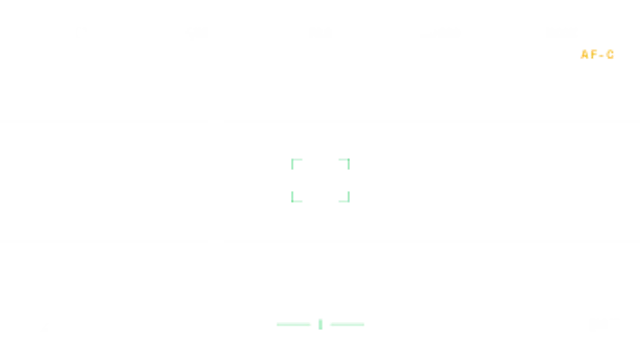
A mirrorless camera viewfinder: the focus box hunts then locks green, exposure settings sit along the top, a live histogram breathes, the level gauge settles and the shot count ticks down.
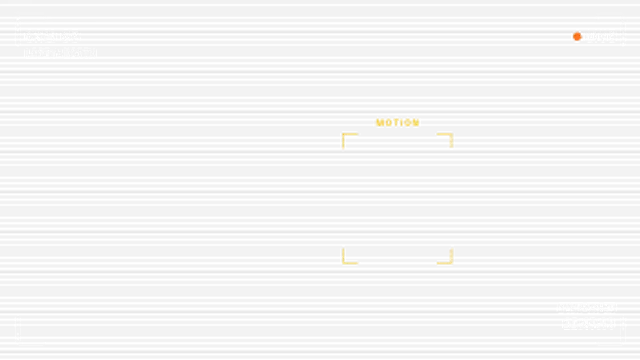
A security camera overlay with corner brackets, scanlines and a rolling interference band, a live clock that ticks real seconds, a blinking LIVE dot and a motion box that locks on.
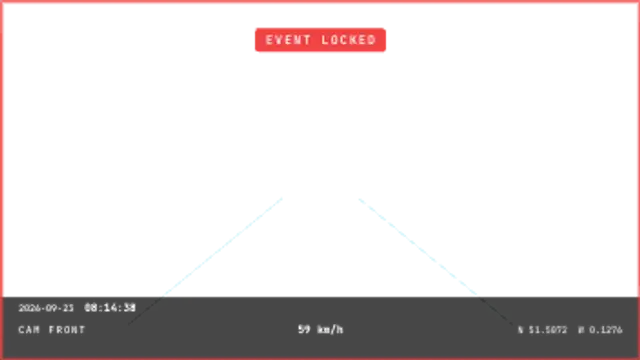
A dashboard camera overlay with a date and live clock, wobbling speed readout, GPS coordinates, lane guides and an EVENT LOCKED flash with a blinking border.
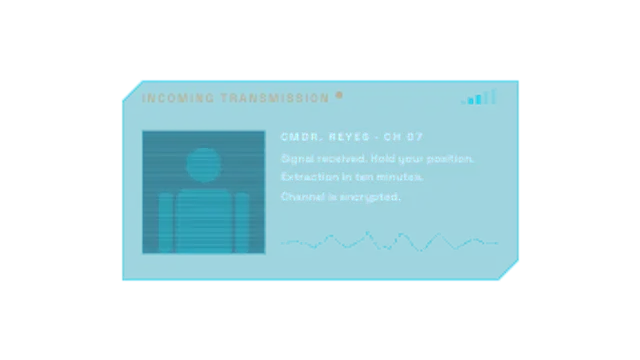
A comms panel unfolds with a blinking incoming-transmission header, signal bars fluctuating, a glitching portrait slot, a live voice waveform and the message typing out line by line.