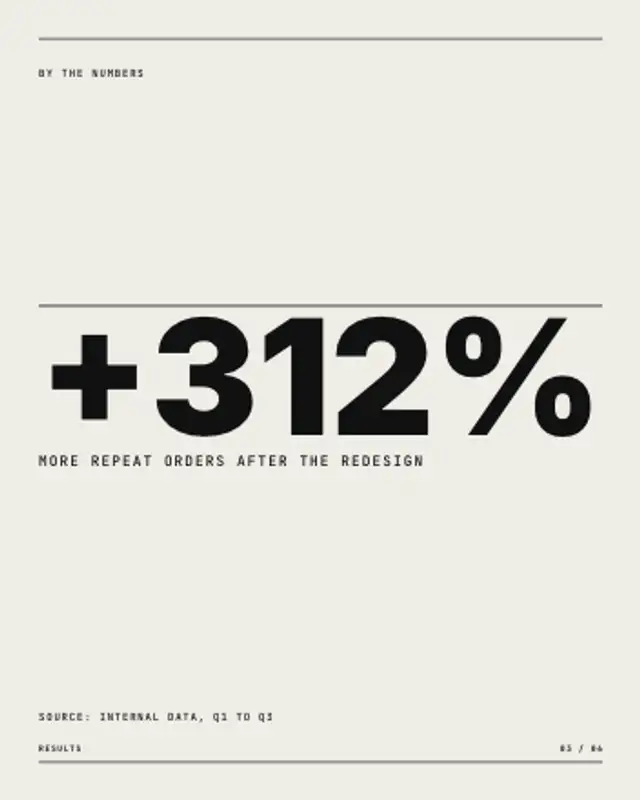
One number fills the width and counts up from zero, a hairline draws above it, and the label and source line settle underneath.
Numbered List Slide
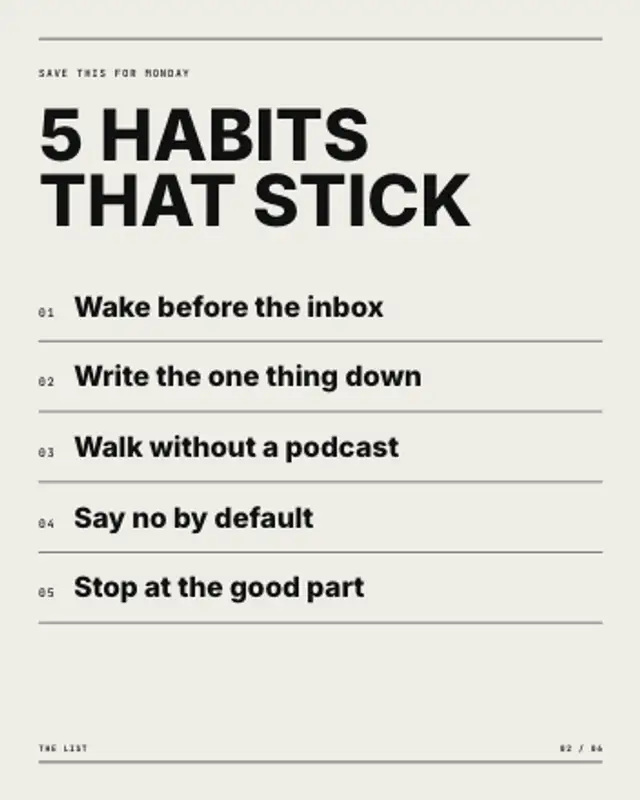
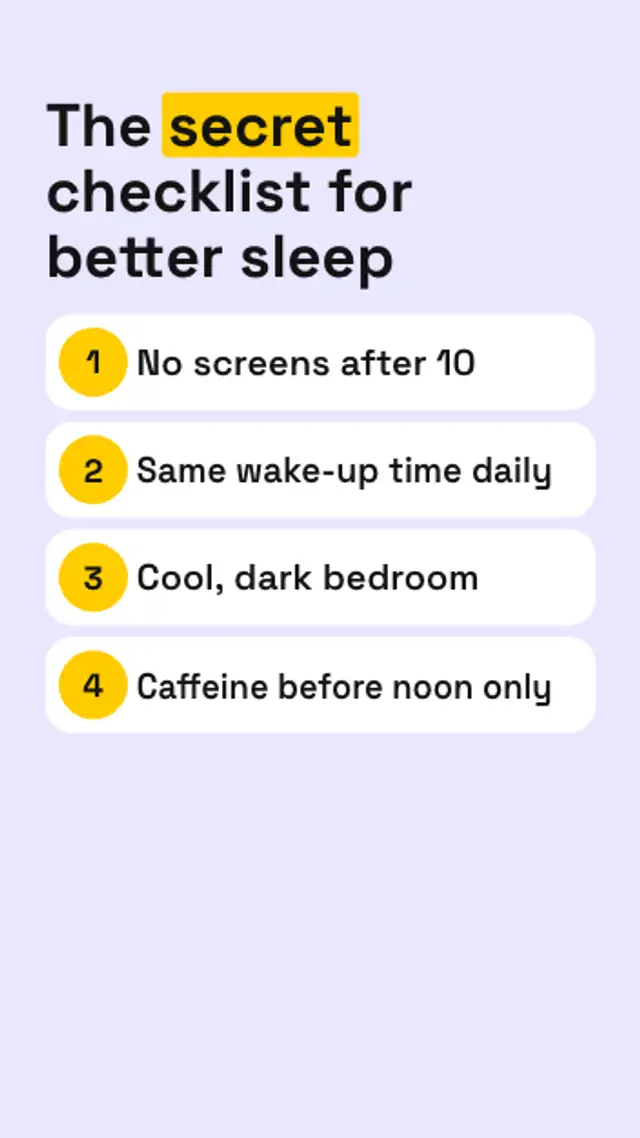
A title settles in, then numbered rows build one by one, each drawing its own hairline, however many items you type.
Animate a numbered tips list that lays itself out from your items: rows, hairlines and numbers build in order. Export for carousels.
Part of Editorial Typography. New to this kind of graphic? Read How to Make an Animated Carousel Post as a Video.
Transparent exports and editor imports are explained in the transparent video guide, and every download is free under the commercial license.
Content: text, headlines, labels, eyebrow, label, page and page count. Typography: font, weight, size and label font. Style: background, text color, primary and accent. Layout: aspect ratio. Motion: duration and easing.
Numbered List Slide runs 6 seconds by default, and you can set any length up to 30 seconds before you export. It plays once.
Use Numbered List Slide for the tips slide of a carousel video, the steps in a tutorial recap or the rules of a challenge. Rows build one at a time, so a presenter can talk through each point as it appears.
One number fills the width and counts up from zero, a hairline draws above it, and the label and source line settle underneath.
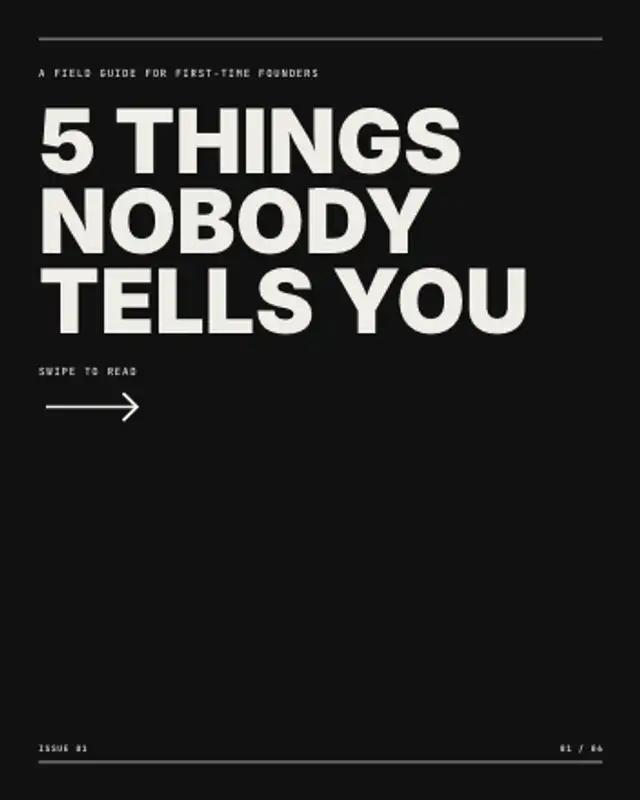
The cover slide of a carousel: an ink panel sweeps in, the hook stacks up line by line and a swipe arrow keeps nudging.
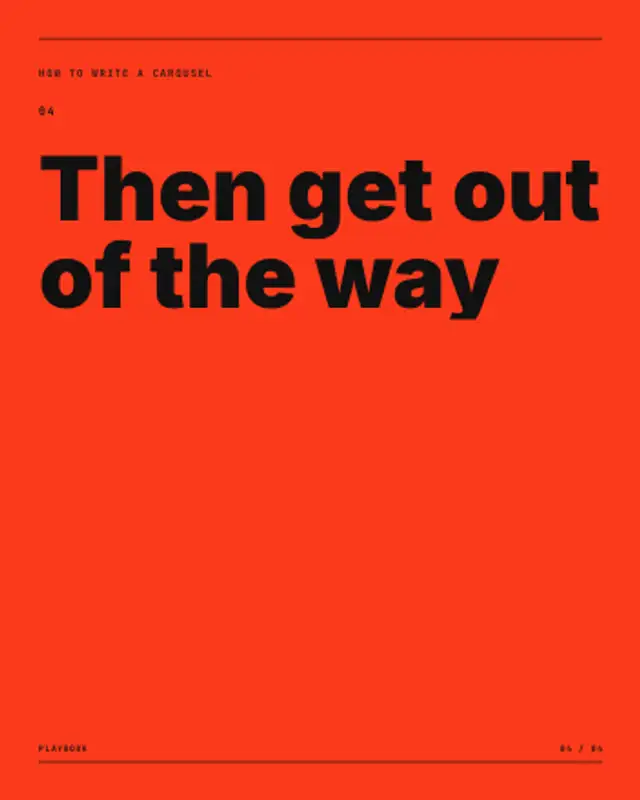
A whole carousel as one video: each headline gets its own slide, the pager ticks up and every slide pushes the next one in.
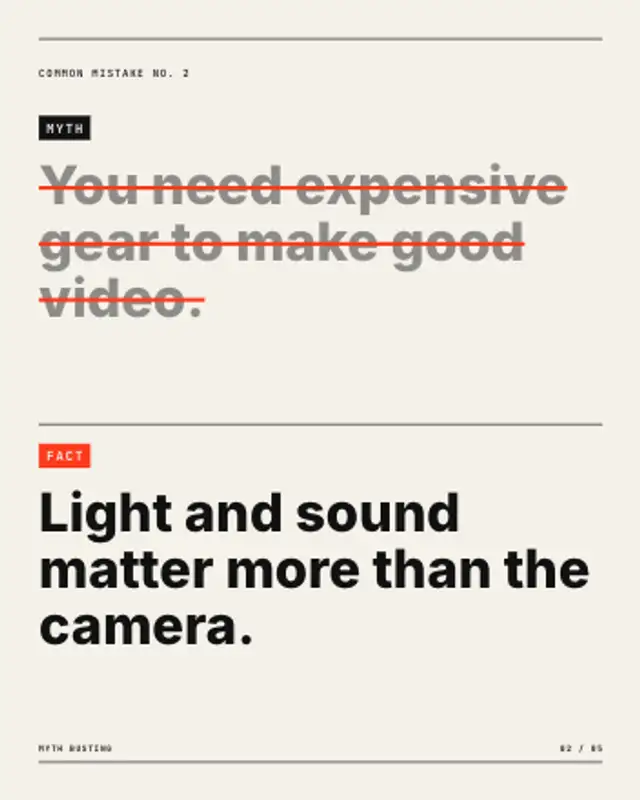
The myth rises, a strike-through draws across every line and dims it, then the fact rises underneath under an accent tag.
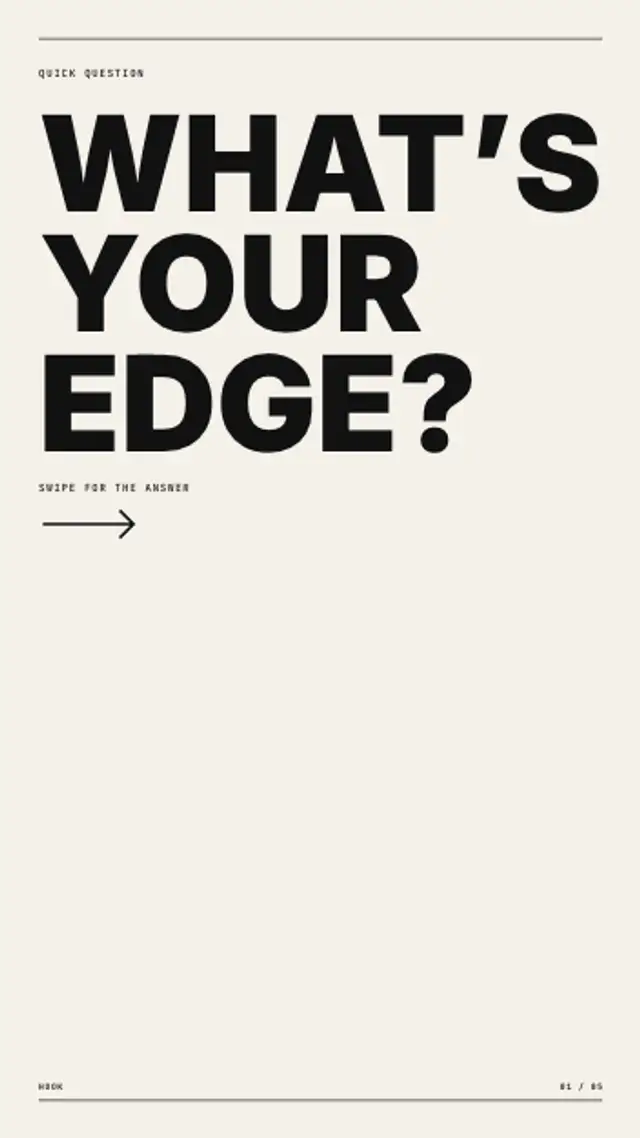
One oversized question fills the grid, line by line, with a small mono prompt and an arrow that asks for the swipe.
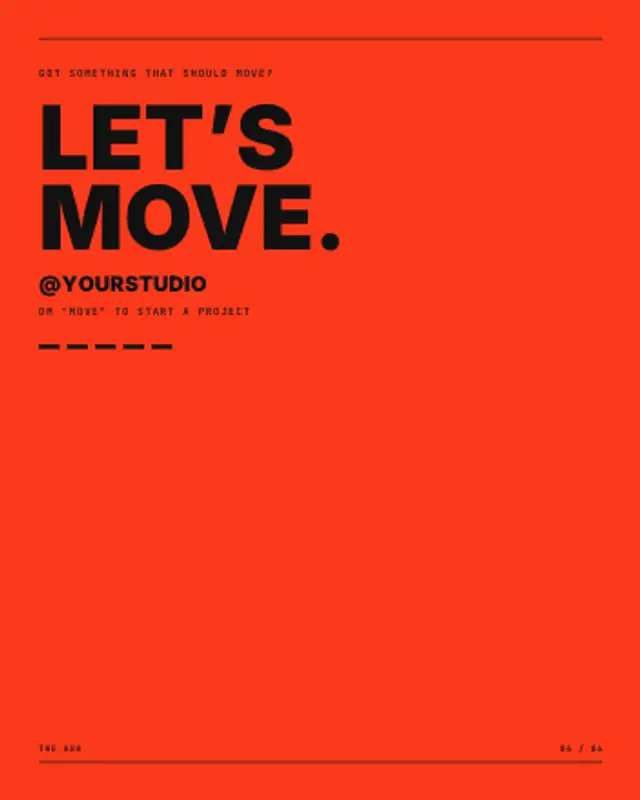
A colour panel rises, hairlines draw and a heavy headline climbs out of its masks before your handle and call to action land.
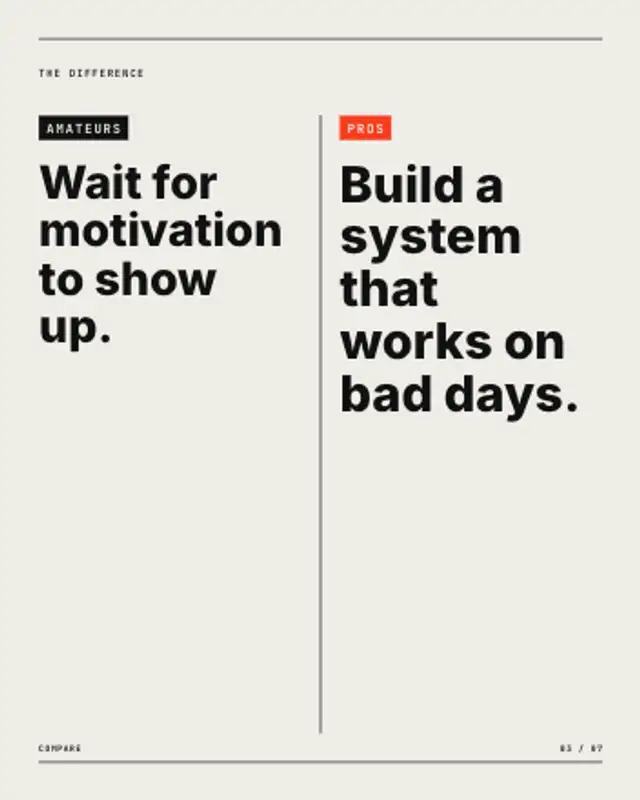
Two tagged columns face off across a centre rule that draws between them, each statement rising in turn. Stacks in portrait.
A locked list builds row by row, then each lock springs open and its redaction bar pulls away to reveal the tip underneath.