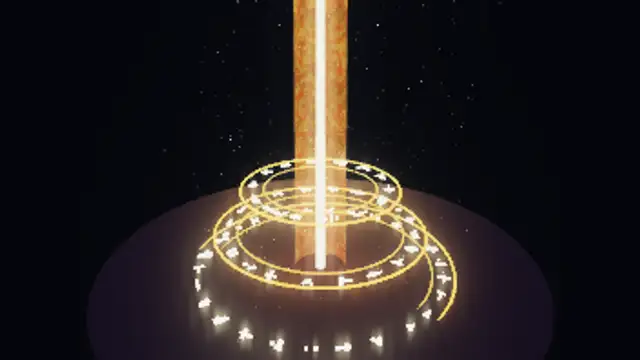
Three stacked rings of glowing rune glyphs counter-rotate and breathe over a dark stone floor while a pillar of swirling light rises through their centre and hundreds of motes drift upward around it.
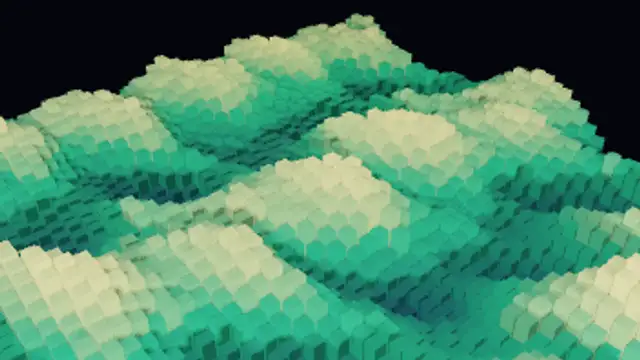
Thousands of voxel columns form a blocky 3D landscape whose heights roll with travelling waves and breathe with seeded variation, colored from deep valleys to bright peaks and lit with long shadows and crest sparkles, in a seamless loop.
Render a 3D voxel landscape of cube columns rolling with waves, colored by height and lit with long shadows. Recolor the blocks, then export a seamless loop.
Part of 3D VFX. New to this kind of graphic? Read How to Add Real 3D VFX Loops to a Video Without a 3D App.
Transparent exports and editor imports are explained in the transparent video guide, and every download is free under the commercial license.
Style: background, primary, secondary and accent. Layout: aspect ratio, scale and camera tilt. Motion: duration, speed, intensity and variation.
Voxel Landscape Waves runs 10 seconds by default, and you can set any length up to 30 seconds before you export. It loops seamlessly.
Voxel Landscape Waves suits sandbox-game channels, pixel-art communities and data-terrain metaphors such as market heat maps. The blocky hills roll continuously, giving a stream overlay or video essay a textured base that still reads at small sizes.
Three stacked rings of glowing rune glyphs counter-rotate and breathe over a dark stone floor while a pillar of swirling light rises through their centre and hundreds of motes drift upward around it.

Drift through layered soft 3D clouds toward a low sun, the nearest puffs rolling past the camera while backlit clouds glow at the rim and long light shafts fan out across the sky, in a seamless loop.
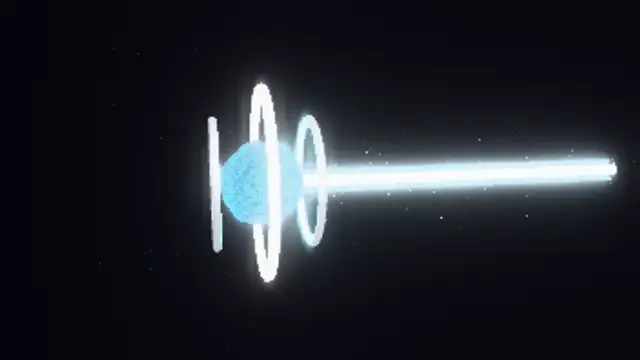
Hundreds of motes spiral into a plasma core between two spinning chrome rings until it overloads and fires a blazing horizontal beam across the frame with a shockwave and sparks, then drains and recharges in one seamless cycle.

A churning plasma sphere spins inside three chrome gyro rings with glowing rails, radial emitter struts and orbiting sparks, lit by real 3D lighting and bloom in a seamless loop.

Three plasma ribbons wrap a glowing core in an endless climbing helix, shadowed by trailing motes, while four chrome rings counter-rotate around them and sparks rise as the camera slowly circles the tower.
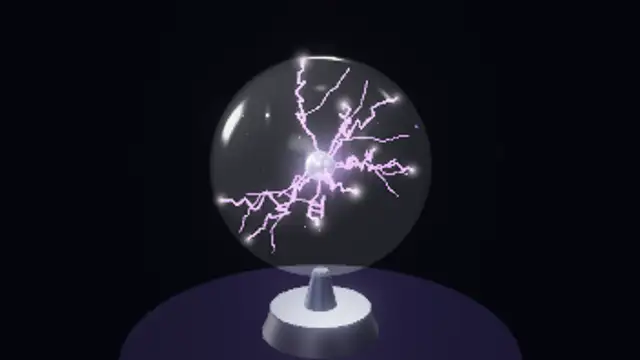
A real glass globe on a chrome stand holds a central electrode throwing nine branching plasma tendrils that wander and flicker across the inner shell, glowing where they touch the glass, with drifting motes inside.
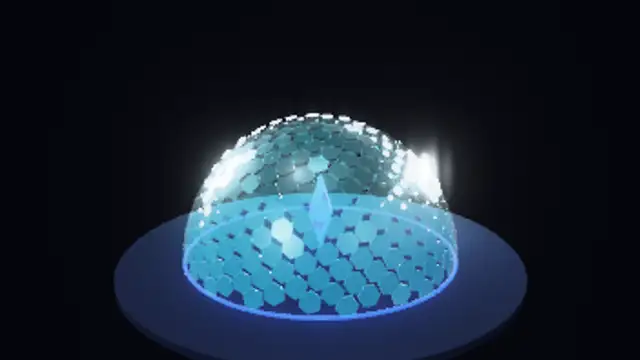
A translucent dome of hundreds of hexagonal panels guards a glowing crystal; seeded energy bolts slam into the shell and light rings of panels rippling outward, with sparks, flashes and a dark reflective floor.
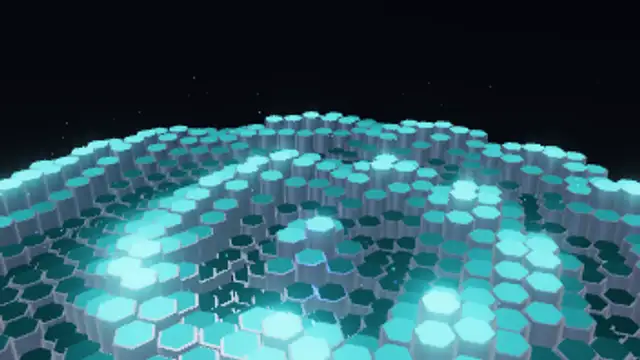
A floor of hundreds of metallic hexagonal prisms rises and falls in concentric ripples, each crest lighting up its cap with glowing color while sparks drift up and a low camera orbits, in a seamless 3D loop.