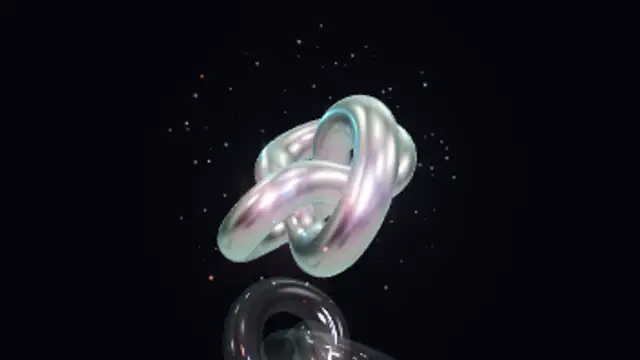
A clearcoated chrome torus knot with iridescent highlights tumbles on two axes under studio lights, with two colored lamps orbiting it, a faint floor reflection, a soft shadow and sparks circling the knot.
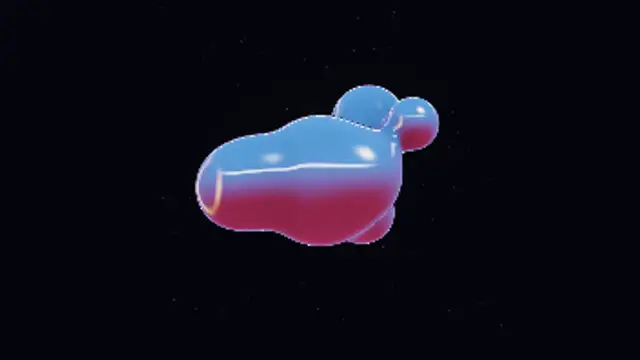
Seven raymarched metaballs of liquid chrome orbit a central mass, stretching and merging into one another with smooth blending, reflecting a gradient studio with softbox, colored side light and a hot key highlight, over slowly rising dust.
Make a 3D liquid chrome loop: raymarched metaballs orbit, stretch and merge with gradient studio reflections and colored lights. Recolor and export in 4K.
Part of 3D VFX. New to this kind of graphic? Read How to Add Real 3D VFX Loops to a Video Without a 3D App.
Transparent exports and editor imports are explained in the transparent video guide, and every download is free under the commercial license.
Style: background, primary, secondary and accent. Layout: aspect ratio, scale and camera tilt. Motion: duration, speed, intensity and variation.
Liquid Chrome Blobs runs 10 seconds by default, and you can set any length up to 30 seconds before you export. It loops seamlessly.
Liquid Chrome Blobs matches the molten-metal look common in music visuals, streetwear drops and experimental design reels. Use it full-frame behind a track title or event line-up; the merging shapes keep changing, so long holds do not feel static.
A clearcoated chrome torus knot with iridescent highlights tumbles on two axes under studio lights, with two colored lamps orbiting it, a faint floor reflection, a soft shadow and sparks circling the knot.
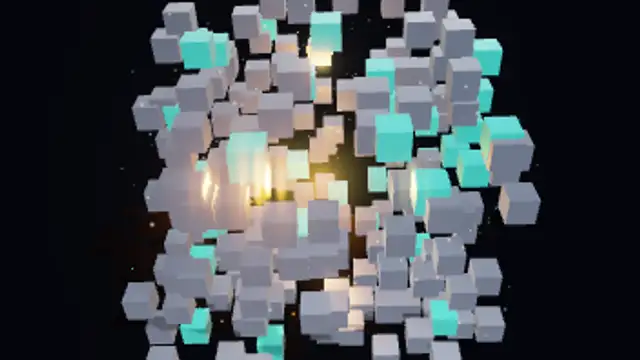
A cube built from 216 clearcoated metal blocks bursts apart along seeded directions, the outer shell first, tumbles in mid-air with a glowing core revealed inside, then snaps back together with an overshoot, with a dust burst, soft floor shadow and a slow turntable spin.
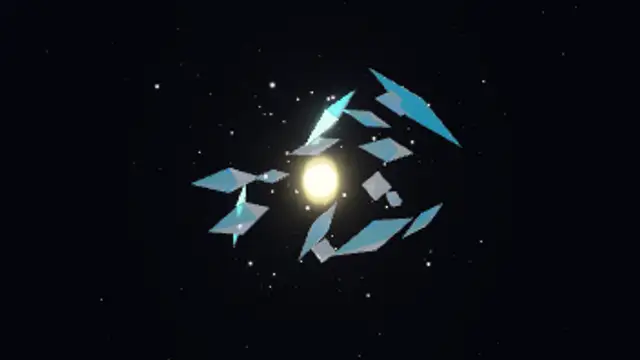
Sixteen refractive glass crystals with iridescent edges tumble and bob around a glowing core, with twinkling sparkles and drifting dust, rendered with real refraction and studio reflections.
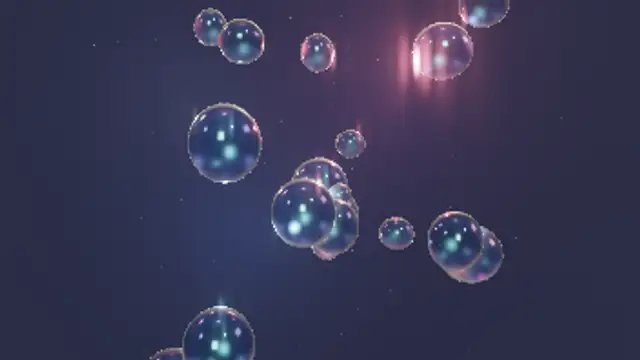
Twenty-two refractive glass bubbles of varied size rise and wobble through soft colored light, squashing gently as they drift, each with bright specular glints, among a haze of tiny rising dust.
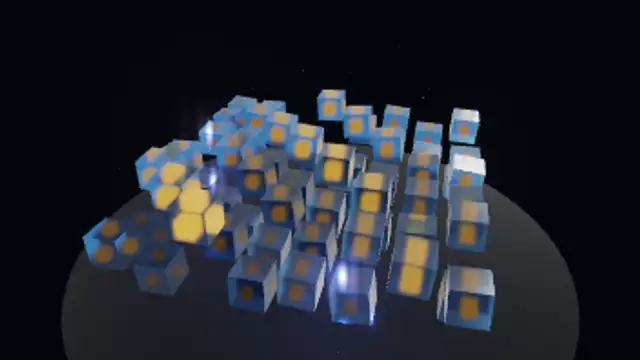
An eight-by-eight grid of refractive glass cubes rises and falls in two crossing travelling waves, each cube tilting with the slope while an emissive core inside swells and lights up on the crest, over a dark reflective floor with drifting dust.
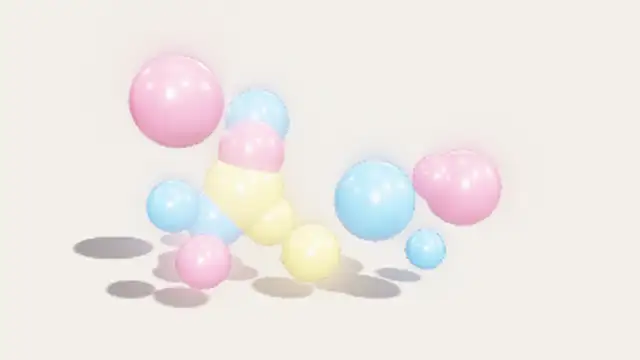
Fourteen clearcoated spheres in your three colors bob gently above a shadow-catching floor, with soft shadows, studio reflections and a slow camera drift in a seamless loop.
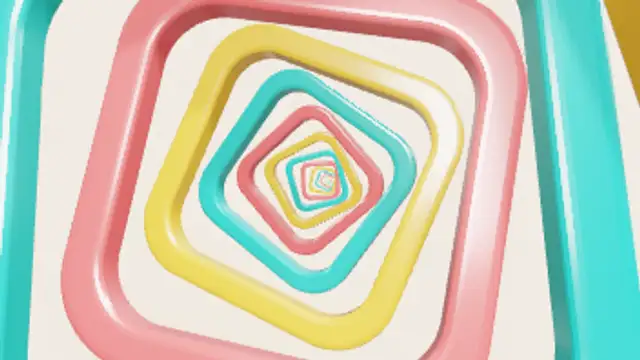
Nested glossy rounded frames in three colors spiral toward the camera forever, each one growing to replace the next as it swings past, with soft shadows falling from frame to frame.
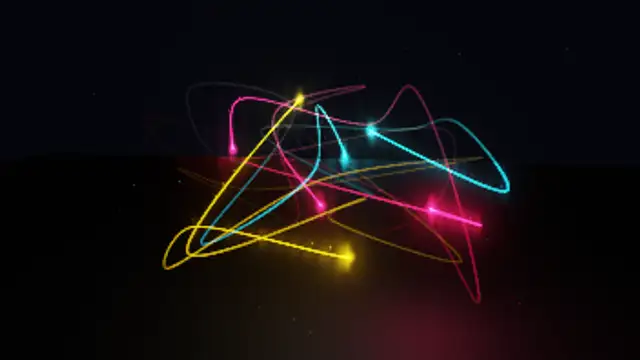
Seven long-exposure light trails race along looping 3D curves with bright heads and fading tails in your three colors, throwing sparks and moving light onto a dark reflective floor.