
Glossy nodes drift through deep space and link up with glowing lines that fade in and out by distance, hubs flaring as connections form, with soft haze, stars and a slow rotating camera.
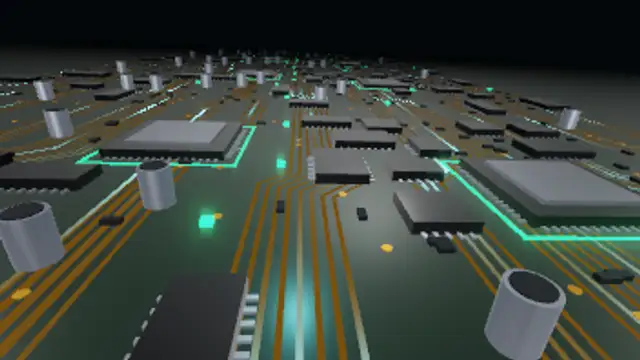
A low flight over an endless printed circuit board: glossy chips with metal pins, processors with glowing frames, capacitors and gold vias slide past while light pulses race along bundles of copper traces into the fog.
Make a 3D circuit board flyover loop: fly over chips and copper traces while light pulses run along the board. Recolor traces and pulses, export vertical or 4K.
Part of 3D VFX. New to this kind of graphic? Read How to Add Real 3D VFX Loops to a Video Without a 3D App.
Transparent exports and editor imports are explained in the transparent video guide, and every download is free under the commercial license.
Style: background, primary, secondary and accent. Layout: aspect ratio, scale and camera tilt. Motion: duration, speed, intensity and variation.
Circuit Board Flyover runs 12 seconds by default, and you can set any length up to 30 seconds before you export. It loops seamlessly.
Circuit Board Flyover suits hardware reviews, PC-building videos, chip-industry news, electronics course intros and IT-service adverts. The low flight over chips and traces gives a factual, inside-the-machine setting for specification lists and benchmark numbers on screen.
Glossy nodes drift through deep space and link up with glowing lines that fade in and out by distance, hubs flaring as connections form, with soft haze, stars and a slow rotating camera.

A dotted globe with procedural continents and a latitude grid turns on a tilted axis while glowing connection arcs launch and land between cities, wrapped in an atmosphere rim glow with orbiting satellites and stars.
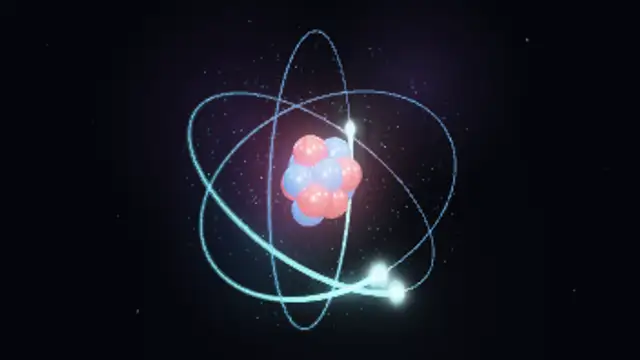
A glowing nucleus of glossy protons and neutrons pulses at the center while electrons race around three tilted orbit rings leaving light trails, inside a shimmering electron cloud with stars behind.

Bunches of glossy balloons in three colours rise through the frame with their strings gathered below, bobbing and swaying together under soft studio light while paper confetti specks flutter down around them.
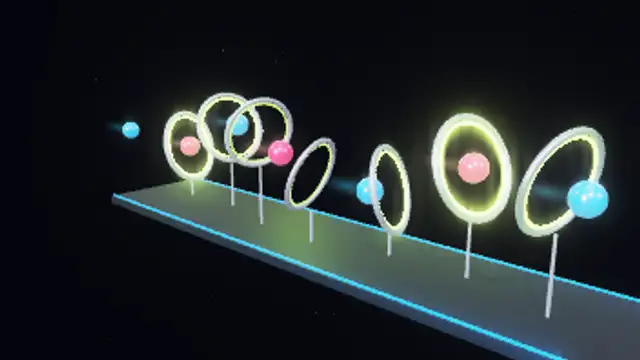
A stream of glossy glowing balls threads a row of chrome hoops that sway in a travelling wave; each hoop swells and flares with neon light the instant a ball passes through, above a dark runway.
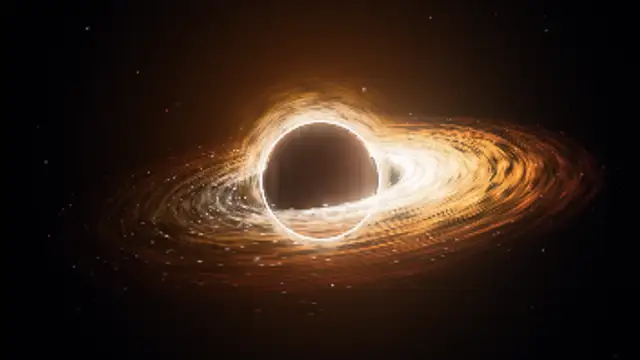
A pitch-black event horizon sits inside a swirling, glowing accretion disk with brighter gas on the approaching side, a razor-thin photon ring and lensed arcs of light bending over and under the shadow, with sparks spiralling inward over a starfield.
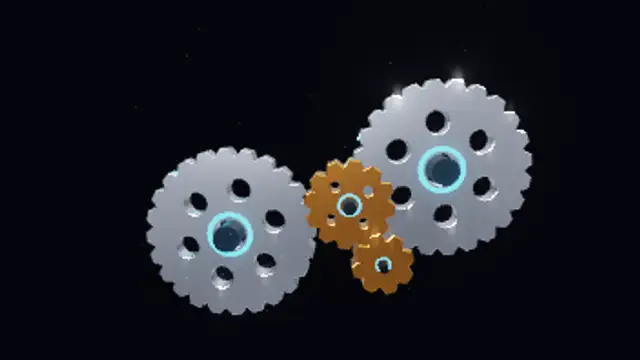
Four extruded chrome gears with cut windows and glowing hub rings mesh tooth to tooth and turn at exact ratios, lit by a rim light with a soft floor shadow, drifting dust and a slow camera sway in a seamless loop.
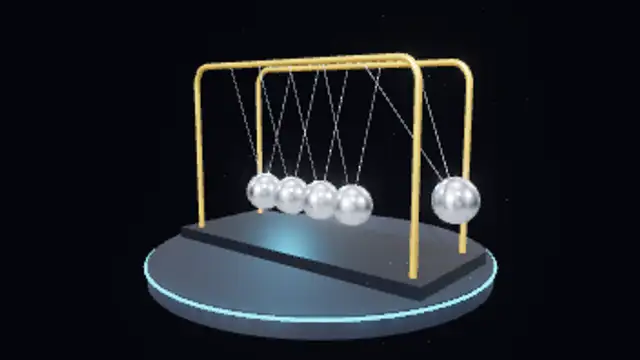
Five mirror-chrome balls hang on fine strings from a polished frame; the end balls swing out in turn with true pendulum timing, sparking a flash of light on every click, over a glowing studio pedestal.