
A glowing zigzag divider sweeps across the frame to reveal the after side, while tagged before and after captions slide in opposite ways.
Then vs Now Diagonal

A slanted divider with a soft glow wipes across to reveal the now side, with year tags and captions stacking on each half.
A glowing diagonal divider wipes from then to now with year tags and captions on each side. Add two photos for a glow-up or throwback hook.
Part of Short-Form Hooks. New to this kind of graphic? Read How to Make a Text Hook for Short Vertical Videos.
Transparent exports and editor imports are explained in the transparent video guide, and every download is free under the commercial license.
Content: labels, headlines, photo and photo 2. Typography: font, weight and size. Style: background, text color, primary, secondary and accent. Layout: aspect ratio. Motion: duration, variation and easing.
Then vs Now Diagonal runs 4 seconds by default, and you can set any length up to 15 seconds before you export. It plays once.
Mark a channel anniversary, a career recap or a product evolution with Then vs Now Diagonal. Year tags on each half make it a time comparison specifically, which suits glow-up posts and milestone videos better than a generic split.
A glowing zigzag divider sweeps across the frame to reveal the after side, while tagged before and after captions slide in opposite ways.
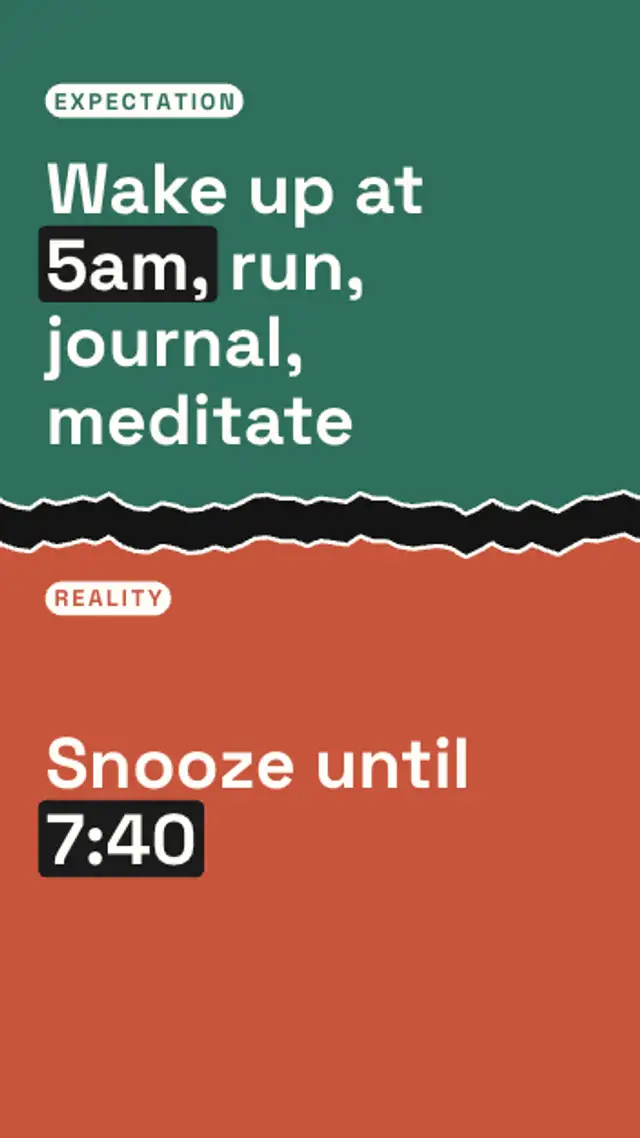
A seeded paper tear rips the frame in two, a white torn rim draws along the edge, and the expectation and reality halves drift apart.
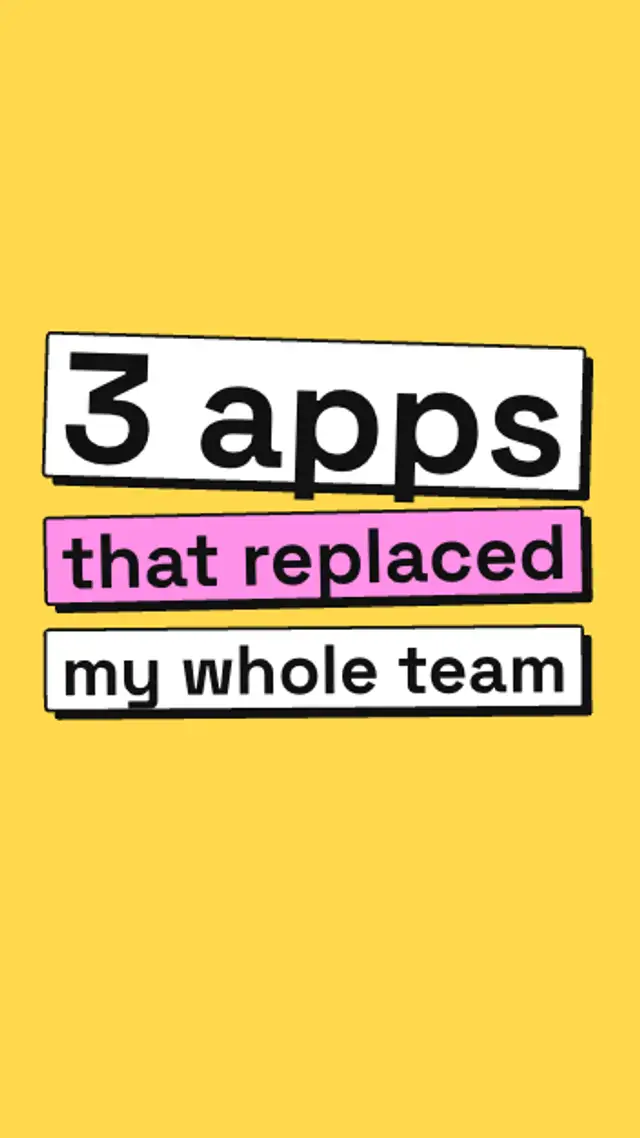
Chunky text blocks with hard offset shadows drop in one by one, bounce and settle at sticker angles, and the key line flips to the accent color.

A case file slides up, a red stamp slams onto it with a thud, and the blacked-out lines decode one by one to expose the secret.
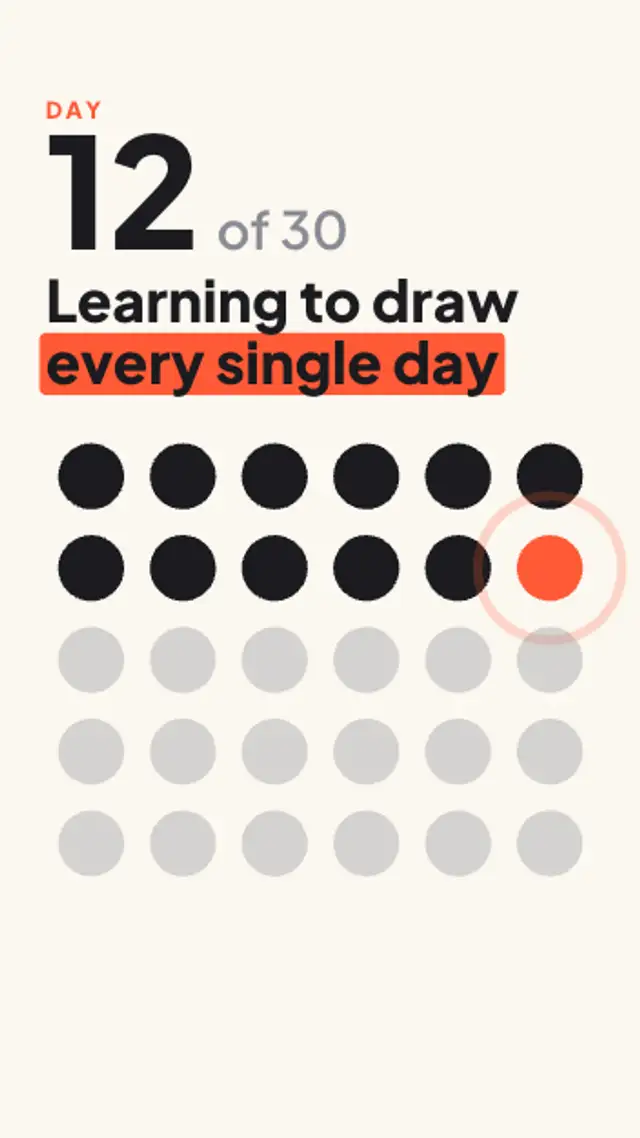
A grid of dots ripples in, fills day by day while the counter climbs to today, and today's dot keeps pulsing so viewers see the streak.
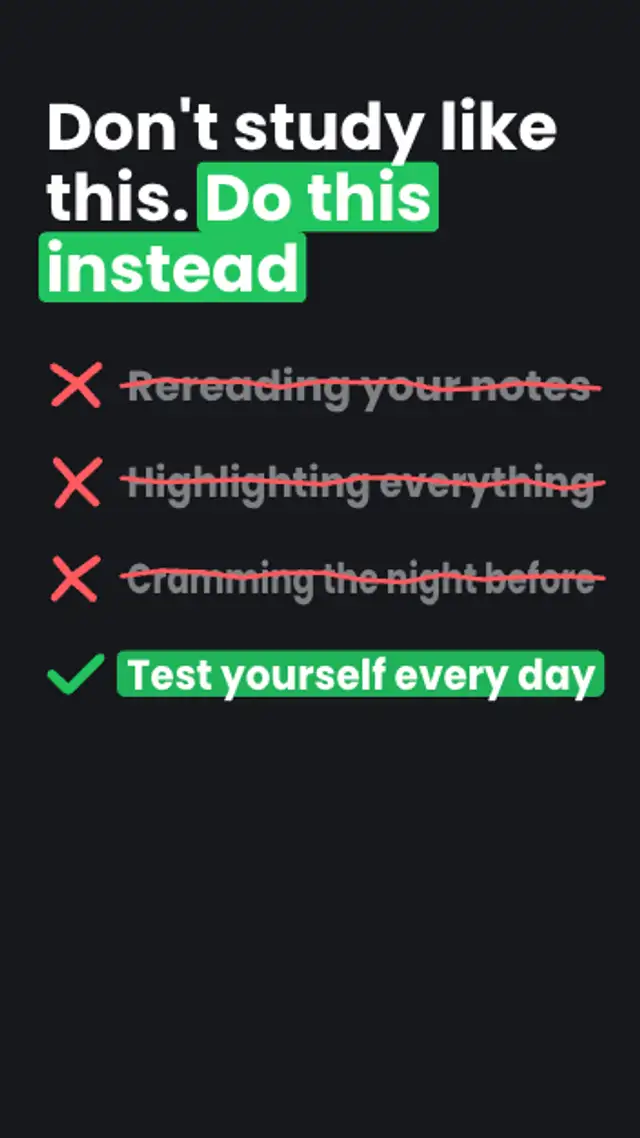
The wrong habits get crossed out one by one, then the right answer lands last with a drawn check mark and a marker highlight.
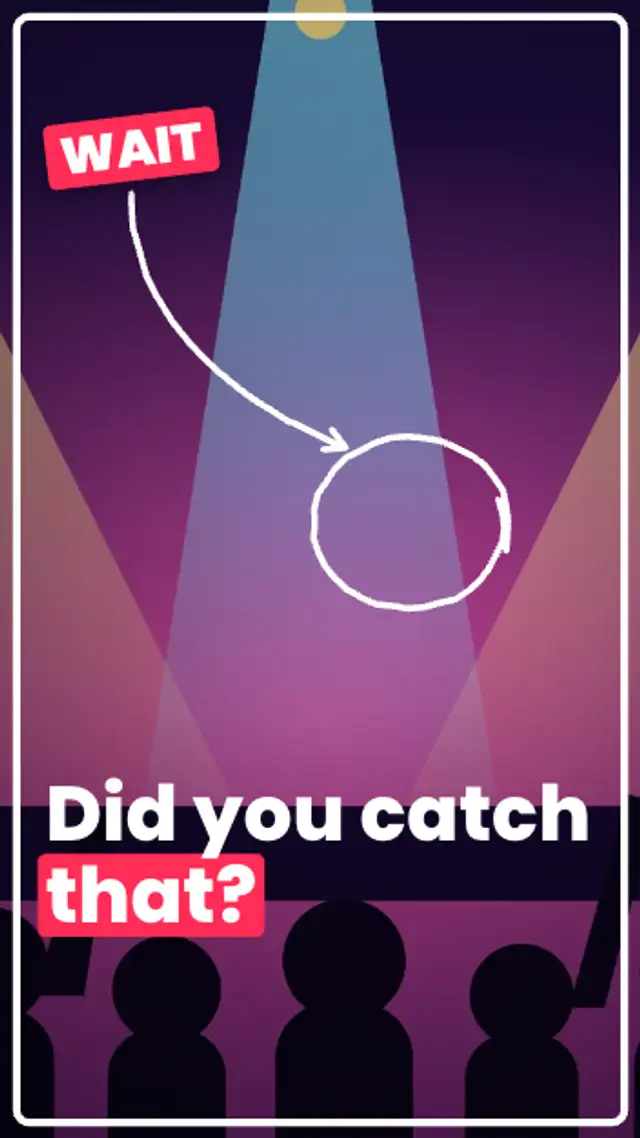
The shot freezes with a white flash and a punch-in, a frame outline draws around it, a WAIT sticker slaps on and a hand-drawn circle and arrow point at the detail.
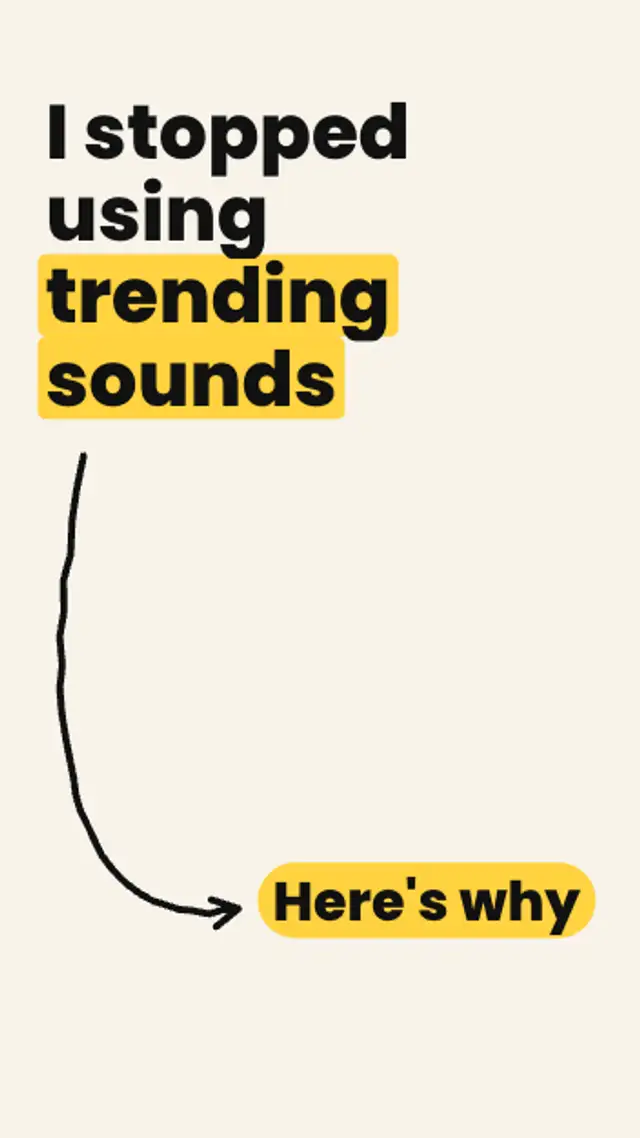
Your bold claim rises, a hand-drawn curved arrow sketches itself down the frame, and a here's-why pill pops at its tip and keeps bouncing.