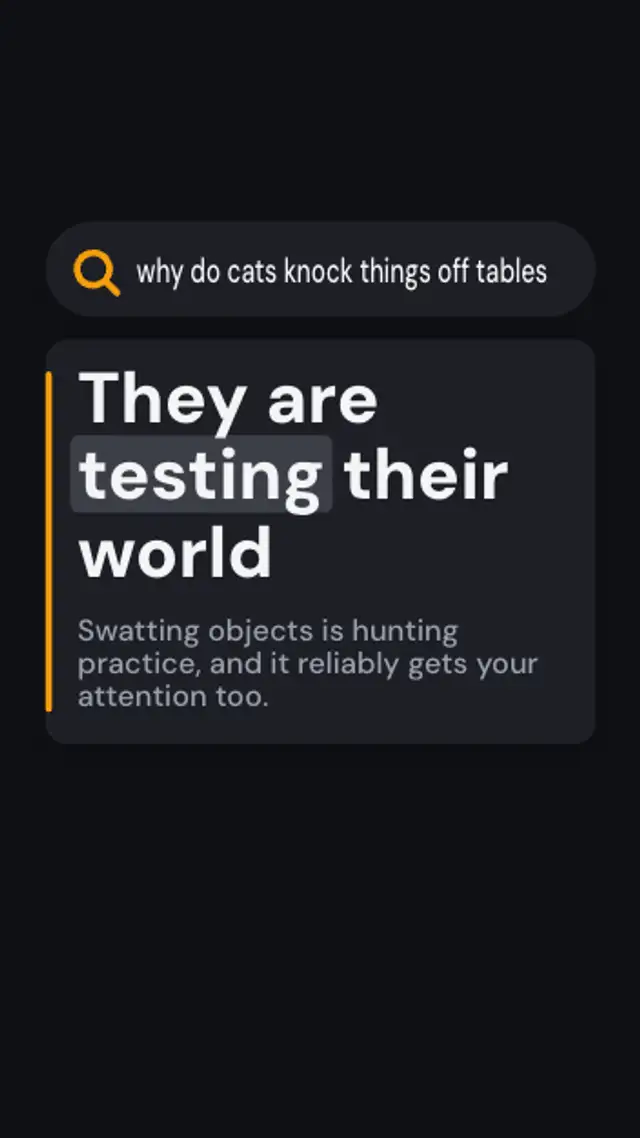
Your question types into a search pill, the bar presses like it was submitted, and an answer card rises with a bold reply and a short explanation.
Question Mark Burst
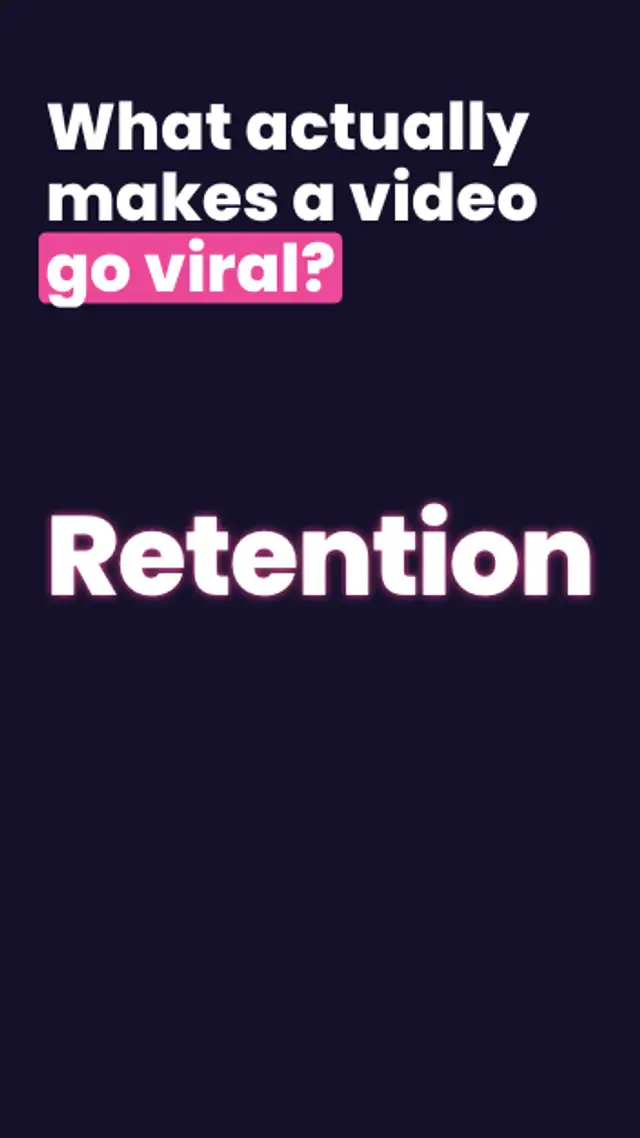
Your question rises, a giant question mark draws itself stroke by stroke, then its dot bursts into sparks that gather into the one-word answer.
A giant question mark draws on, bursts into sparks and they gather into your one-word answer. Type the question and answer for a curiosity hook in 9:16.
Part of Short-Form Hooks. New to this kind of graphic? Read How to Make a Text Hook for Short Vertical Videos.
Transparent exports and editor imports are explained in the transparent video guide, and every download is free under the commercial license.
Content: text and title. Typography: font, weight and size. Style: background, text color, primary and accent. Layout: aspect ratio. Motion: duration, variation and easing.
Question Mark Burst runs 4 seconds by default, and you can set any length up to 15 seconds before you export. It plays once.
Use Question Mark Burst when a video can be summed up as one question with a one word answer: what makes a video spread, what ruins a sauce, what wins a negotiation. Seeing the answer form from sparks makes viewers want the explanation behind it.
Your question types into a search pill, the bar presses like it was submitted, and an answer card rises with a bold reply and a short explanation.
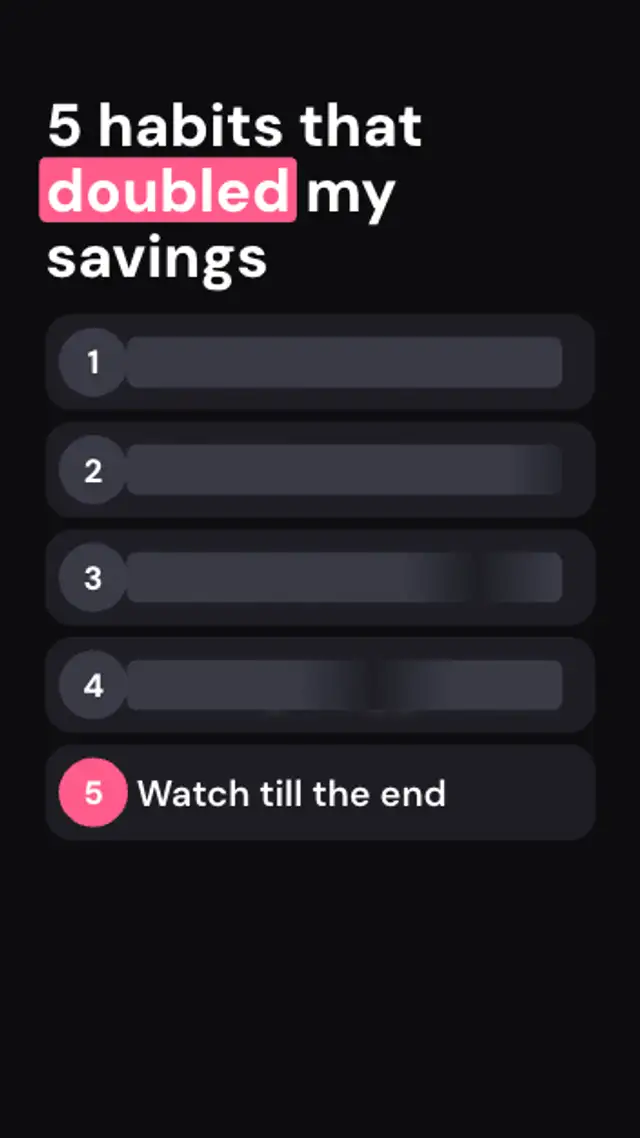
Numbered rows slide in hidden under shimmering redaction bars, and only the last one stays readable to keep viewers watching.
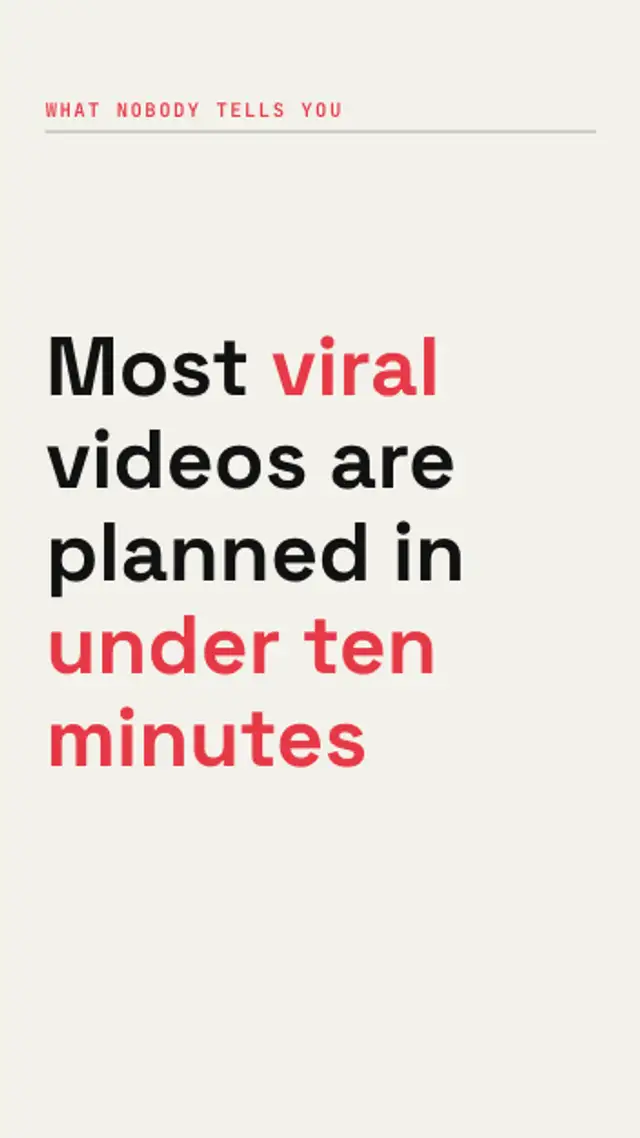
Your hook sits on screen with its key words blacked out, then each bar peels away while the letters scramble and lock into place.
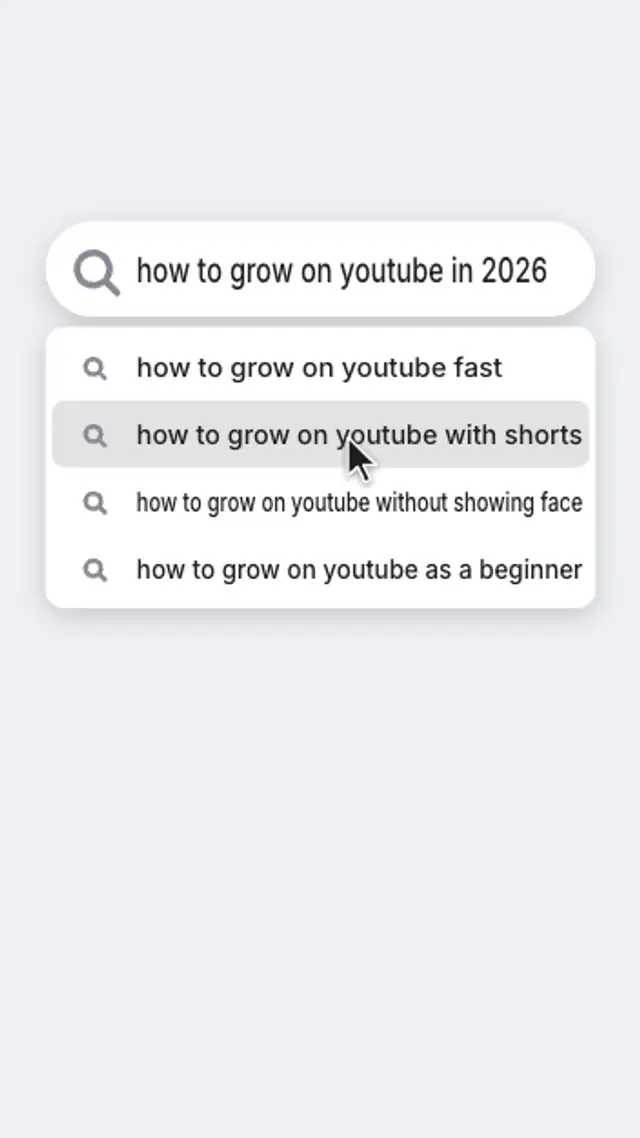
A clean search pill pops in, your question types out with a blinking caret, suggestions drop down and a cursor clicks the one you want.

An UNPOPULAR OPINION badge lands with a thud, a cluster of question marks bursts around it and bobs, and your take pops in word by word.
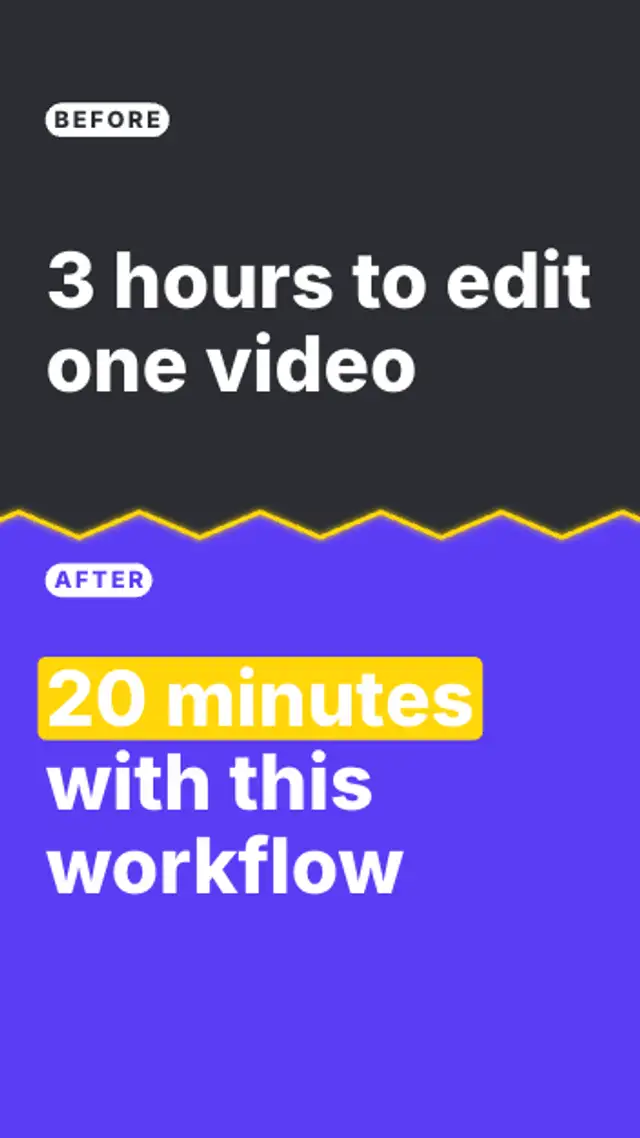
A glowing zigzag divider sweeps across the frame to reveal the after side, while tagged before and after captions slide in opposite ways.
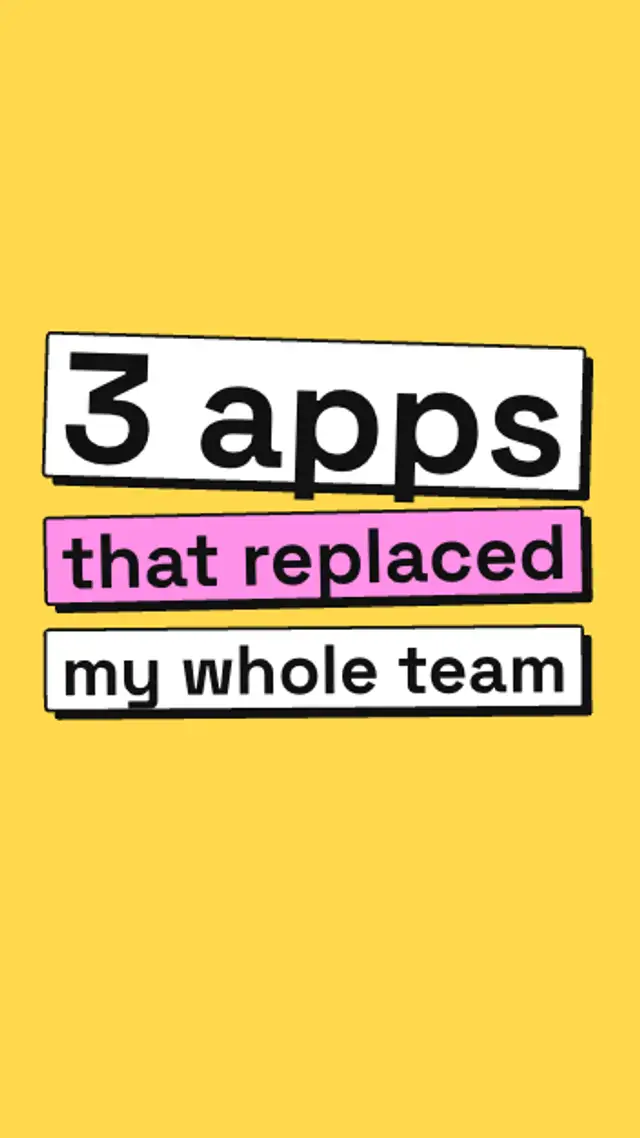
Chunky text blocks with hard offset shadows drop in one by one, bounce and settle at sticker angles, and the key line flips to the accent color.
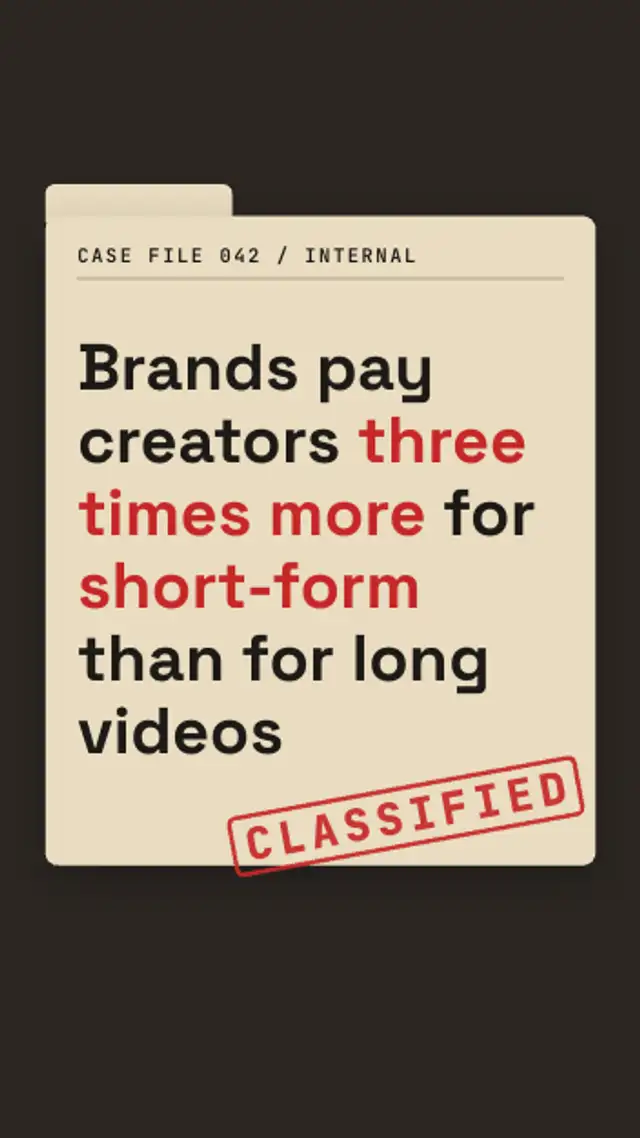
A case file slides up, a red stamp slams onto it with a thud, and the blacked-out lines decode one by one to expose the secret.