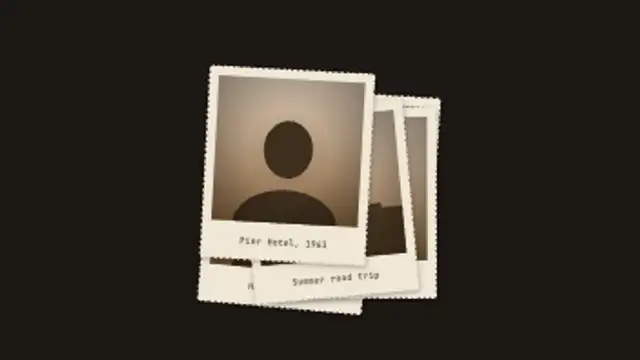
Old deckle-edged prints drop one by one into a loose pile, each with its own sepia scene and caption, then the top print lifts toward the camera.
Telegram Cable
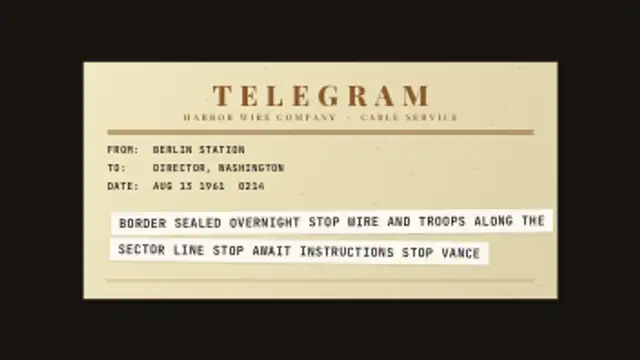
A telegram form types its header fields, then strips of printed tape paste onto it line by line, with STOP between every sentence you enter.
A vintage telegram form types its header, then printed tape strips paste on line by line with STOP between sentences. Type your cable and export.
Part of Documentary & Investigation. New to this kind of graphic? Read How to Make an Evidence Board for a True Crime Video.
Transparent exports and editor imports are explained in the transparent video guide, and every download is free under the commercial license.
Content: title, eyebrow, labels and messages. Typography: font, label font and weight. Style: background, text color, primary, secondary and accent. Layout: aspect ratio. Motion: duration and variation.
Telegram Cable runs 8 seconds by default, and you can set any length up to 30 seconds before you export. It plays once.
Telegram Cable delivers urgent news inside period pieces: a wartime dispatch, a birth announcement in a family history, a business deal from the 1920s. The pasted tape strips and the STOP between sentences date the message instantly without a caption.
Old deckle-edged prints drop one by one into a loose pile, each with its own sepia scene and caption, then the top print lifts toward the camera.
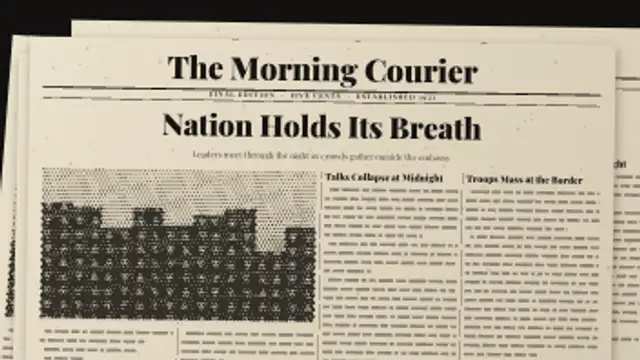
Front page after front page spins in and slams onto the pile, each one leading with a different headline, until the camera settles on your first.
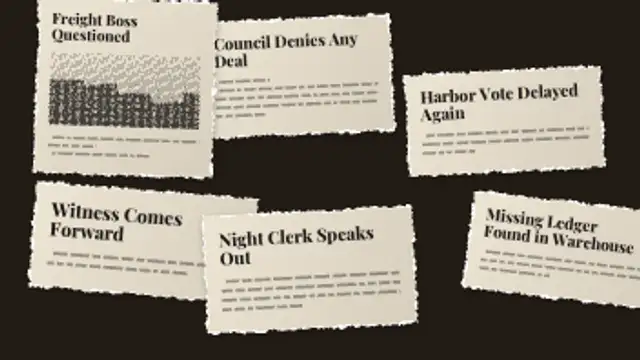
Torn newspaper clippings slap down one after another, each sized to its own headline with body columns and the odd halftone photo.
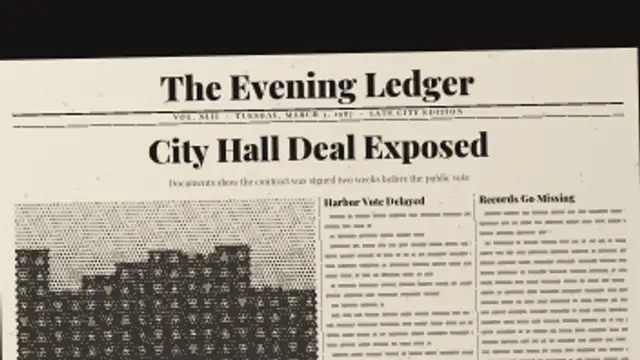
A full front page sets itself from your masthead, headline and deck, with halftone photo and side stories, then spins in and lands.
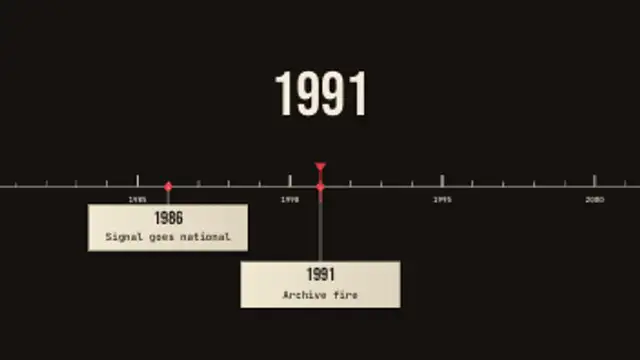
A ruler of year ticks glides under a fixed playhead, the big year counter rolls with it and each dated event drops a card as it passes.
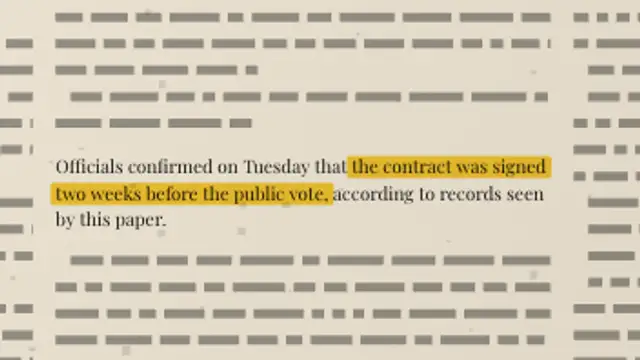
A full newspaper page sets its own columns, then the camera pushes into your paragraph and a highlighter sweeps the exact words you marked.
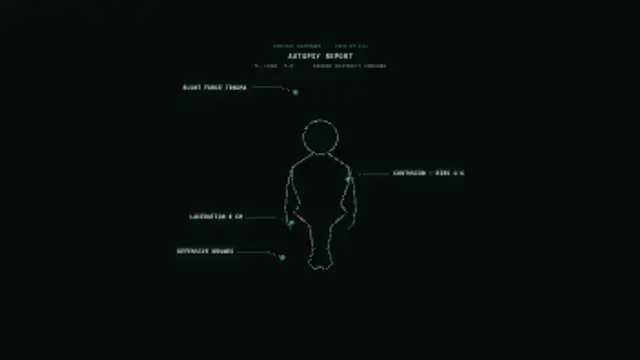
A medical examiner's body outline draws from head to toe, then annotation lines extend to labeled callout boxes marking injuries one by one.
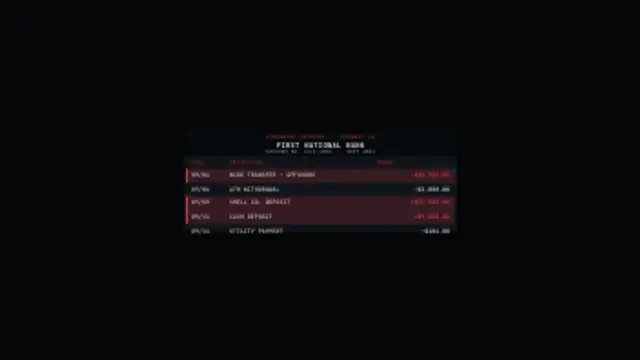
A financial statement scrolls in with account details, then a scan line sweeps down the rows and highlights flagged transactions in red.