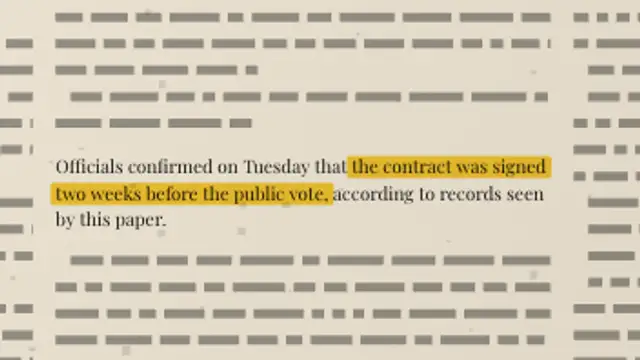
A full newspaper page sets its own columns, then the camera pushes into your paragraph and a highlighter sweeps the exact words you marked.
Handwritten Margin Notes
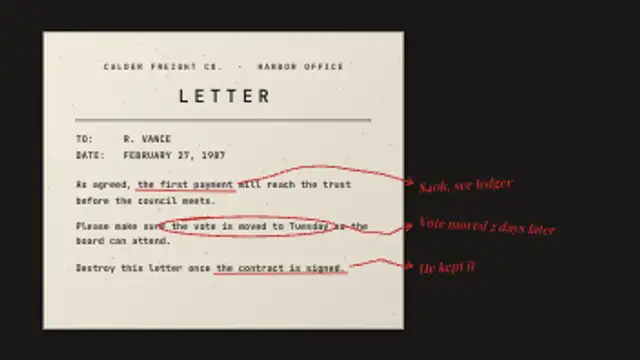
A typed letter gets marked up by hand: wobbly underlines and loops land on each phrase you mark, then arrows lead out to scribbled notes in the margin.
Hand-drawn underlines, loops and arrows mark up a typed letter and lead to scribbled margin notes. Type the letter and notes, then export.
Part of Documentary & Investigation. New to this kind of graphic? Read How to Make an Evidence Board for a True Crime Video.
Transparent exports and editor imports are explained in the transparent video guide, and every download is free under the commercial license.
Content: eyebrow, title, labels, messages and headlines. Typography: label font, font and weight. Style: background, text color, primary and accent. Layout: aspect ratio. Motion: duration and variation.
Handwritten Margin Notes runs 8 seconds by default, and you can set any length up to 30 seconds before you export. It plays once.
Handwritten Margin Notes shows an investigator or journalist working through a document, which suits the analysis section of a video essay. Each underline arrives with its scribbled note, so you can time the narrator's commentary to one annotation at a time.
A full newspaper page sets its own columns, then the camera pushes into your paragraph and a highlighter sweeps the exact words you marked.
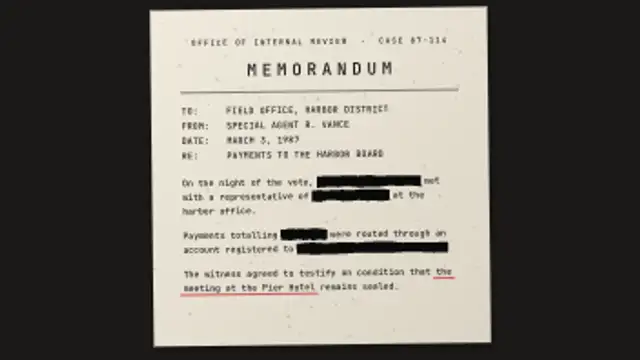
A typed memo lays out from your fields and paragraphs, black marker bars sweep over every marked phrase, then the last one lifts to reveal it.
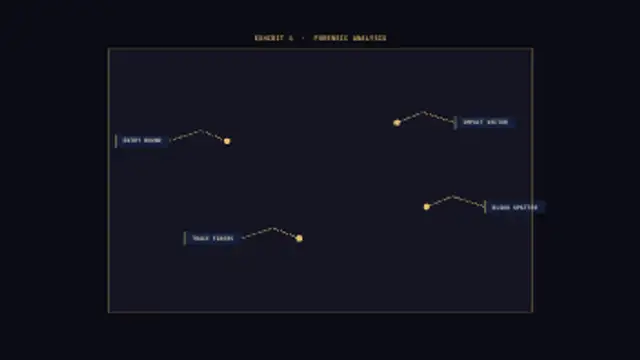
A forensic evidence photo placeholder fills in on a grid, then analytical callout lines draw out from marked points to labeled boxes one by one.
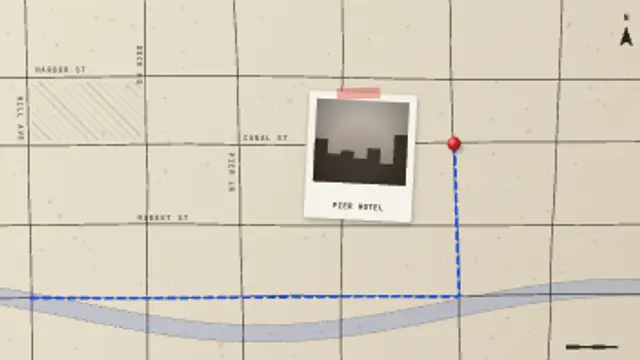
A hand-drawn street map sketches itself street by street, a pin drops on the scene, a dashed route traces the path there and a taped photo lands beside it.
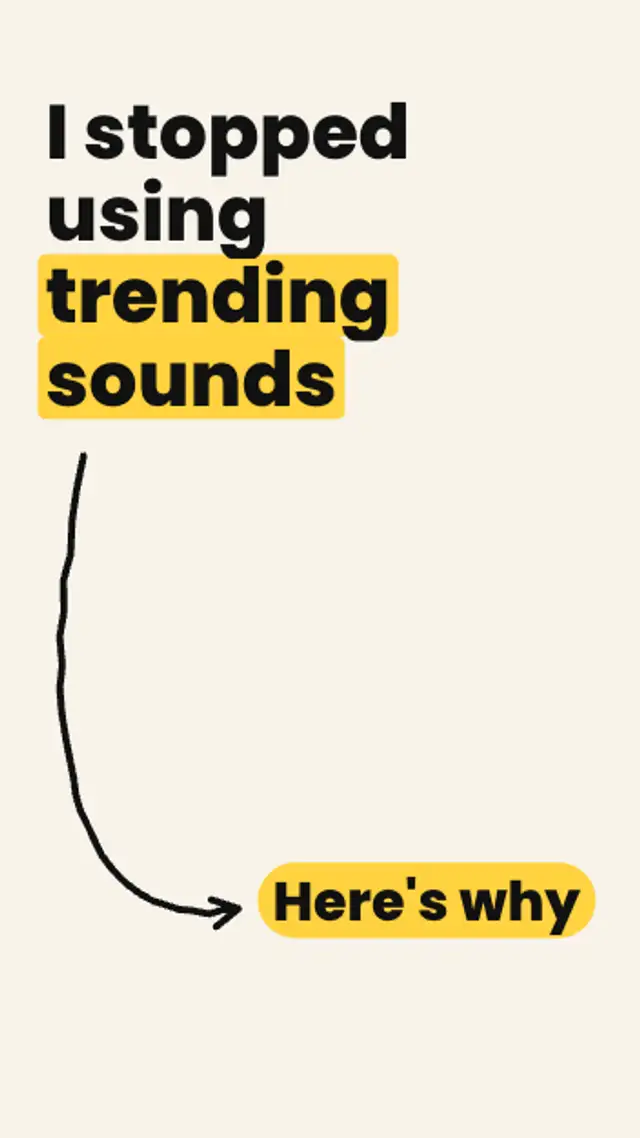
Your bold claim rises, a hand-drawn curved arrow sketches itself down the frame, and a here's-why pill pops at its tip and keeps bouncing.

A curly brace draws out from its tip to span any range you set, with a label that lands just beyond the point.
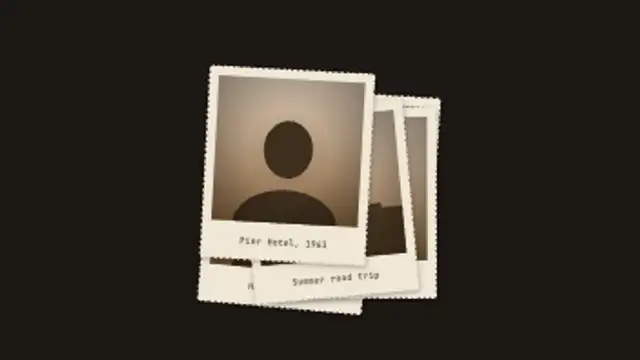
Old deckle-edged prints drop one by one into a loose pile, each with its own sepia scene and caption, then the top print lifts toward the camera.
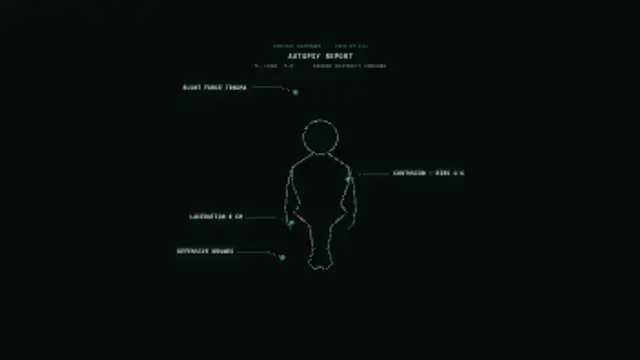
A medical examiner's body outline draws from head to toe, then annotation lines extend to labeled callout boxes marking injuries one by one.