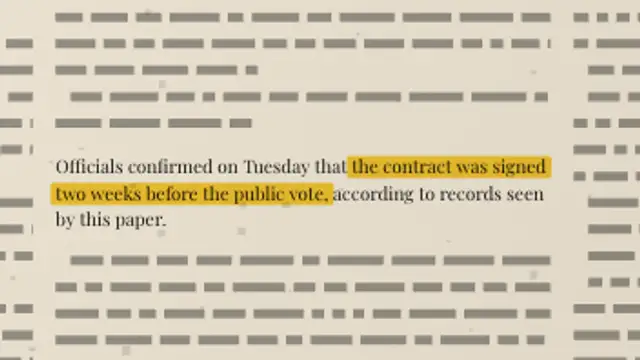
A full newspaper page sets its own columns, then the camera pushes into your paragraph and a highlighter sweeps the exact words you marked.
Declassified Memo
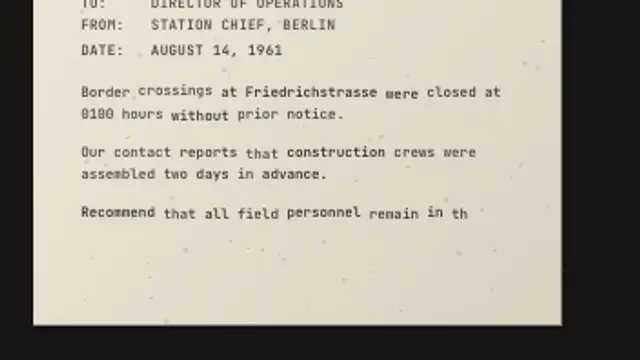
A memo types itself onto the page letter by letter with uneven ink and a feeding platen, then a classification stamp slams across the top.
A memo types itself letter by letter with uneven ink and a feeding page, then a classification stamp slams on. Type your own text and export.
Part of Documentary & Investigation. New to this kind of graphic? Read How to Make an Evidence Board for a True Crime Video.
Transparent exports and editor imports are explained in the transparent video guide, and every download is free under the commercial license.
Content: eyebrow, title, subtitle, labels and messages. Typography: label font and weight. Style: background, text color, primary and accent. Layout: aspect ratio. Motion: duration and variation.
Declassified Memo runs 12 seconds by default, and you can set any length up to 30 seconds before you export. It plays once.
Declassified Memo suits Cold War and espionage segments where a narrator reads a dispatch word for word. The letter by letter typing holds attention through a slow read, and the stamp at the end gives you a clean beat to cut away on.
A full newspaper page sets its own columns, then the camera pushes into your paragraph and a highlighter sweeps the exact words you marked.
A police body-camera HUD with a blinking REC indicator, unit ID, battery cells, timestamp counter, waveform bars and GPS coordinates.

A dark map grid builds in, then an animated route traces between crime scene locations as each evidence pin drops with a labeled box.
A closed-circuit surveillance frame with scanlines, corner brackets, blinking REC indicator, camera ID, timestamp and location.
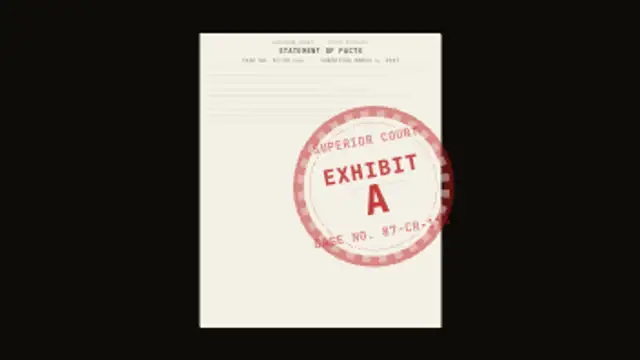
A document slides in and text fills its lines, then a large circular court exhibit stamp slams onto it with a dramatic rotation and back-bounce.
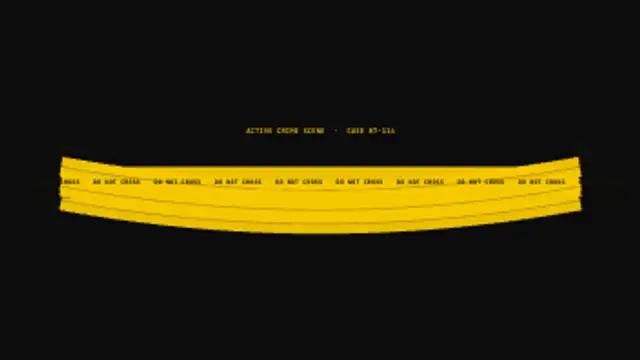
Yellow crime scene tape unfurls from left to right across the frame in up to three bands with barrier posts and repeating DO NOT CROSS text.
A rap sheet reveals a subject photo placeholder with height marks, bio fields type in, then prior convictions appear row by row.
A police evidence tag slams in on a string with an item number, description, case, date and officer fields filling one by one.