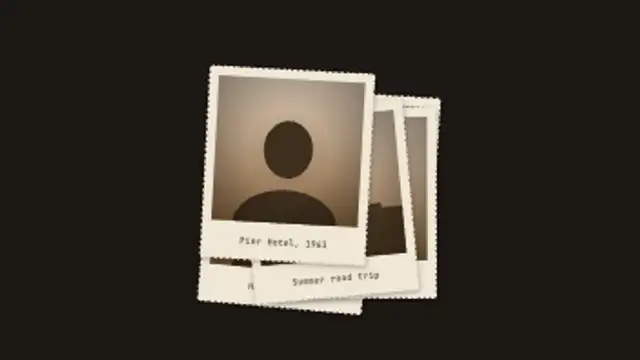
Old deckle-edged prints drop one by one into a loose pile, each with its own sepia scene and caption, then the top print lifts toward the camera.
Contact Sheet Circle
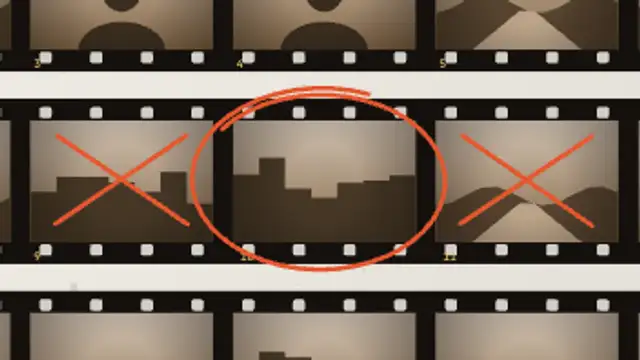
A film contact sheet develops frame by frame, a grease pencil crosses out the rejects and circles the one shot that matters, then the camera moves in.
A 35mm contact sheet develops frame by frame, a grease pencil crosses out rejects and circles the key shot, then the camera pushes in.
Part of Documentary & Investigation. New to this kind of graphic? Read How to Make an Evidence Board for a True Crime Video.
Transparent exports and editor imports are explained in the transparent video guide, and every download is free under the commercial license.
Content: title. Typography: label font. Style: background, text color, primary, secondary and accent. Layout: aspect ratio. Motion: duration, easing and variation.
Contact Sheet Circle runs 7 seconds by default, and you can set any length up to 30 seconds before you export. It plays once.
Contact Sheet Circle belongs in photography documentaries and press stories about a single famous frame. It dramatises the editing decision itself: rejects get crossed out, one image is circled, and the push in gives you a natural cut to the finished photograph.
Old deckle-edged prints drop one by one into a loose pile, each with its own sepia scene and caption, then the top print lifts toward the camera.
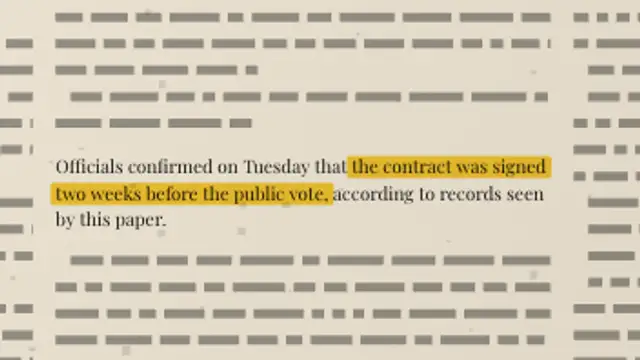
A full newspaper page sets its own columns, then the camera pushes into your paragraph and a highlighter sweeps the exact words you marked.
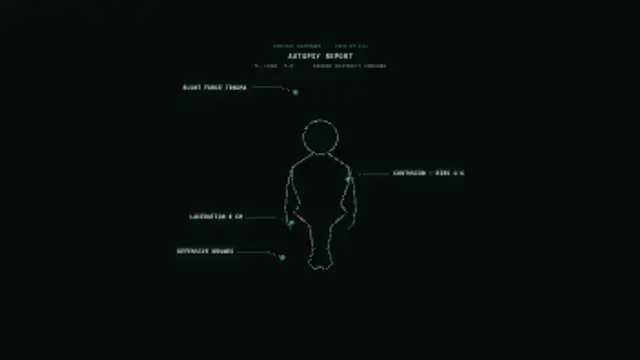
A medical examiner's body outline draws from head to toe, then annotation lines extend to labeled callout boxes marking injuries one by one.
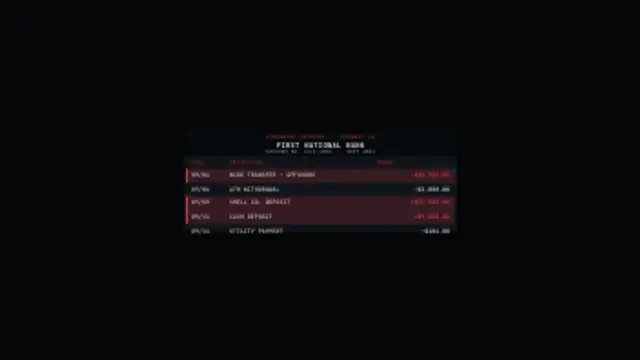
A financial statement scrolls in with account details, then a scan line sweeps down the rows and highlights flagged transactions in red.
A police body-camera HUD with a blinking REC indicator, unit ID, battery cells, timestamp counter, waveform bars and GPS coordinates.
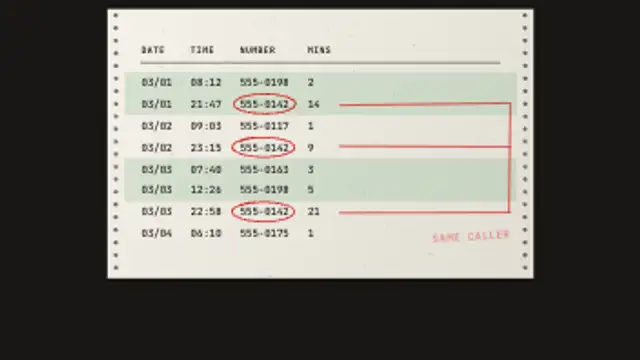
A phone record printout feeds out row by row on banded tractor paper, then every call to the same number is circled and linked in the margin.
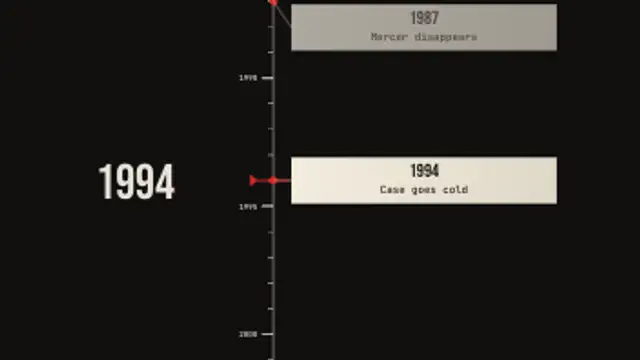
A vertical case chronology scrolls up past a fixed marker, the date counter rolls alongside and each event card slides out from the spine as it passes.
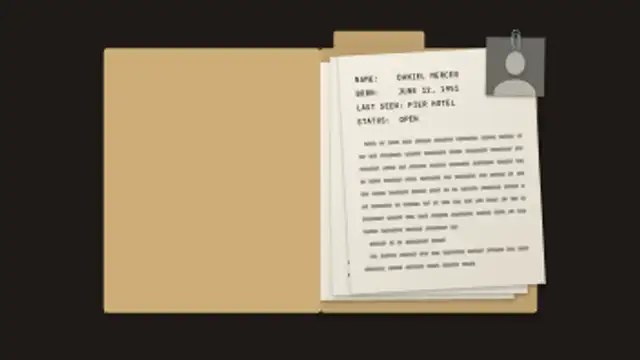
A manila case folder slides in, takes a stamp, swings open on its hinge and fans out typed pages with a paper-clipped photo.