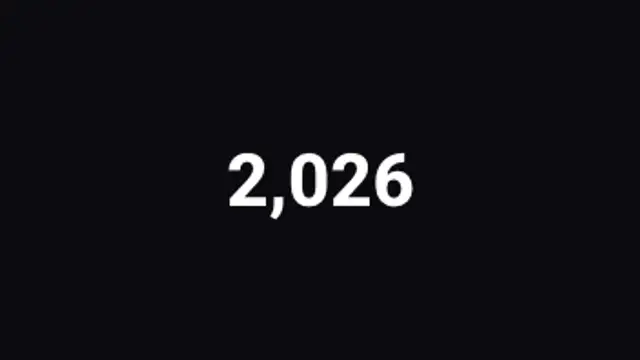
Digits spin like a mechanical counter and lock into your number from right to left. Tactile and premium.
Count Up

A big bold number counts up to your figure with a satisfying landing pop and a label beneath.
Part of Number Counters. New to this kind of graphic? Read How to Make an Animated Number Counter for a Video.
A big bold number counts up to your figure with a satisfying landing pop and a label beneath. It belongs to the Number Counters category on velements, where you edit it in the browser and download it as a finished video file.
Every control in the editor, grouped the same way there. Content: from, to, decimals, prefix, suffix and title. Typography: font, weight and size. Style: background, text color, primary and secondary. Layout: aspect ratio. Motion: duration and easing. Each change appears in the live preview straight away, and editing is free.
Count Up runs 3 seconds by default, and you can set any length up to 15 seconds before you export. It plays once from start to finish, so it drops straight onto a cut or an opening.
Yes. Set the background to Transparent, then export a PNG sequence for Premiere Pro, After Effects, DaVinci Resolve, Final Cut Pro or Figma: import the first frame as an image sequence and it drops onto a track above your footage with a straight alpha channel. Export WebM with a VP9 alpha channel for the web and for CapCut. MP4 has no alpha channel, so it keeps a solid color or image behind the animation.
Yes. Each download comes with a perpetual commercial license in your name for client work, ads and products, and you may sell the edited clip on stock footage sites. Reselling the preset itself as an editable template is not allowed.
Digits spin like a mechanical counter and lock into your number from right to left. Tactile and premium.
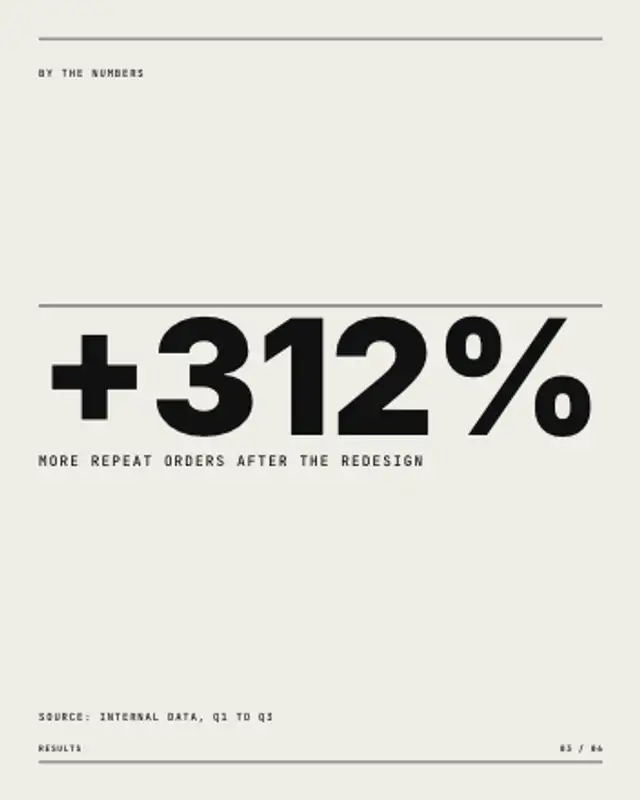
One number fills the width and counts up from zero, a hairline draws above it, and the label and source line settle underneath.

A classic countdown with a draining ring and bouncing digits. Set the start and end numbers.
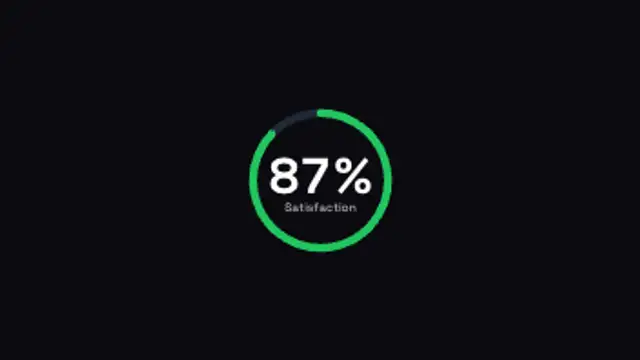
A progress ring sweeps to your percentage while the number counts in the center. Clean data storytelling.
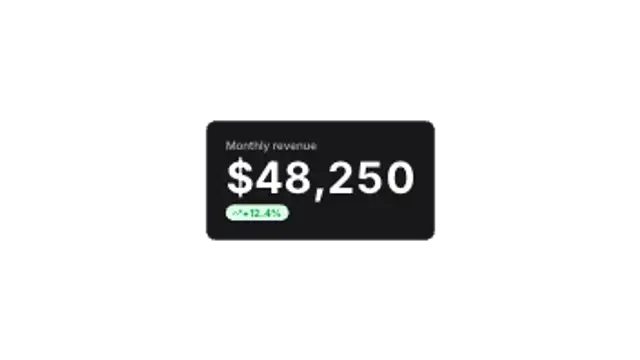
A dashboard-style card slides up, counts to the metric and pops a growth badge. Built for business updates.
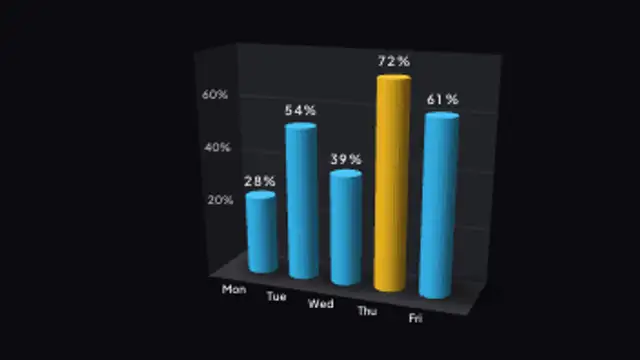
Rounded cylinder bars with smooth radial shading step up one by one, a softer alternative to hard-edged columns.

A big outlined chapter number lands next to your section title with a crisp divider line.
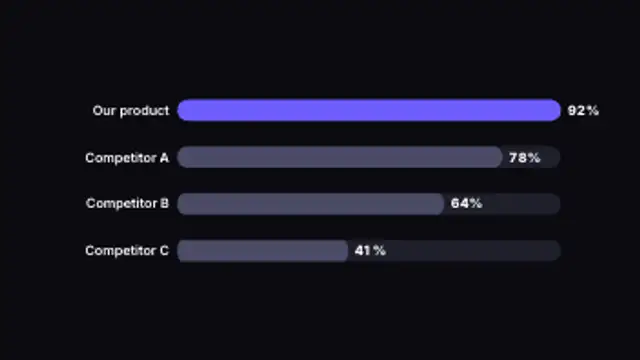
Horizontal bars race to their values side by side, making rankings and comparisons instantly clear.