
A solid color block slides behind the active word. Bold, readable captions that survive any busy footage.
Karaoke Pop
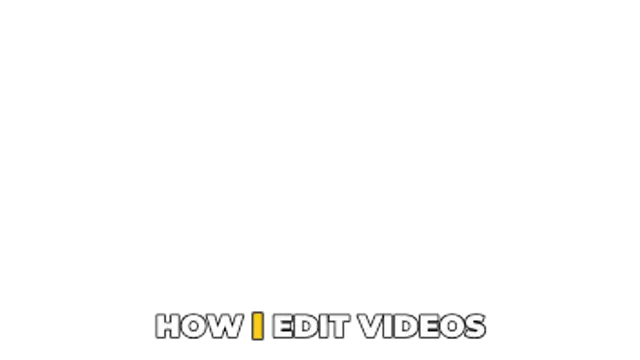
Each spoken word pops and changes color as it is said. The retention-winning caption style for Shorts and Reels.
Part of Captions & Subtitles. New to this kind of graphic? Read How to Add Animated Captions to a Video.
Each spoken word pops and changes color as it is said. The retention-winning caption style for Shorts and Reels. It belongs to the Captions & Subtitles category on velements, where you edit it in the browser and download it as a finished video file.
Every control in the editor, grouped the same way there. Content: text. Typography: case, font, weight, size, letter spacing, line height and align. Style: background, text color, accent, secondary, outline and primary. Layout: aspect ratio, block width, position and corner radius. Motion: duration and items per screen. Each change appears in the live preview straight away, and editing is free.
Karaoke Pop runs 5 seconds by default, and you can set any length up to 30 seconds before you export. It plays once from start to finish, so it drops straight onto a cut or an opening.
Yes. Set the background to Transparent, then export a PNG sequence for Premiere Pro, After Effects, DaVinci Resolve, Final Cut Pro or Figma: import the first frame as an image sequence and it drops onto a track above your footage with a straight alpha channel. Export WebM with a VP9 alpha channel for the web and for CapCut. MP4 has no alpha channel, so it keeps a solid color or image behind the animation.
Yes. Each download comes with a perpetual commercial license in your name for client work, ads and products, and you may sell the edited clip on stock footage sites. Reselling the preset itself as an editable template is not allowed.
A solid color block slides behind the active word. Bold, readable captions that survive any busy footage.
Words drop in one by one with a springy bounce and a slight tilt. Playful captions for vlogs and comedy edits.

Captions type themselves out with a blinking cursor, perfect for tutorials, storytimes and tech explainers.
The whole line rides a gentle wave while the spoken word glows through a color gradient. Musical and smooth.
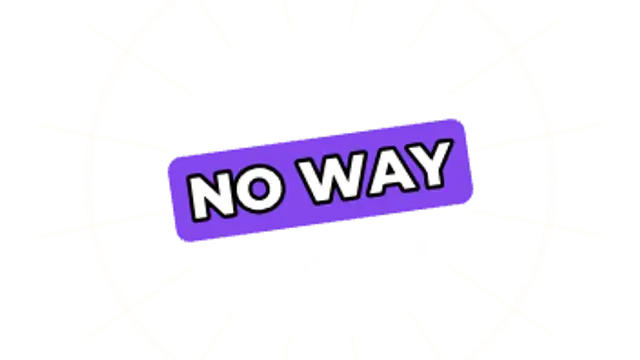
A tilted reaction word stamps in hard with speed lines and a ring blast, then settles with a quick shake.
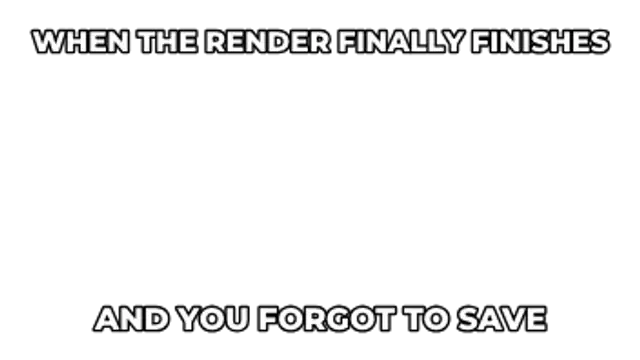
Heavy outlined caption lines slam into the top and bottom of the frame with a short shake and optional dark bars behind them.
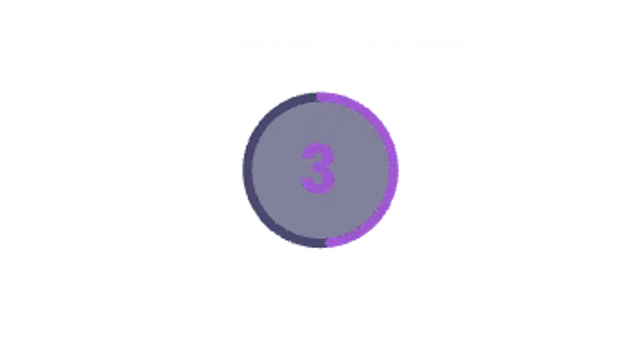
A vertical-first quiz countdown: the question sits above a ticking ring that turns red for the last three seconds, then flashes and pops the answer.

Store-style screens slide by one at a time, each phone topped with a bold caption and a progress indicator. Built for vertical previews.