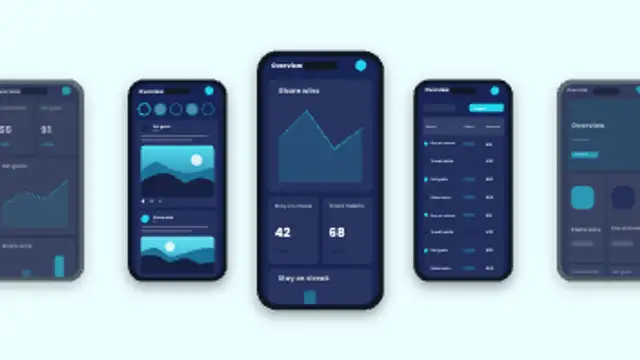
App Carousel
10sA row of phones glides past a centre focus, showing a different screen on each. Upload up to five screenshots, one per phone.
Cascading Screens
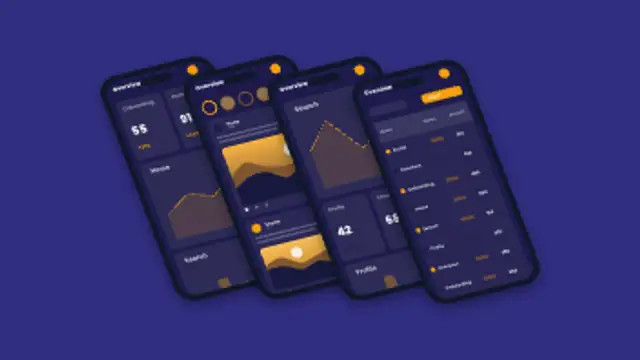
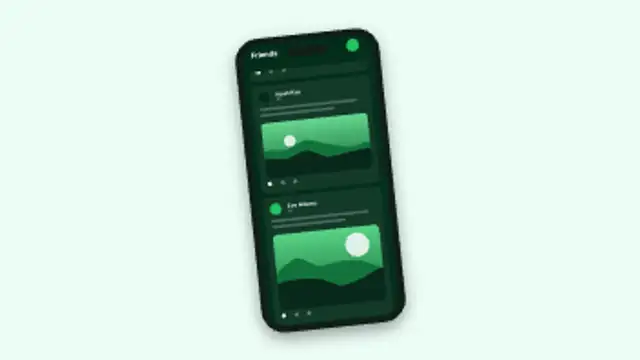
A tilted stack of phones slides in one after another and fans open. Upload up to four screenshots, one per screen.
Part of Device Mockups. New to this kind of graphic? Read How to Show an App on a Phone Mockup in a Video.
A tilted stack of phones slides in one after another and fans open. Upload up to four screenshots, one per screen. It belongs to the Device Mockups category on velements, where you edit it in the browser and download it as a finished video file.
Every control in the editor, grouped the same way there. Content: screen, screenshot, values, title, labels, screenshot 2, screenshot 3 and screenshot 4. Typography: font. Style: background, text color, primary, secondary, accent and screen theme. Layout: aspect ratio and scale. Motion: duration. Each change appears in the live preview straight away, and editing is free.
Cascading Screens runs 7.5 seconds by default, and you can set any length up to 60 seconds before you export. It plays once from start to finish, so it drops straight onto a cut or an opening.
Yes. Set the background to Transparent, then export a PNG sequence for Premiere Pro, After Effects, DaVinci Resolve, Final Cut Pro or Figma: import the first frame as an image sequence and it drops onto a track above your footage with a straight alpha channel. Export WebM with a VP9 alpha channel for the web and for CapCut. MP4 has no alpha channel, so it keeps a solid color or image behind the animation.
Yes. Each download comes with a perpetual commercial license in your name for client work, ads and products, and you may sell the edited clip on stock footage sites. Reselling the preset itself as an editable template is not allowed.
A row of phones glides past a centre focus, showing a different screen on each. Upload up to five screenshots, one per phone.
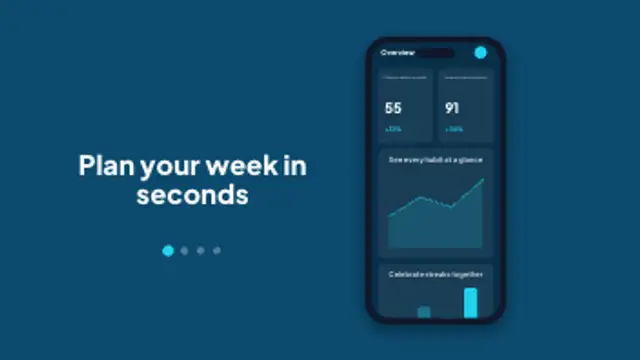
Store-style screens slide by one at a time, each phone topped with a bold caption and a progress indicator. Built for vertical previews.
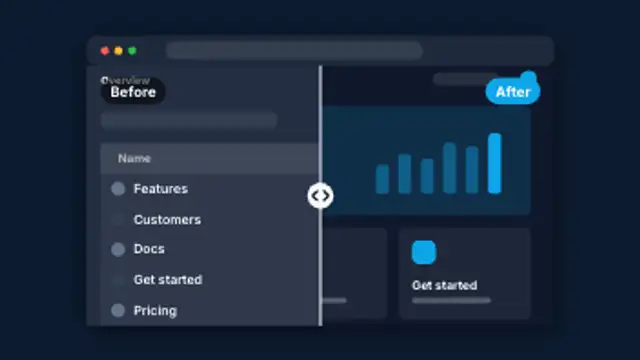
A divider sweeps across a browser window to compare a muted old design with your new one, then settles in the middle with labels.
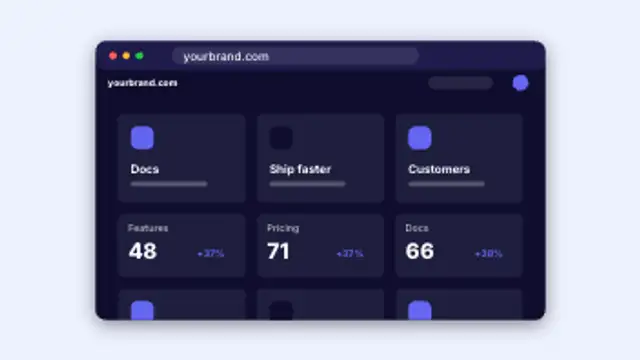
A browser window pops open, the URL types itself and the page loads in. Upload your screenshot, or let the blocks build themselves.
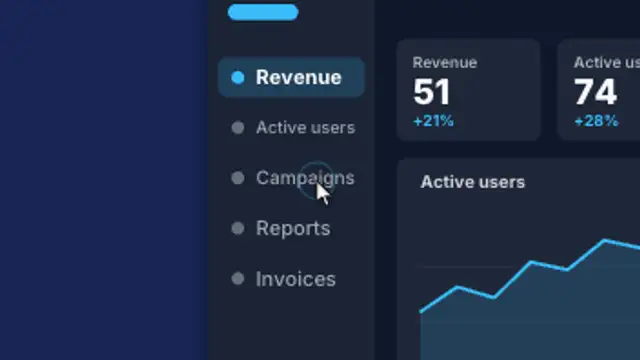
A cursor glides across your website screenshot and clicks each point while the view smoothly zooms in on every click, then eases back out.
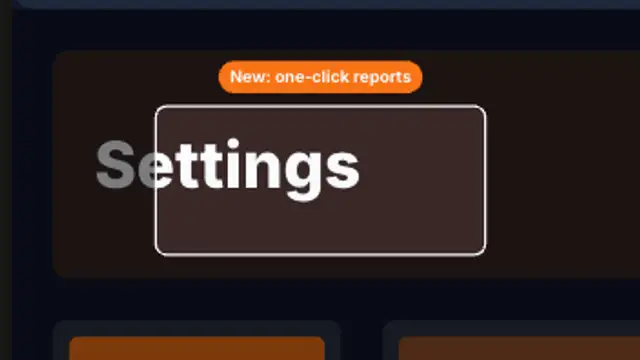
A browser window holds, then the view pushes into one feature, rings it with a highlight and pops a label before pulling back out.
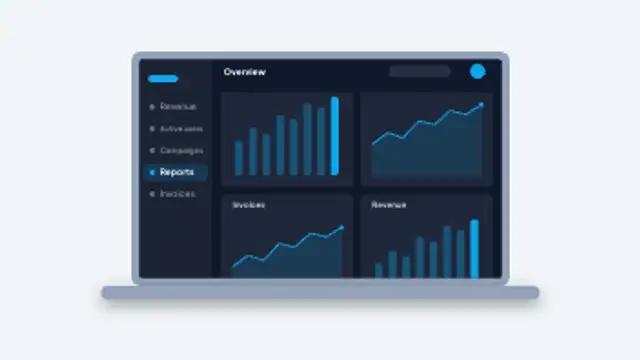
A laptop lid swings open on a dashboard with KPI tiles and live charts, or your own screenshot. A clean opener for SaaS and web products.
A phone rises into frame and its screen scrolls endlessly. Upload your screenshot, or rename every card to match your product.